



Evelyn
AI Video Flickering: Why Lighting and Textures Change
The movement looks fine, but the wall keeps getting brighter and the sweater pattern starts to crawl. Here’s how to check what’s changing before generating another version.
Read →
Journal
Notes, experiments, and product stories worth a slower read.
Archive
Page 4 of 8 · 66 articles

The movement looks fine, but the wall keeps getting brighter and the sweater pattern starts to crawl. Here’s how to check what’s changing before generating another version.

A coffee scene can start with a few words. A video of the mug you made needs a clearer reference. Here's how to choose a starting point for your first clip.
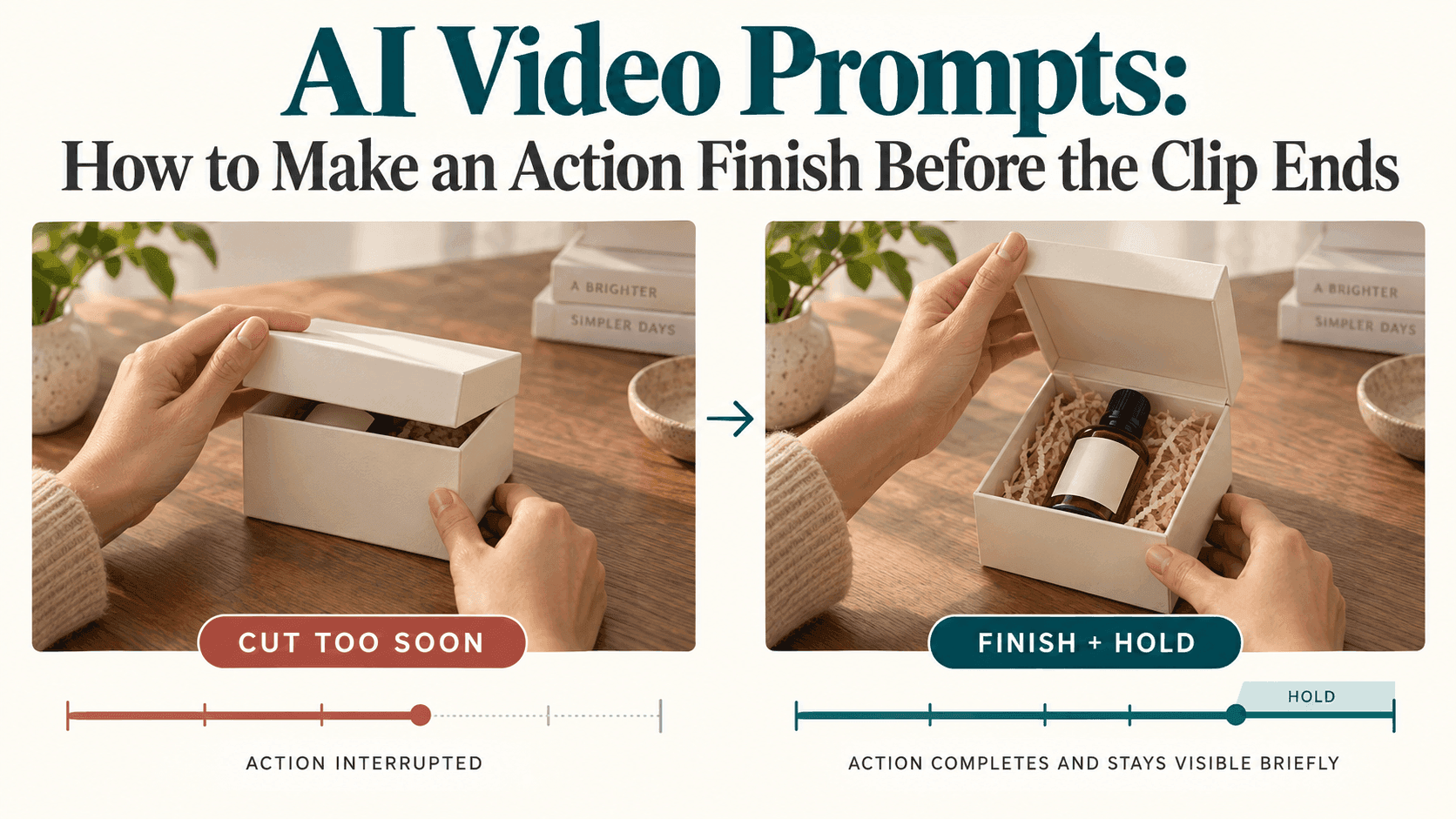
The lid is halfway open when the video stops. Give the action a clear destination, remove the extra setup, and leave a moment for viewers to see the result.
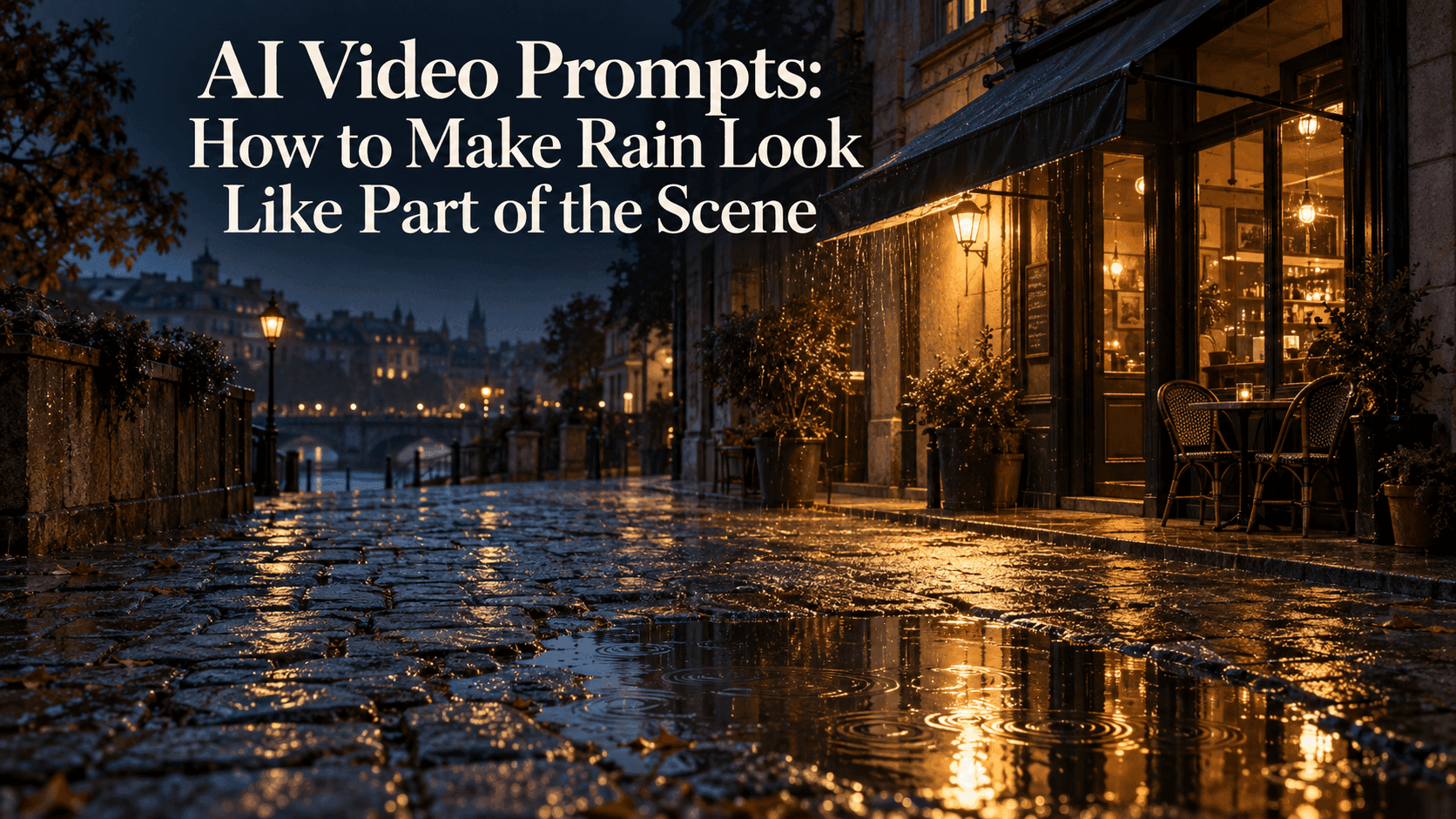
Rain is falling, but the pavement stays dry. Connect the weather to the street with subtle ripples, believable reflections, and shelter that actually keeps the rain out.
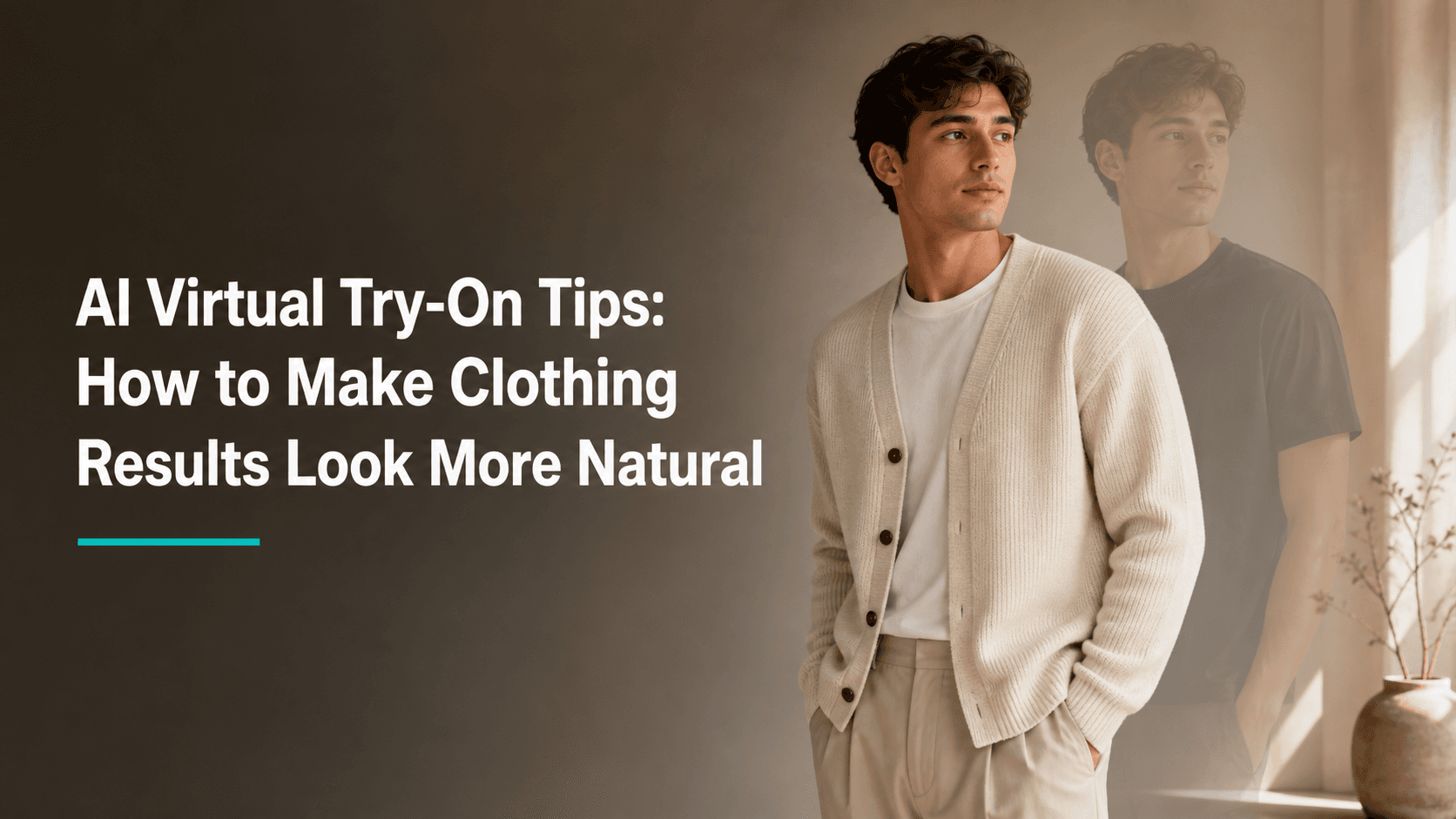
Better virtual try-on results usually begin with simpler source images, a clear garment photo, and a few realistic expectations.

The coffee should steam, but the cup shouldn't float. Here's how to describe small movements, check the surrounding objects, and keep the scene from drifting.
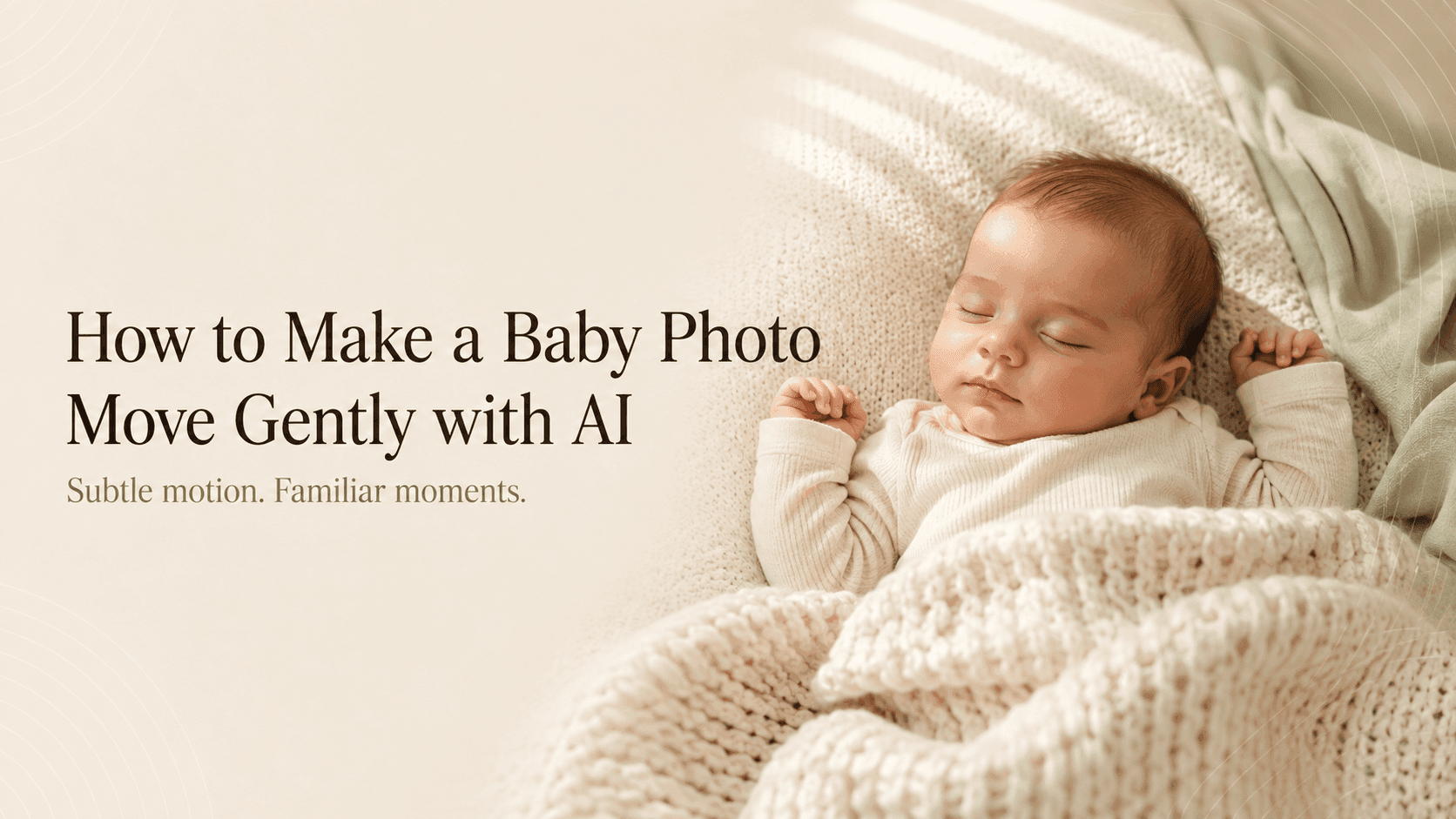
A small blink or a gentle camera move can be enough. Here’s how to animate a baby photo while keeping the expression, tiny features, and quiet mood of the original.
A small blink or a gentle camera move can be enough. Here’s how to animate a baby photo while keeping the expression, tiny features, and quiet mood of the original.

The best travel-photo animations keep the place familiar. Start with one small movement, protect the details that matter, and let the scene breathe.