

MiniMax H3 omni-modal video model

Put brand assets into motion with MiniMax H3 without losing their logic

MiniMax H3 combines multimodal context, video generation, and native stereo audio. Give the model product imagery, motion, sound, and layout direction as one connected brief.

Create with MiniMax H3
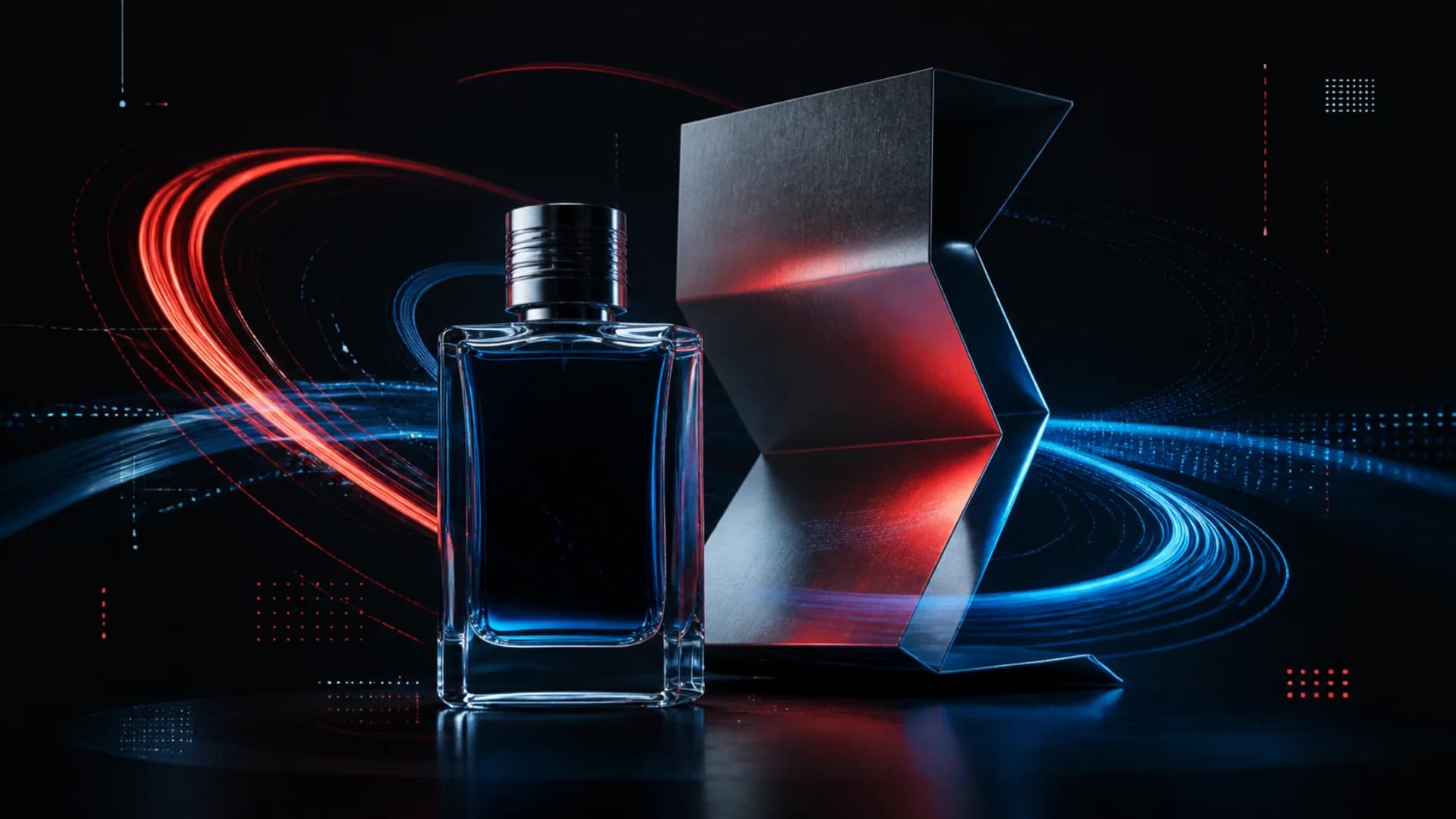
Unbranded fragrance product surrounded by light motion paths for MiniMax H3

One connected brand system

MiniMax H3

Up to 2KNative stereo audioUp to 15 seconds

01 · Brand asset input

Give MiniMax H3 the system, not a single flattened image

Combine product views, graphic rules, audio references, and motion direction so the generated scene understands how the assets relate to one another.

  • Separate product identity, composition, material, typography, and sound references.
  • Describe the relationship between every reference and the target video.
  • Protect non-negotiable details explicitly in the prompt.

Product reference

Layout system

Motion reference

Sound direction

H3 OMNI INPUT

02 · Motion transfer

Borrow movement without copying the whole frame

V2V Motion Transfer lets the reference clip define timing and movement while the target subject, material, and art direction come from a different brief.

  • Name exactly which motion should transfer and which appearance should not.
  • Use clean source movement with readable subject separation.
  • Evaluate timing, silhouette, contact, and camera drift independently.
1. Source motion2. Subject remap3. Target scene
H3 OMNI INPUT

03 · Type stress test

Stress-test brand text in MiniMax H3 motion

H3 emphasizes accurate text and brand presentation. Put typography through rotation, perspective, reflection, occlusion, and small-scale tests before trusting a final layout.

  • Keep required copy short, exact, and quoted verbatim.
  • Specify placement, hierarchy, orientation, and protected clear space.
  • Review every rendered frame; generated text still requires human approval.

Aa

Headline integrity

Perspective

R

Small type

12

Reflections

&
H3 OMNI INPUT

04 · Audio-visual breakdown

Direct picture and sound as one event

H3 jointly models video and native stereo audio. Describe when a sound enters, where it sits in the stereo field, and which visual action it must answer.

  • Separate voice, product sound, ambience, and music in the brief.
  • Tie important sounds to visible contact and movement beats.
  • Define the quiet moment as carefully as the loud one.

Picture timeline

Voice

Product sound

Music and ambience

H3 OMNI INPUT

Multimodal briefs

Show MiniMax H3 how every reference should influence the result

H3 works best when references have clear roles. Name what supplies identity, motion, layout, and sound rather than uploading an unexplained pile of assets.

Product motion system

/01

Create a 12-second 16:9 product film. Use Image 1 only for the exact bottle silhouette and cap material. Use Image 2 for the black, cobalt, and coral layout system. Transfer only the circular camera motion and ribbon timing from Video 1; do not copy its subject or background. Audio 1 guides tempo. Generate native stereo glass taps, a restrained low pulse, and one clean product impact at the final frame. Preserve product proportions and the clear label area throughout.

Animated poster stress test

/02

Animate the supplied poster into an 8-second vertical sequence. Keep the headline text verbatim, preserve its hierarchy and clear space, and move only the geometric image layers. Begin flat and readable, rotate the layout through a shallow 3D perspective, then return to a perfectly front-facing final frame. Add subtle stereo paper movement and one precise low-frequency hit at the lockup.

Verified model scope

What MiniMax publishes about H3

Resolution
Up to 2K
Duration
Up to 15 seconds
Audio
Native stereo
Context
Text, image, video, and audio

MiniMax H3 FAQ

Know the model before building the brief

What inputs can MiniMax H3 understand?+

MiniMax describes H3 as jointly understanding text, image, video, and audio context. The inputs available in this page depend on the connected model option and its configured capabilities.

Does MiniMax H3 generate sound?+

Yes. H3 generates native stereo audio together with video, including voice, sound effects, and music-oriented output.

How does V2V Motion Transfer work in MiniMax H3?+

It uses movement from a reference video to guide a new generation. A good prompt states which motion should transfer and which subject, setting, or appearance must change.

Can MiniMax H3 guarantee perfectly accurate brand text?+

No generative workflow should make that guarantee. H3 emphasizes accurate text and brand presentation, but required text, packaging, and legal marks still need frame-by-frame human review.

Turn the brand brief into one connected motion system

Assign a clear job to every image, clip, sound, and line of text before generation. H3 can then follow the relationships instead of guessing them.

Open the MiniMax H3 generator