



AI Hairstyle Try-On for Fine Hair: Keep the Preview Realistic
AI Hairstyle Try-On for Fine Hair: Keep the Preview Realistic
The haircut looks good. Almost suspiciously good. Your usual flat roots have disappeared, the ends look twice as thick, and there is a soft wave you have never managed to keep past lunchtime.
An AI Hairstyle Try-On can help you decide whether you like a shorter length or a different parting. But if the preview quietly adds more hair, you are judging something other than the haircut. For an AI Hairstyle Try-On on fine hair, the useful question is simple: would you still want this style without all that extra volume?
Start with the hair you actually have
Before an AI Hairstyle Try-On, choose a photo taken on an ordinary hair day. Not the one immediately after a salon blowout, and not one with wet hair pressed against your head. Let your hair sit the way it usually does.
For an AI Hairstyle Try-On, keep the crown, parting, ears, and ends visible. Use even lighting and a background that makes the outline easy to see. A portrait cropped at the chin cannot tell you much about a shoulder-length cut.
Fine hair and thin hair are not interchangeable. Fine describes the diameter of individual strands; thin describes lower density. You can have fine strands and plenty of them. That distinction matters when writing your request: do not ask the tool to reduce density just because your hair is fine.
AI Hairstyle Try-On: change the cut, not the amount of hair
“Give me a beautiful, thick, bouncy bob” sounds harmless. It also asks for more than a haircut.
Start your AI Hairstyle Try-On with a narrower instruction:
Change only the hairstyle to a straight bob ending just below the chin. Keep the original hair color, parting, and apparent hair density. Preserve the face, expression, lighting, and background. Keep root lift modest and the ends believable for the hair in the original photo.
This is a request, not a guarantee. An AI Hairstyle Try-On may still invent thickness or smooth away details. Keep the original beside the result so those changes are easier to catch.
“Apparent hair density” means what is visible in the photograph. A picture cannot measure how much hair you have, and neither can a generated preview.
Compare three versions without changing everything else
It is tempting to try a bob, copper curls, and a layered blonde cut in one sitting. The problem comes when you choose a favorite. Was it the cut, the color, or the better lighting?
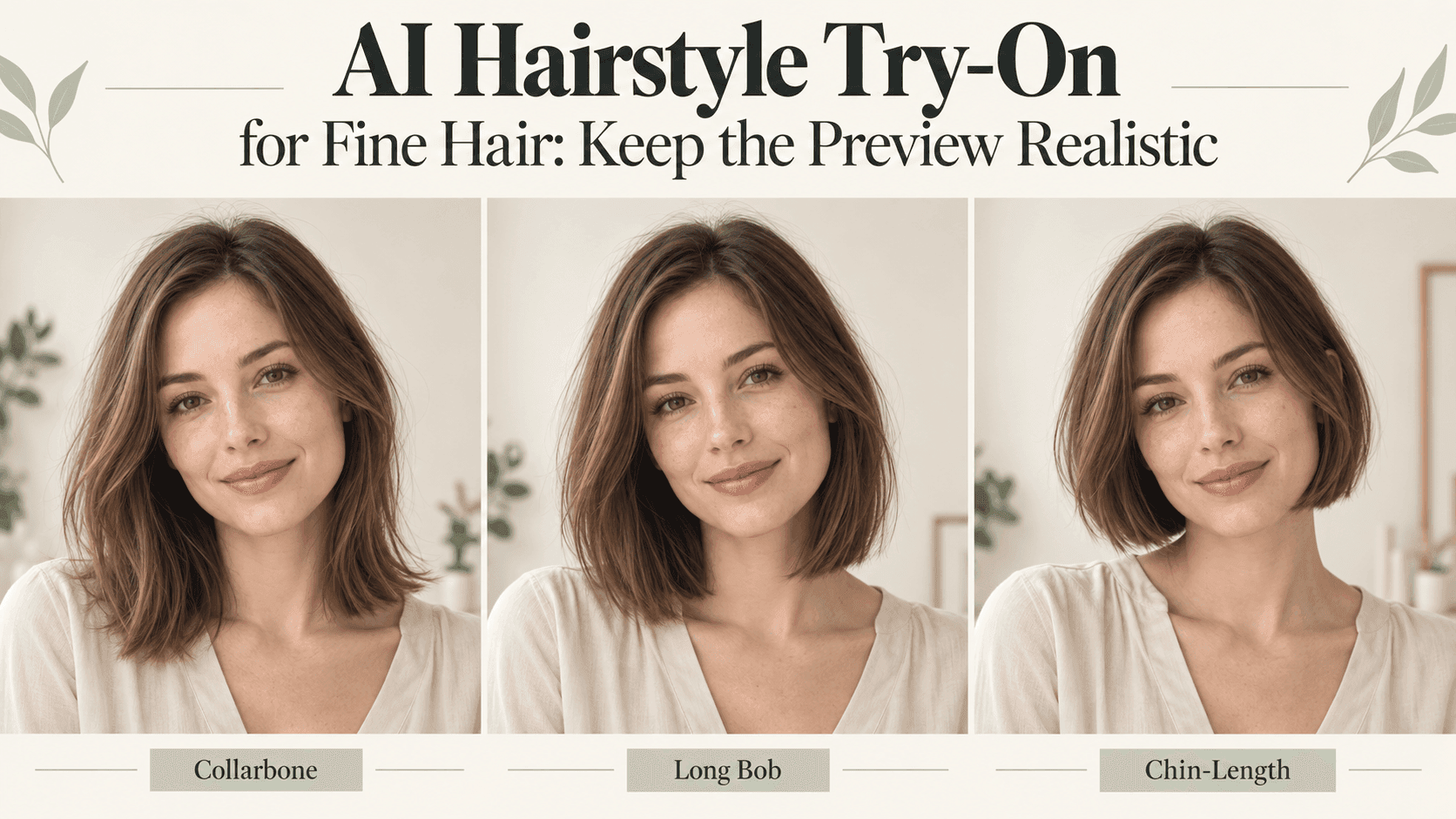
For your first AI Hairstyle Try-On comparison, keep the color and parting fixed. Try a chin-length cut, a longer bob, and your current length with a small change around the face. These are options to compare, not a list of cuts every person with fine hair should choose.
Generate each version from the original photo. Repeatedly editing an edited result makes it harder to tell which changes belong to the haircut.
A useful AI Hairstyle Try-On comparison should let you answer one question: which outline do you prefer around your face?
Look at the roots and ends before the whole picture
A flattering face can distract you from questionable hair.
Zoom into the parting first. Has it moved? Has visible scalp disappeared? Then check the crown. If your hair normally lies close to your head, a large rounded lift deserves a second look.
Next, inspect the ends of the AI Hairstyle Try-On result. Look for a suddenly solid curtain of hair where the original had finer, more separated strands. A different cut can change the outline; that does not make every increase in fullness credible.
Also check behind the ears and beside the neck. An AI Hairstyle Try-On can look convincing at thumbnail size while hiding an extra section of hair in those areas.
Fix the specific detail that looks wrong
If the length works but the volume does not, keep the request focused:
Keep this haircut and length. Reduce the added fullness around the crown and sides to resemble the original photo. Preserve the original hairline and parting. Leave the face and lighting unchanged.
You do not need to restart the whole AI Hairstyle Try-On because one area looks too full. Equally, do not keep a poor result simply because the rest of the portrait is flattering.
Save the closest AI Hairstyle Try-On version and note what still needs checking. “Length good, crown too high” is more useful than “make it realistic.”
Take a question to the salon, not a promise
Bring the original photograph and your preferred AI Hairstyle Try-On result together. Ask what would be achievable with your texture, density, growth pattern, and usual styling time.
A straight-on photo is useful, but bring a side view to your appointment too.
Would that shape need a daily blowout? Would the fringe separate differently? What would it look like without a curling iron?
An AI Hairstyle Try-On cannot answer those questions from a selfie. It can show what you are trying to describe.
When using Reveedo, treat your AI Hairstyle Try-On as a visual starting point rather than a prediction. Keep the image that helps you explain the cut, even if it is less polished than the others. The goal is a haircut you like on an ordinary morning, not just a convincing picture.