

Kling 3.0 native-audio video model

Direct Kling 3.0 dialogue that feels performed, not assembled

Use Kling 3.0 to shape the words, voice, reaction, framing, and rhythm of a scene together. Build short dialogue with native audio, consistent characters, and deliberate shot direction from one video prompt.

Create with Kling 3.0
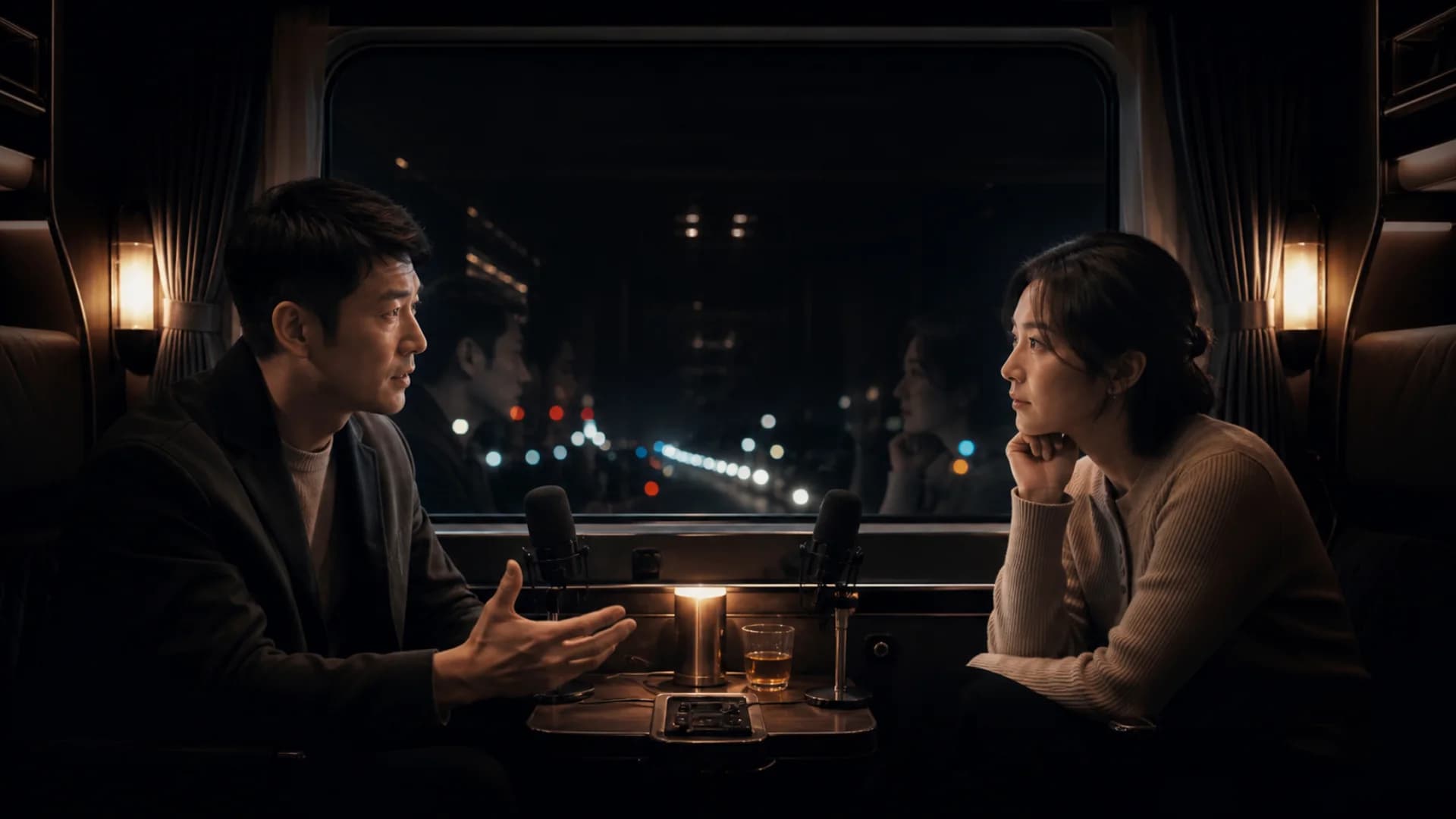
Two original characters performing a cinematic dialogue scene for Kling 3.0

A complete performance pass

Kling 3.0

Up to 15 secondsNative audioMultilingual dialogue

01 · Dialogue lab

Write Kling 3.0 dialogue as action, not subtitles

A useful dialogue prompt describes who speaks, how the other person listens, where pauses land, and what changes emotionally before the cut.

  • Assign each line to a named speaker and define the speaking order.
  • Direct tone, pace, interruption, silence, and physical reaction.
  • Keep camera movement subordinate to the performance.
REC 00:12:08

We launch at midnight. Are you still in?

SPEAKER 1

Pause. A small smile: I never left.

SPEAKER 2

DIRECTOR MODE

02 · Character continuity

Keep the same character consistent across every cut

Reference-led generation helps preserve the visual signals that make a character recognizable while the framing, expression, and action change.

  • Anchor face, wardrobe, voice, and signature props with references.
  • Repeat only identity-critical details instead of rewriting the whole prompt.
  • Inspect continuity at cuts, turns, handoffs, and reaction shots.

SHOT 01

Establish

SHOT 02

Reaction

SHOT 03

Close

DIRECTOR MODE

03 · Storyboard director

Give every Kling 3.0 shot a job before generation begins

Treat fifteen seconds as a sequence of decisions. Define shot size, point of view, movement, dialogue beat, and the final frame instead of asking for a generic montage.

  • Open with context, move into conflict, then hold the decisive reaction.
  • Specify lens behavior and camera motion only where the story needs it.
  • Use Kling 3.0 Omni storyboard controls only when that model is selected.
0s—3s

Location and tension

3s—6s

First line

6s—9s

Silent reaction

9s—12s

Final decision

DIRECTOR MODE

04 · Multilingual script

Localize the performance, not only the words

Kling 3.0 can generate native audio across multiple languages. Rewrite cadence, social distance, and delivery for each audience instead of translating a finished clip after the fact.

  • Choose language, accent, speaker order, and emotional delivery.
  • Keep product names and required phrases explicit in the script.
  • Generate separate local performances when timing differs by language.
01

English · restrained

02

中文 · 自然停顿

03

日本語 · calm

04

Español · warm

DIRECTOR MODE

Director-ready prompts

Start Kling 3.0 with a scene that can be performed

These prompts separate dialogue, reaction, camera, and ending so the model receives one coherent piece of direction.

Two-person product reveal

/01

15-second cinematic two-shot in a quiet night train. Speaker A places an unbranded compact camera on the table and says calmly, ‘It sees what we miss.’ Speaker B looks at the camera, pauses for one beat, then replies, ‘Then let it remember tonight.’ Natural English voices, restrained acting, soft carriage ambience. Begin wide, make one slow push-in, finish on Speaker B’s reaction. Preserve both faces, wardrobe, eyelines, and voice identity across the shot.

Localized character performance

/02

Create one continuous dialogue scene with the same two referenced characters. The first character speaks Japanese in a quiet, confident tone; the second answers in English with a light Spanish accent. No subtitles. Keep the speaking order exact, preserve facial identity and wardrobe, use subtle reaction acting, and end on a clean shared frame after the final line.

Verified model scope

What to know before directing a Kling 3.0 generation

Duration
Up to 15 seconds
Audio
Native voice and sound
References
Images and reference video
Languages
Chinese, English, Japanese, Korean, Spanish

Kling 3.0 FAQ

Practical answers before the first take

Can Kling 3.0 generate dialogue and sound together?+

Yes. Kling 3.0 supports native audio generation, including dialogue and scene sound. Results still depend on prompt clarity, line length, language, and the number of speakers.

How long can a Kling 3.0 video be?+

Kuaishou describes the Kling 3.0 series as supporting videos up to 15 seconds. The durations available here are determined by the currently connected model option.

Is Kling 3.0 the same as Kling 3.0 Omni?+

No. They belong to the same model series, but Omni adds advanced reference and storyboard capabilities. This generator only exposes the controls provided by the model shown in its selector.

How do I keep Kling 3.0 characters consistent?+

Use clear character references, name each speaker consistently, repeat identity-critical wardrobe or prop details, and avoid unnecessary changes in one generation.

Give Kling 3.0 a scene worth performing

Start with two speakers, one emotional turn, and a precise final frame. Add complexity only after the first performance works.

Open the Kling 3.0 generator