



Evelyn
How to Rewrite AI Video Prompts with GPT-6
The camera moves too fast, a hand looks wrong, or the face changes. Here’s how to describe the problem to GPT-6 and get a more focused video prompt.
Read →
Journal
Notes, experiments, and product stories worth a slower read.
Archive
Page 10 of 11 · 92 articles
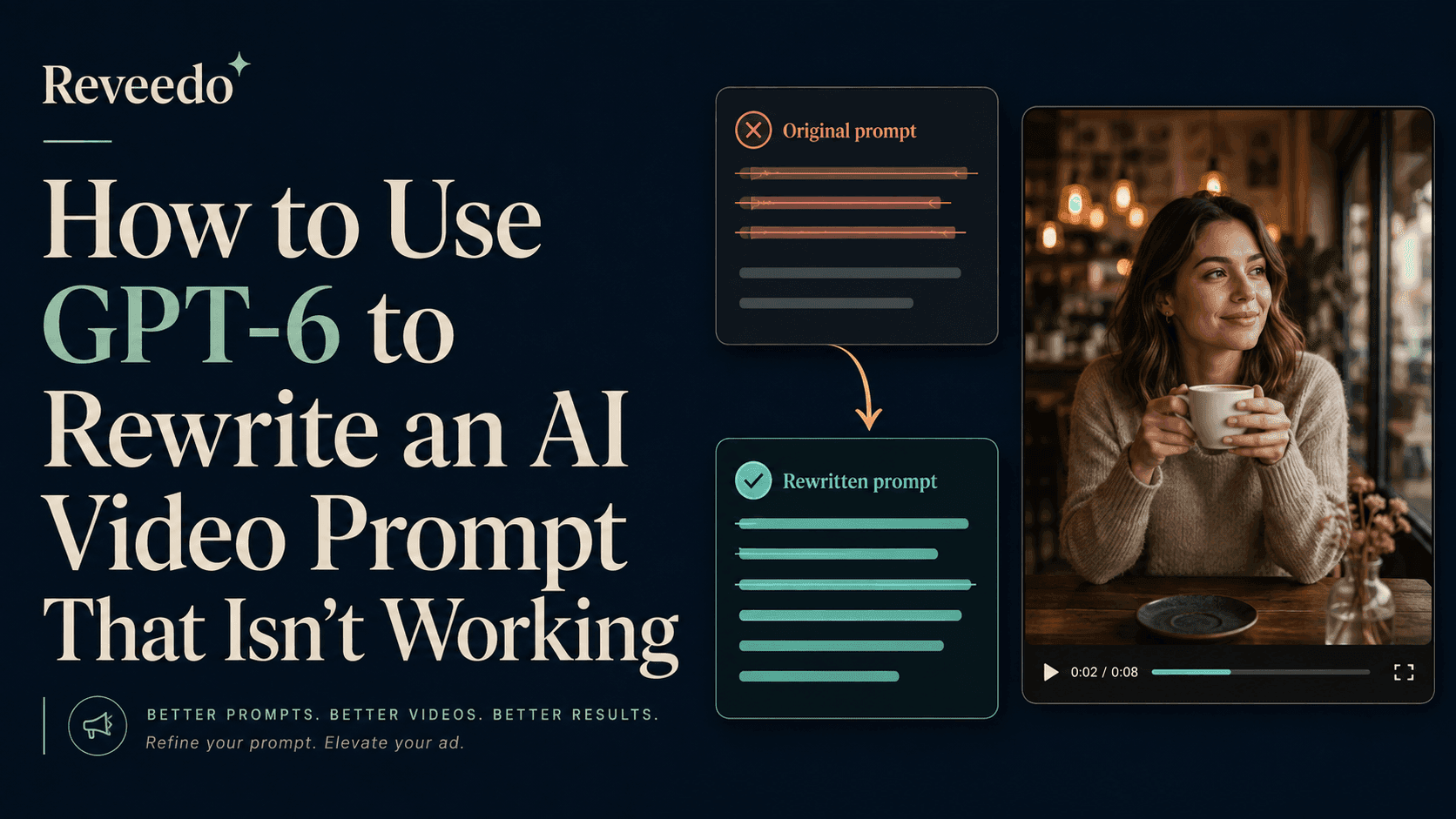
The camera moves too fast, a hand looks wrong, or the face changes. Here’s how to describe the problem to GPT-6 and get a more focused video prompt.
The camera moves too fast, a hand looks wrong, or the face changes. Here’s how to describe the problem to GPT-6 and get a more focused video prompt.
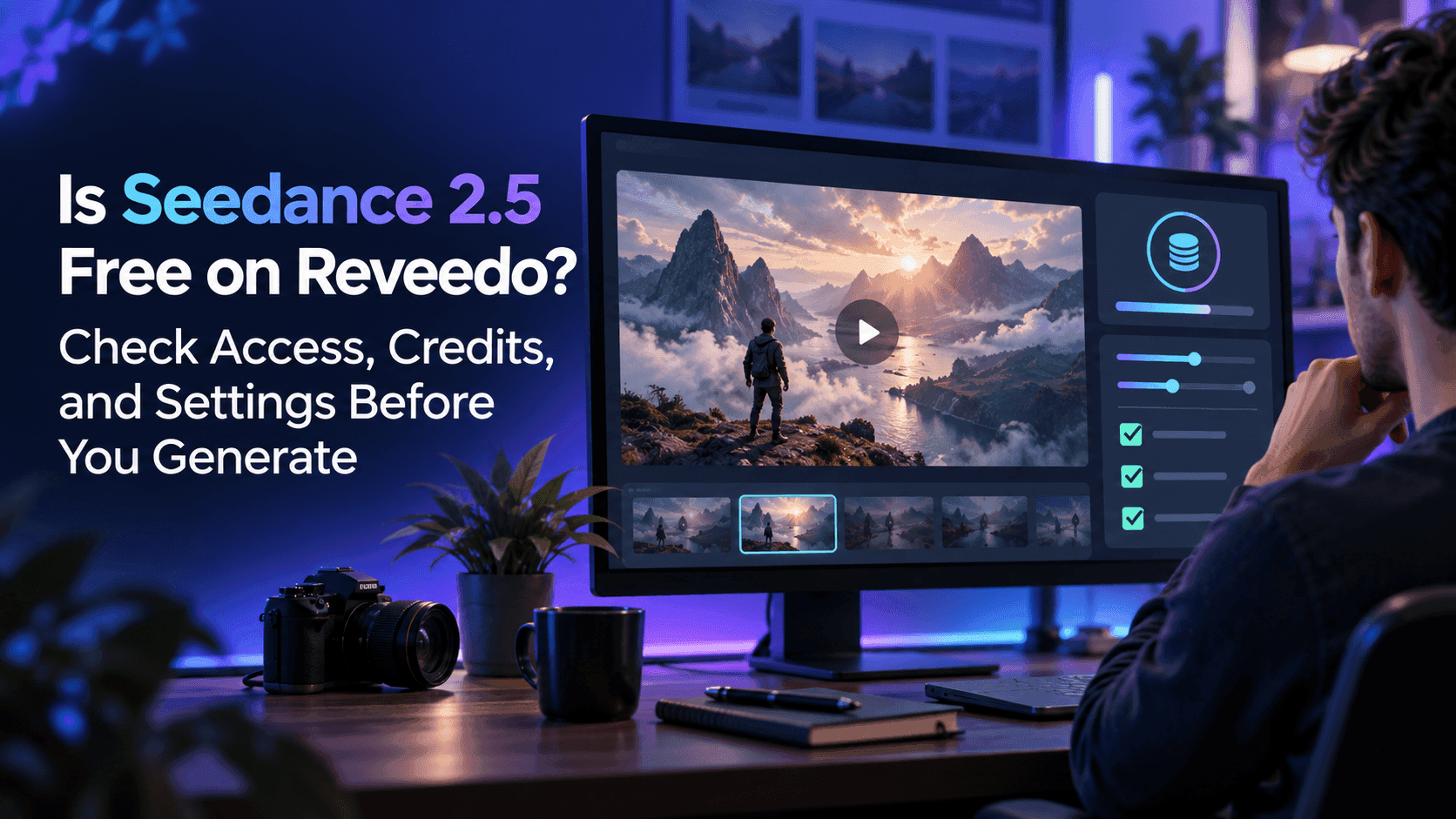
Reveedo lists paid plans with included credits, but check your account and the model settings to confirm whether Seedance 2.5 is available and what a generation will cost.
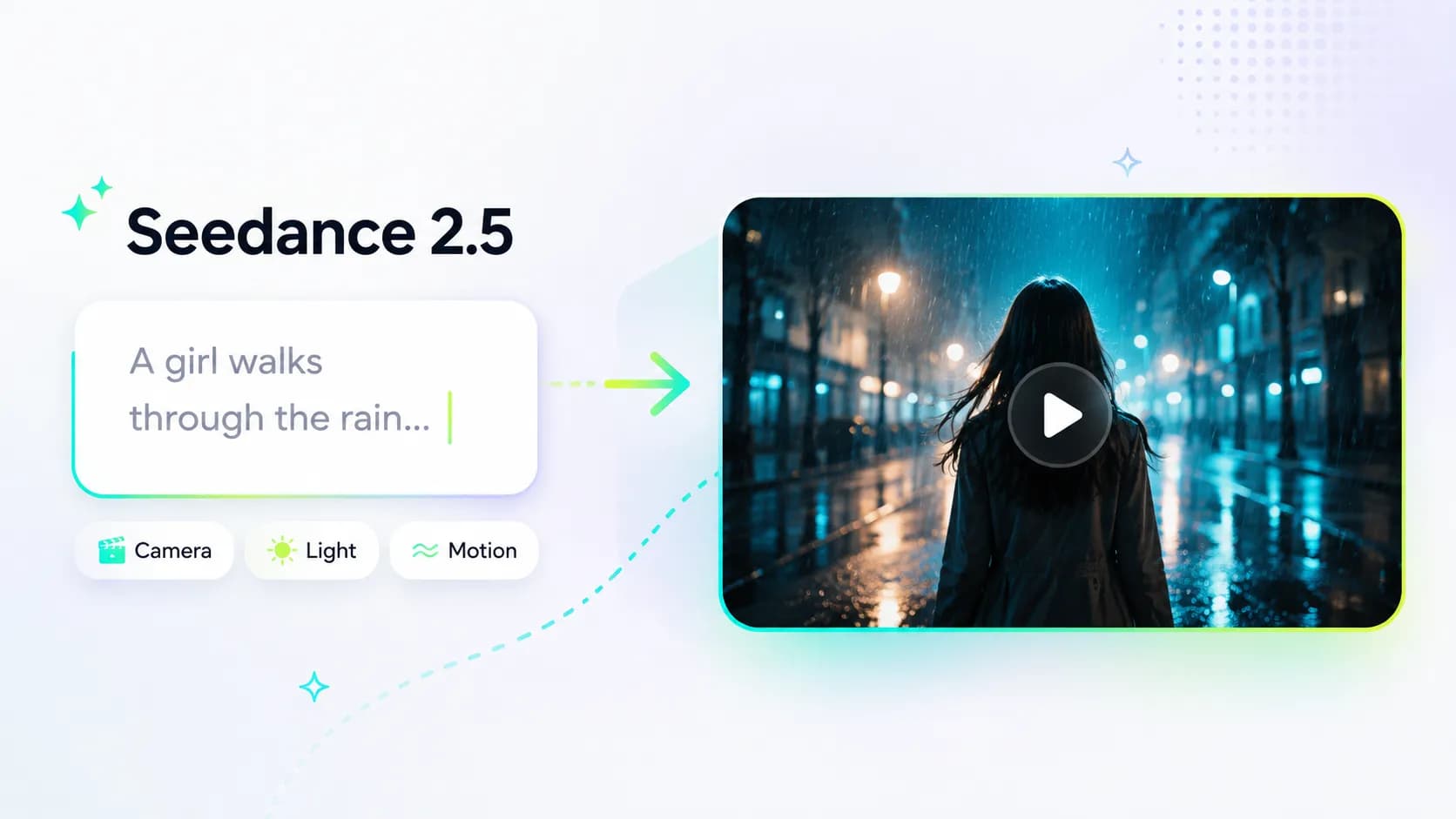
A practical five-part framework for shaping subject, action, scene, camera, and mood in Seedance 2.5.

Give each reference image a clear role, keep the product photo in charge, and make focused changes when a scene feels off.
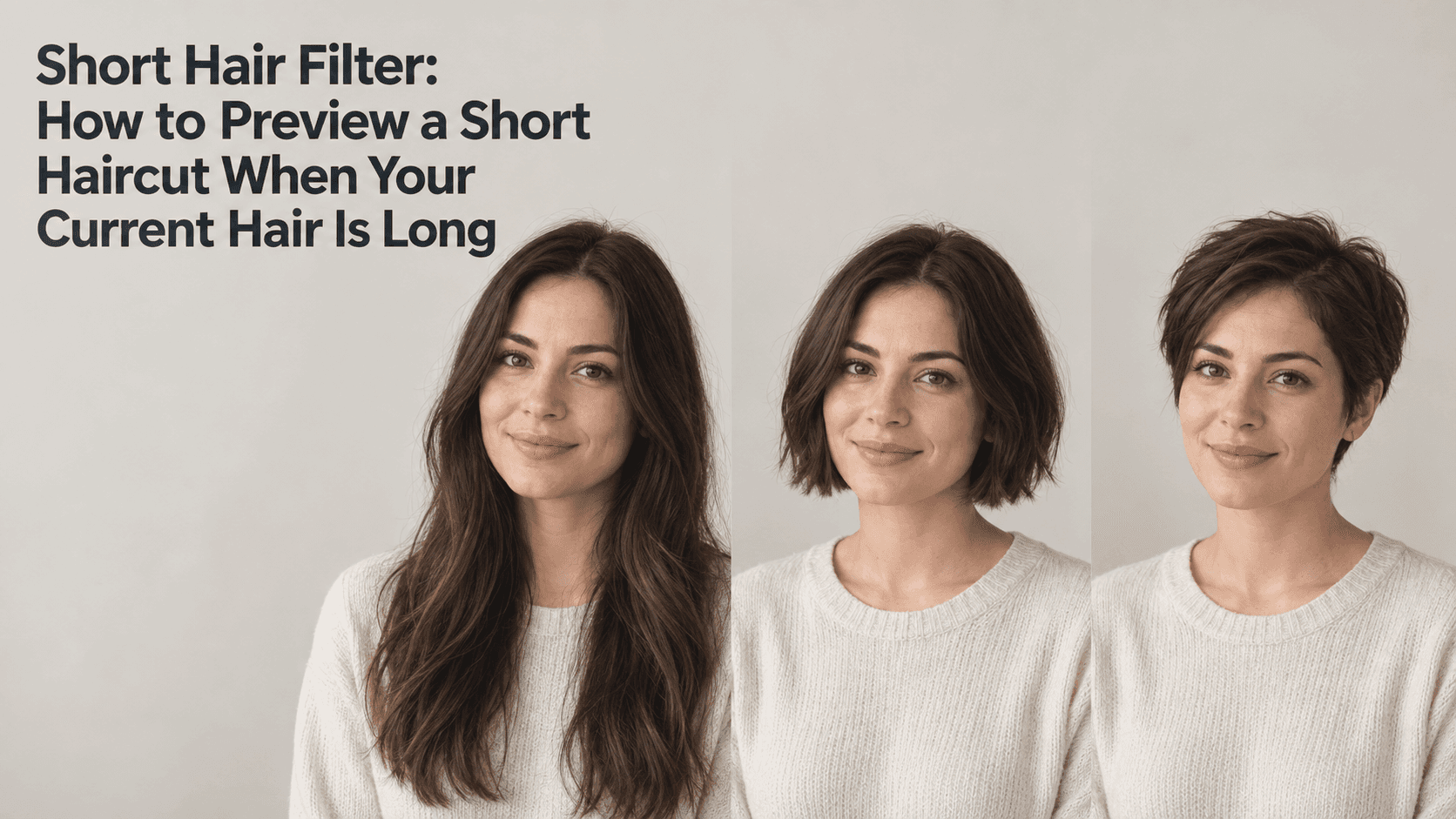
Long hair can hide the ears, neck, and haircut outline. Preview a few shorter styles on the same portrait, then take the details you like to your stylist.

Found an old school photo? Pair it with a recent picture, keep the familiar details, and turn the two into a birthday keepsake with a little help from AI.
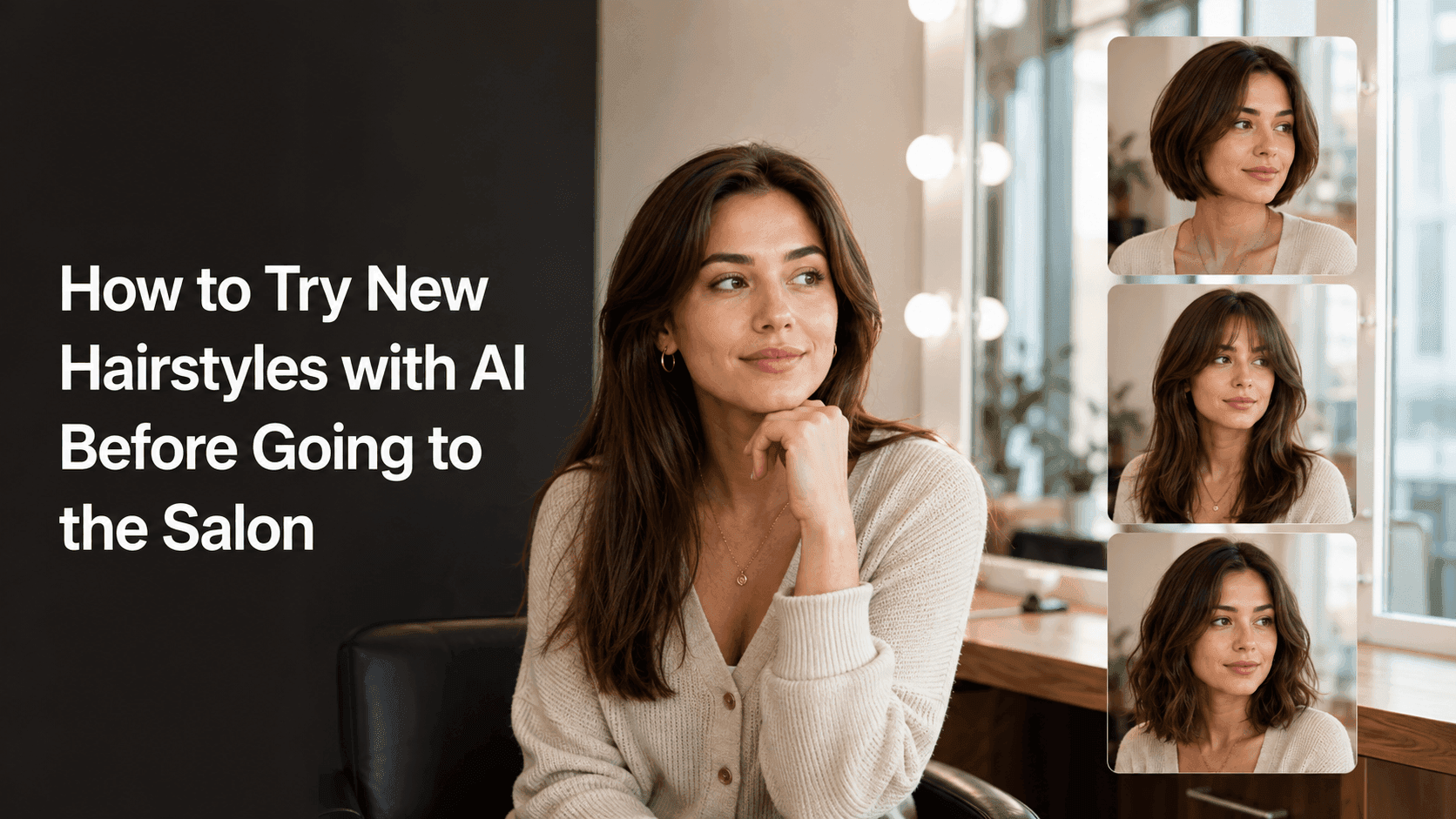
An AI hairstyle preview will not replace a stylist, but it can stop you from trying to explain a haircut using only vague words and a photo of someone else.
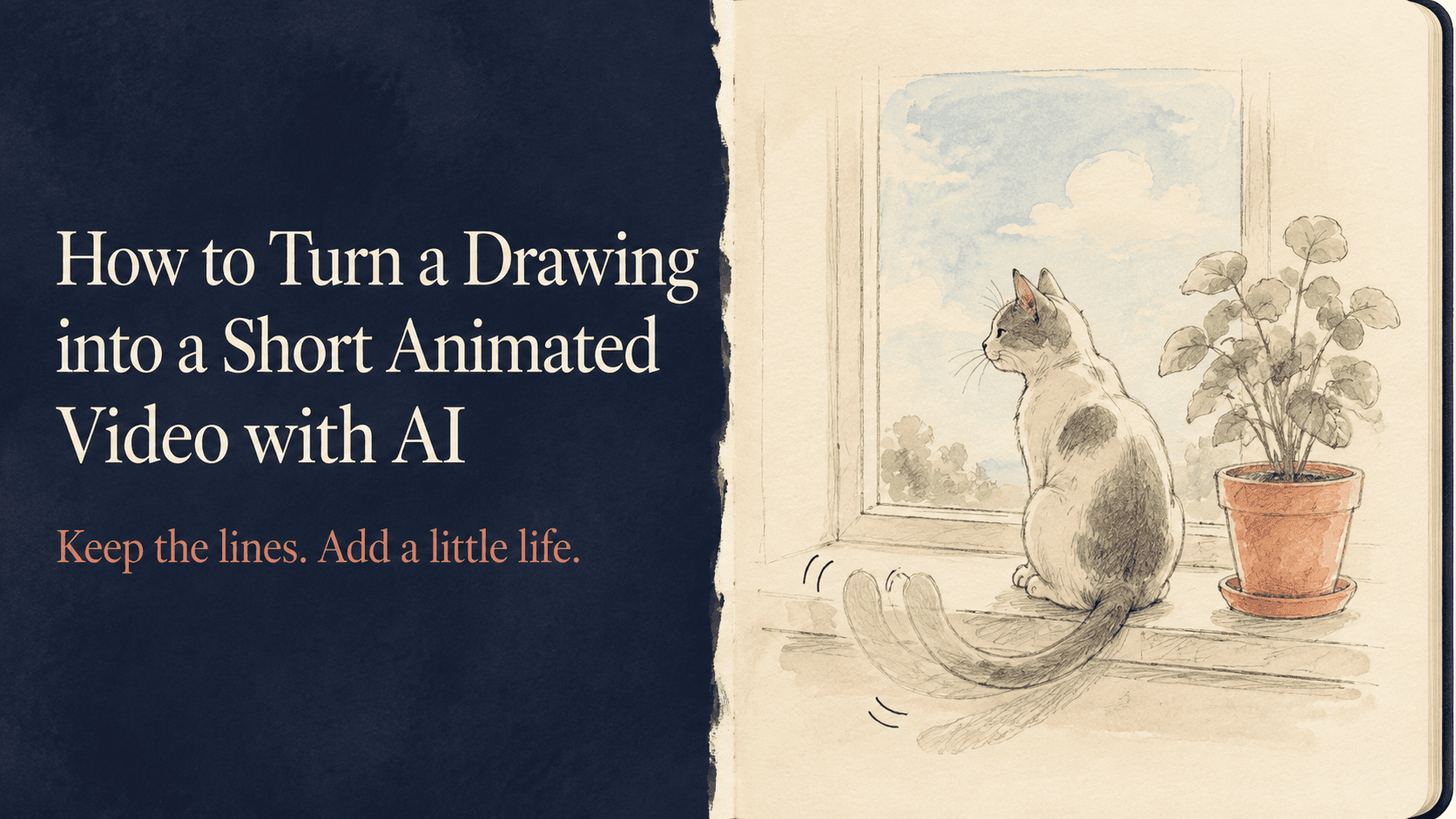
A sketched cat can blink. A watercolor scene can catch a little breeze. Here’s how to add movement to your drawing while keeping the lines and colors you like.