



Hotel Lobby AI Duo: Match Two Photos Taken Under Different Lighting
Hotel Lobby AI Duo: Match Two Photos Taken Under Different Lighting
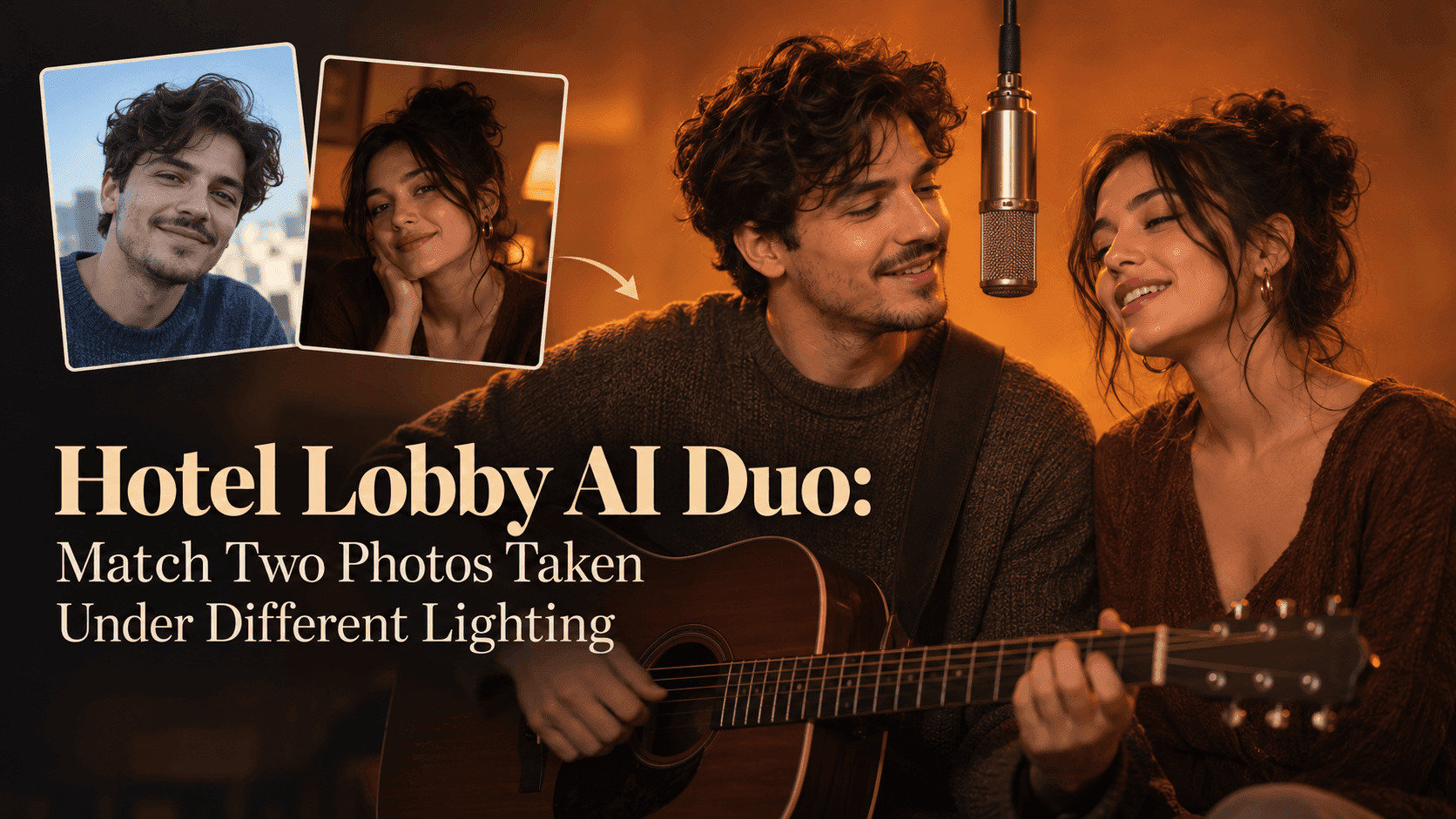
One friend sends a bright afternoon selfie. The other finds a picture from a restaurant at night. Both are good individual photographs, just not together. Put them straight into a Hotel Lobby AI Duo and the join shows: one face belongs to a sunny window, the other to a yellow ceiling lamp. The source photos need not match, but decide what should survive the move into one scene. The faces, hair, and expressions are theirs. The light can change.
Hotel Lobby AI Duo: Pick Photos You Can Actually Match
A Hotel Lobby AI Duo works because the two people seem to share a performance. The hanging microphone and plain, warm backdrop leave little to distract from their faces. Mismatched lighting shows more than it would in a busy street scene.
Before making a Hotel Lobby AI Duo, put the photos side by side at roughly the same size. Ignore the backgrounds. Can you see both sets of eyes? Is one cheek lost in darkness? Does one person have hard sunlight across the nose while the other has flat indoor light? Notice that before uploading.
Do not reject a photo because it is warm and the other is cool. Color temperature can move closer; missing facial detail cannot. A Hotel Lobby AI Duo made from one blurred face and one sharp face may give the blurry person an invented expression.
Choose a Common Light, Not a Common Skin Tone
The goal is not to make both people the same shade. It is to make them seem lit by the same room. That matters when the subjects have different complexions. In a Hotel Lobby AI Duo, warm light can fall across both faces while each keeps their own skin tone.
Look at the brightest area on each face. If one photo is lit from the left and the other from the right, the Hotel Lobby AI Duo needs one direction. Softening a strong shadow is often more convincing than painting an equally strong one onto the other face.
Keep adjustments modest. Raising exposure does not turn a nightclub photo into a studio portrait; it brings up noise and shiny patches. For a Hotel Lobby AI Duo, find another photograph if this one barely shows the person.
There is a useful middle ground between leaving the photos untouched and retouching them beyond recognition. If one image is slightly too orange, cool it a little. If the other has a blue cast from a phone screen, take that down. Do not whiten teeth, smooth skin, or redraw the eyes just to make the pair look uniform. Those edits solve a different problem. The Hotel Lobby AI Duo should put familiar people in a new room; it should not replace their familiar faces with cleaner ones.
Give Both People Similar Space in the Frame
Lighting is only half the mismatch. A close selfie beside a full-body photograph makes one person look much larger. For a Hotel Lobby AI Duo, crop both so faces occupy comparable areas, leaving enough shoulders for a believable stance.
Check the camera angle. A face photographed from below looks different from one photographed straight on. The Hotel Lobby AI Duo may hide that in the first frame, then reveal it when heads turn. Avoid extreme angles.
Glasses and hair complicate the join. Lens reflections should follow the new room light, not remain as a rectangle from the old window. Curls should keep their shape as heads move. In a Hotel Lobby AI Duo, viewers look from one face to the other.
Make a Short First Pass in Reveedo
Open the Hotel Lobby AI Video Generator on Reveedo with one clear photo per person. Check the options shown in the template; controls may change. If there is an instruction field, ask for shared soft, warm light while preserving faces, hair, clothing, and natural skin tones.
Do not ask the Hotel Lobby AI Duo to replace outfits, change hairstyles, and alter expressions at the same time you are trying to solve a lighting mismatch. You will not know which instruction caused the new face to drift. Work with the photos first; then make one short test.
The opening frame of a Hotel Lobby AI Duo is not enough. Watch each person turn toward the microphone. Does the bright face go flat? Does the dim face become oddly smooth? The pair may match while still, then separate visually in motion.
Check the Frame Where They Share the Mic
Pause the Hotel Lobby AI Duo when both people approach the microphone. They should occupy the same space, not resemble portraits cut from separate rooms. Shadows need not match perfectly, but they should not point in opposite directions. Neither forehead needs its own spotlight.
Look at the hairline. A bright halo from the original window can remain behind one head. In a Hotel Lobby AI Duo, that may expose the source photo against the plain backdrop. If it persists, try another photo rather than adding another lighting instruction.
Then check identity. Light correction should not narrow a nose, remove freckles, straighten a smile, or change age. If a Hotel Lobby AI Duo looks balanced but one friend does not recognize themselves, try again.
Keep the Finish Simple
Once both people in the Hotel Lobby AI Duo share the room, test the vertical crop. Leave room for the microphone and keep both faces away from the edges. Watch at phone size. Exposure flicker invisible on a monitor can stand out there.
Use photos you have permission to use, and check the platform's disclosure and audio rules before posting a realistic AI-made performance. Those details belong to the finished post, not just the generation step.
Old photos rarely have matched light. A good Hotel Lobby AI Duo does not erase every trace of the originals. It puts both people in the same moment while leaving enough of each face intact for a friend to say, “That's us.”