



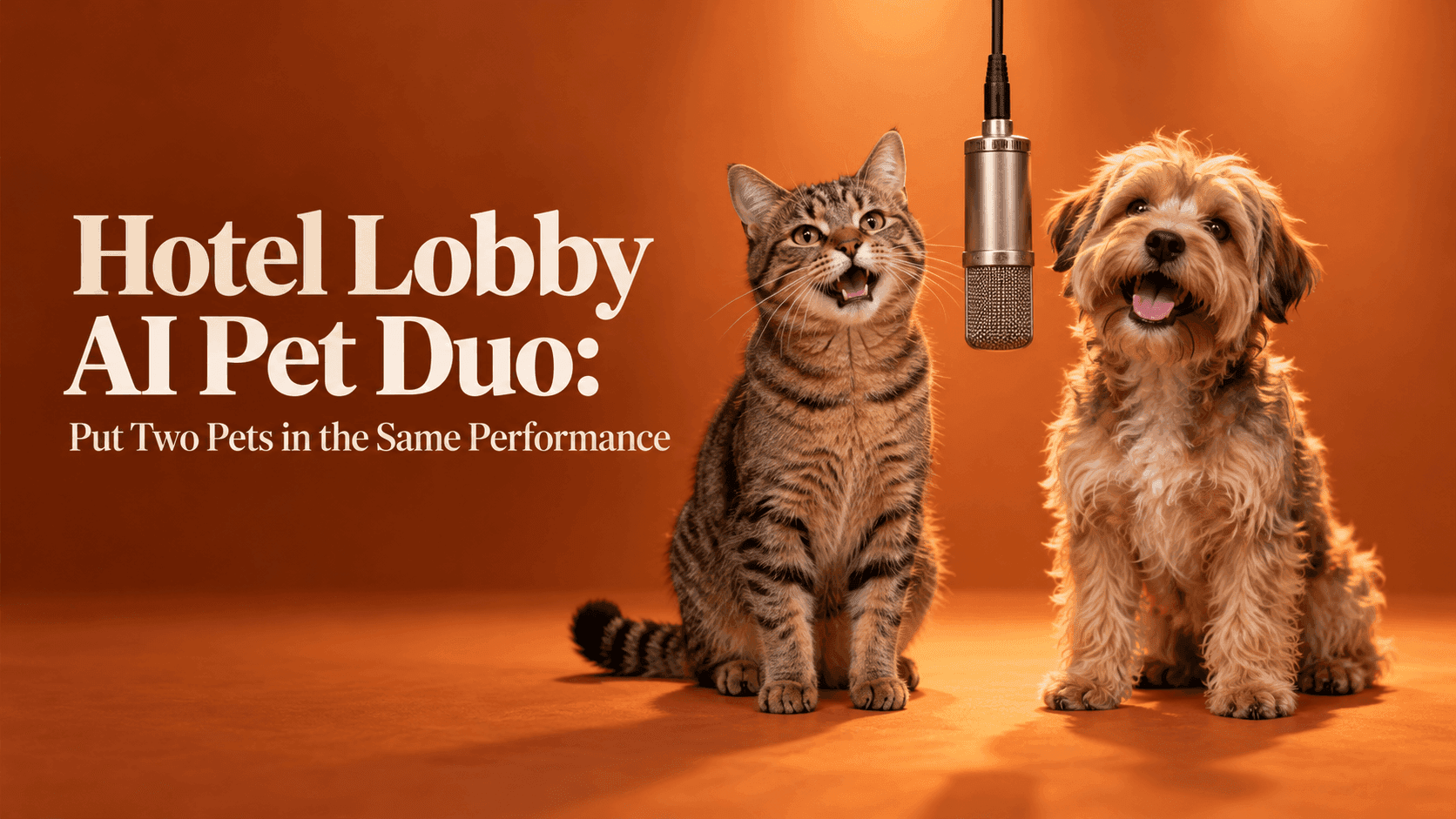
Hotel Lobby AI Pet Duo: Put Two Pets in the Same Performance
Hotel Lobby AI Pet Duo: Put Two Pets in the Same Performance
My neighbor's cat sits on the washing machine and watches her dog eat dinner. The dog never looks up. Put those two in a tiny rap performance and the joke writes itself: the cat takes the microphone; the dog is still thinking about food. That is a pairing worth making into a Hotel Lobby AI Pet Duo. You need two familiar personalities and photos clear enough to recognize when the movement starts.
The format comes from Quavo and Takeoff's HOTEL LOBBY performance on A COLORS SHOW: an orange studio, two performers, one hanging microphone. Recent versions swap in friends, fictional characters, and pets. Despite the name, nobody is at a hotel reception desk. The fixed setting leaves room for the odd pleasure of seeing your sleepy house cat and overexcited terrier acting as if they rehearsed together.
Choose a Hotel Lobby AI Pet Duo with a real dynamic
Two cute pets are not automatically a good pair. Think about the relationship people know. The elderly cat who controls the sofa and the puppy trying to join her have a built-in scene. So do two littermates who look alike until one gives the camera a suspicious stare. A cat and dog can work, but avoid a generic “cats versus dogs” gag.
Pets who have never met can work, too. Maybe your sister's beagle and your tabby are regulars in the family group chat. That is enough context for a birthday post. For a public account, ask the other owner before uploading their pet's photo or using its name. A photo shared with family is not automatically yours to publish.
Write a caption before opening a generator. “Miso finally lets Pepper have a verse” tells you which pet is the boss. “The two animals who wake us at 5:40 every morning” suggests an equal partnership. If you cannot find a line that sounds like your pets, rethink the pairing. One true detail beats a paragraph of hashtags.
Pick the pictures they would use on their own ID cards
Look for one photo of each animal where the face is visible and the distinctive markings are easy to see. An eye-level shot is usually kinder to a pet's proportions than a picture taken from directly above. Keep the ears inside the frame. If the cat has a white blaze or the dog has one dark eye, do not choose a photo where that feature is hidden. Those details are how a familiar animal stays familiar after animation.
The photos need not match, but they should not fight each other. A bright portrait beside a dim image of a dog across the garden makes one performer clear and the other a guess. Find similar face sizes and lighting. Crop a group shot to the intended pet without cutting off whiskers or ears.
A pet curled into a ball may look wonderful in an album, but offers little visible posture for a performance. A seated or standing animal with clear shoulders is a simpler starting point. Do not dress a pet up or make it pose for this; use a calm photo you already have.
Make one draft, then watch the animals rather than the beat
Open Reveedo's Hotel Lobby video template and check the upload options currently shown. If the page offers separate photo positions, assign one pet to each. If it offers a different input arrangement, follow what the interface actually asks for. Start with the two cleanest photos and the standard scene. The orange backdrop and microphone are already doing plenty of visual work.
When the draft finishes, mute it for one viewing. Music can hide a remarkable amount. Watch the cat's face as it turns. Does the white patch stay on the same side? Does the dog keep its long ears, or do they shrink halfway through? Count the animals. Check collars, paws, tails, and the moment the two bodies come close to the microphone. A good Hotel Lobby AI Pet Duo does not need flawless anatomy in every frame, but it should never make the viewer ask which pet is which.
If one animal changes more than the other, replace only its source photo first. The culprit may be a low-resolution image, a hidden muzzle, or markings lost in shadow. If both look wrong, go back to the pairing of inputs: choose simpler backgrounds and similar angles. Rewriting a long prompt or piling on effects is rarely as useful as giving the template clearer pictures.
Edit for the joke, not for a perfect simulation
The funniest part may be two seconds in, when the quiet pet appears to steal the lead. Keep that moment. If the end of the clip develops extra paws or a melting microphone, trim before it rather than posting the entire draft because it was the first one you made. For a vertical post, check the crop with your phone's interface in mind: pet faces and the shared mic should remain visible above captions and buttons. Do not zoom so far that the pair no longer reads as a pair.
Give viewers a quick cue to the relationship. “Our senior cat supervising the new puppy” is better than “Look what AI did.” You might use the pets' actual names, a running household joke, or the line everyone says when they both crowd the kitchen. On TikTok, add music through the options available to your account rather than assuming a sound is licensed for every use. Where the platform asks you to label realistic AI-generated content, label it. The joke is not spoiled by being honest about how it was made.
Keep the exported clip and the two original photos together. If you later make a version for a birthday message or the family chat, you will know which pictures produced recognizable faces. Trends move quickly; the little history between these two pets is what makes the video worth keeping after the orange room has disappeared from everyone's feed.