



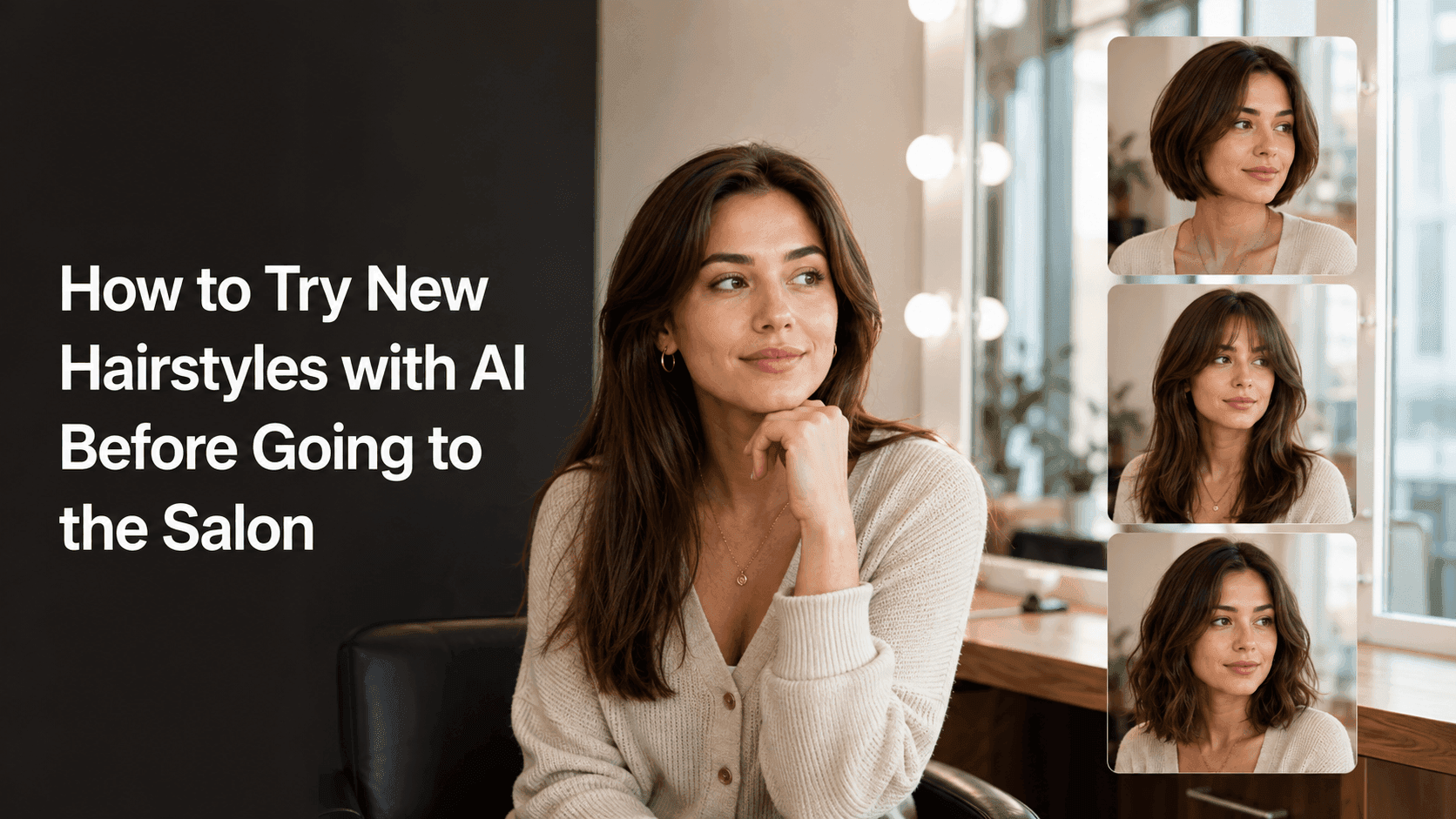
Try a New Hairstyle with AI Before the Salon
How to Try New Hairstyles with AI Before Going to the Salon
The hardest part of getting a haircut usually isn't the actual cut. It's that moment before you sit down when you're thinking, "What do I actually want?"
You've got a phone full of saved hairstyle photos. You like the length from one, the bangs from another, but you have no idea how they'd look on you or if they'd even suit you. AI hair previews can't show you exactly what the stylist will produce. Real hair has density, texture, natural waves, cowlicks, and growth patterns. It's not a simple one-click swap. But it can help you answer the real question: does this style work for me?
Think of AI previews as a reference before your appointment. You can upload a photo to Reveedo, try out a few ideas, keep the ones that feel right, and bring them to your stylist to talk about what might work.
Start with a normal photo, not your most edited selfie
The best photo to use is usually a very ordinary one: facing the camera, head not tilted too much, with enough light from a window or indoors so you can see your current hairline and shoulders. You don't need a stiff, passport-style expression—just look relaxed. Avoid heavy filters, half your face in shadow, extreme close-up selfies, or photos where your hair covers most of your face.
The point isn't to make the photo prettier. It's to make it useful. The AI needs to see where your hair starts, how it falls around your face, and the angle of your head. The clearer the original, the better the preview.
If you wear glasses, take two photos—one with them and one without. Bangs and shorter cuts can look pretty different with frames on.
First round: only ask one question
Don't ask the AI to change the length, color, bangs, curl, and parting all at once. If too many things change at the same time, the result might be off, and even if it's decent, you won't know which part you actually like.
Pick one specific question first:
- Would a chin-length blunt bob suit me?
- Do curtain bangs or straight-across bangs look better on me?
- If I keep my current length, would a warm brown color be too much?
- Would adding shorter layers around my face look too messy?
Try several versions around that same question. If you're thinking about going short, keep the color and texture close to what you have for the first few tries. If you're only testing color, leave the length alone. It's like trying on clothes—change one thing at a time so you know what you're looking at.
Describe the style clearly, without trying to sound fancy
You don't need to know professional terms. Just describe what you want clearly.
Instead of writing "make me look better," try something like:
Keep my face, skin tone, expression, and clothing unchanged. Only change the hair to a soft collarbone-length bob with a middle part, dark brown color, and light layers with natural texture at the ends. Keep the hair volume close to my natural state, and make it look realistic.
For bangs:
Keep my face and current hair color unchanged. Add natural curtain bangs, parted in the middle, blended into my existing long layers. Keep the hairline natural and don't change my facial features.
Length, parting, bangs, texture, and color are the things worth spelling out. Words like "vibe," "magazine look," or "effortless elegance" can actually push the result away from the style you're trying to judge.
Try a version that matches your daily habits
It's easy to fall for a preview with big curls, lots of shine, and a fresh blowout. But imagine a rushed morning when you're catching the bus—would you really style it that way?
Besides the ideal version you have in mind, try a more everyday one: your usual parting, texture closer to its natural state, not overly voluminous. When it's time to actually decide, this version is often more useful.
If your hair is curly, has noticeable natural waves, is very fine, or very thick, take the previews with a grain of salt. AI is good at giving an overall shape, but it might smooth out your real texture or add more volume than you actually have.
Compare a few side by side, instead of generating endlessly
After a few tries, save the ones that make you stop and look twice. You don't need twenty—three is enough:
- One relatively safe change.
- One you're genuinely curious about.
- One bolder option, just to see how it feels.
Put them side by side with the original and wait a day before deciding. Seeing yourself looking very different for the first time can feel exciting or unsettling just because it's unfamiliar. When you look again, ask a simpler question: if this showed up in a candid photo someone else took of me, would I still like it?
You can also show them to a friend who knows your usual style. Don't ask "which looks better?" Ask "which one still looks like me, and fits how I usually show up?" The answers can be very different.
Don't forget the sides, the back, and the upkeep
AI previews are usually best at the angle you uploaded. They won't tell you what the back of your head will look like, how the cut will grow out, or how long it'll take to style after a rainy commute.
Turn your favorite previews into questions for the stylist:
- Can my hair type hold this shape without daily heat styling?
- Will my natural part make these bangs hard to manage?
- How often would I need to trim this to keep it from looking awkward?
- Is there a version that would grow out better for me?
Use the previews as a communication tool, not a copy request
The most useful thing to bring to the salon isn't one final image—it's a few reference images plus a clear sentence about what you like in each.
For example: "I like the shorter length from the first one, but I prefer the softer bangs from the second. I don't want to lose the natural volume around my face." That tells the stylist what to keep and what to adjust.
Also bring a photo of your current hair in natural light. The AI images show where you want to go; the real photo shows where you're starting from. Together, they communicate better than either one alone.
When the results look weird, fix the source image first—don't pile on more prompt text
Sometimes the new hair looks like it's floating on your head, the hairline shifts, or your whole face seems different. That's usually not because your prompt needs to be longer.
Try these small adjustments first:
- Use a clearer, more front-facing photo that shows more of your hairline.
- Remove beauty filters and heavy portrait blur.
- Only change the hairstyle—don't change color, makeup, and background at the same time.
- Explicitly say in the prompt to keep the face, expression, and facial features unchanged.
- Start with a less dramatic change. Once the base is stable, try shorter or bolder versions.
If the same photo keeps producing weird results, just switch to a different one. Taking a new photo by a window often works better than editing the prompt ten times.
A simple routine before your haircut
If you don't want to spend a whole evening experimenting, try this order:
- Take a clear, natural photo.
- Pick one thing to test: length, bangs, or color.
- Make three previews that are close to each other, not three completely different makeovers.
- Wait a day, then keep the two you still like.
- Bring those images and a photo of your real hair to the salon.
- Ask the stylist how to adjust it based on your hair type, habits, and styling time.
That way, you won't walk in with nothing but "I want a change."
One last thought
The value of using AI to try new hairstyles is that it turns a vague idea into something you can see, compare, and talk about with a stylist. You might discover that the short cut you've been saving for months isn't actually for you. Or you might finally confirm that the bangs you've been thinking about are worth trying.
Either answer helps. It's not about getting a perfect digital prediction. It's about walking into the salon knowing more clearly what you want, what you don't, and what questions to ask.