



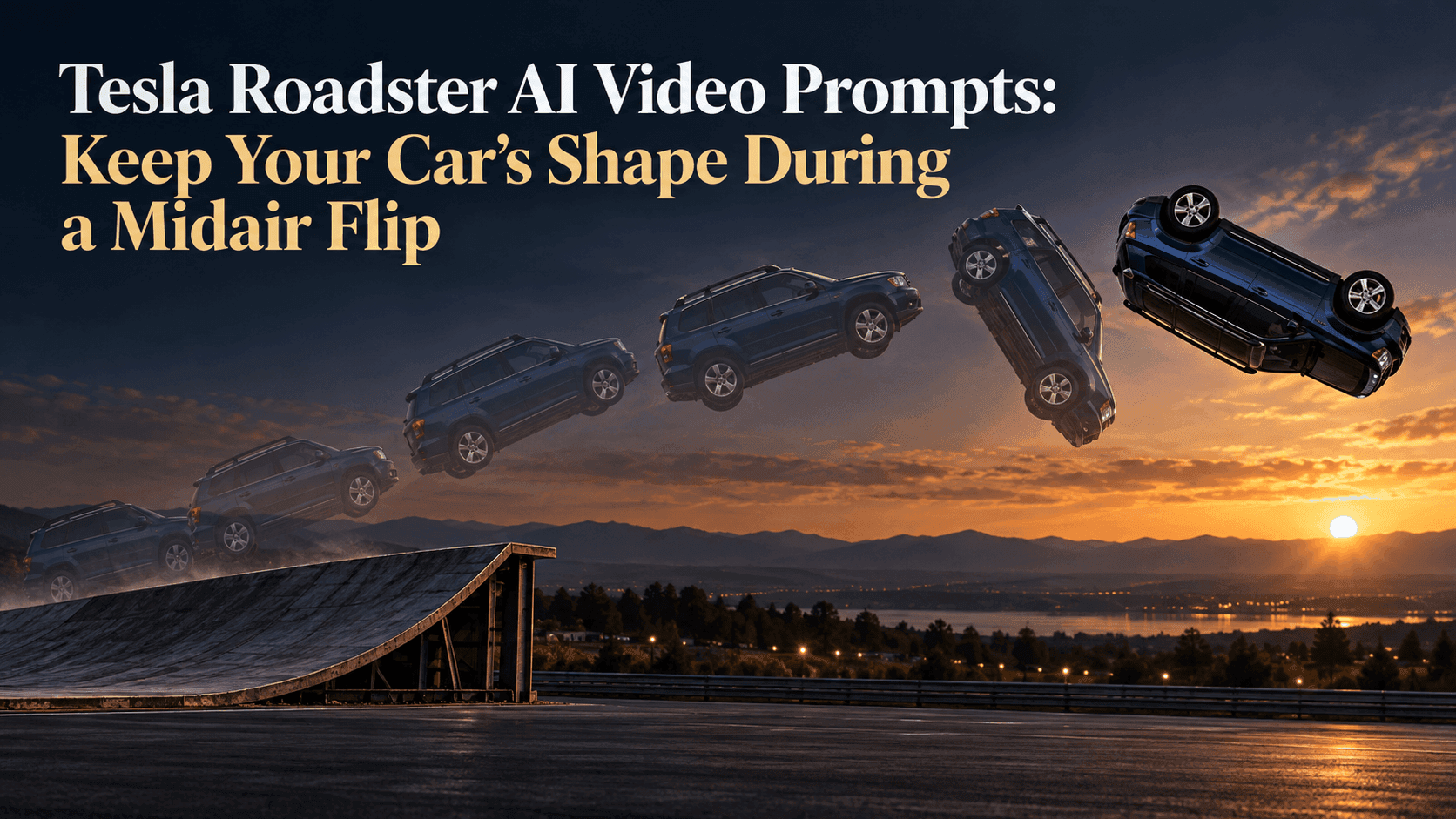
Tesla Roadster AI Video Prompts: Keep Your Car’s Shape During a Midair Flip
Tesla Roadster AI Video Prompts: Keep Your Car’s Shape During a Midair Flip
Your car leaves the ramp, turns over and lands. At first glance, it works. Watch again: the roof is lower, the rear window changes shape, and the wheels belong to another model. That is the problem to solve with Tesla Roadster AI Video Prompts. A flip exposes unfamiliar angles, so “keep my car the same” needs more thought than it did in a straight takeoff.
The Roadster stunt gave people a movement to borrow for fictional clips. The fun is seeing your SUV perform it and still look like the one outside your house.
Tesla Roadster AI Video Prompts need visual anchors
Look at your source photo. Can you see the roofline, both wheels on one side and the car's overall length? A side or front-three-quarter view gives the video something to hold onto. A tight front-only shot leaves the doors and wheelbase open to guesswork.
Choose a few anchors a friend would spot: a square rear window, white roof above blue doors, five-spoke wheels. “Maintain the exact car” sounds firm but names nothing that would prove it. Two or three visible features beat a list of trim levels.
One photo cannot show the roof, underside and opposite side at once. Text cannot guarantee unseen surfaces. If the selected Reveedo model supports more references, a second angle may help. Otherwise, keep the motion brief and review the hidden side closely.
Make one turn easy to follow
Decide which turn you mean. “Flip” might mean a nose-over-tail somersault or a roll along the car's length. A vague axis invites a strange spin or model change. Describe the path: leave the curved ramp, rotate once, level out and land on four wheels.
Keep the camera comparatively calm. A fixed wide shot gives viewers the ramp, the gap and the landing area in one frame. If the camera spins with the car, it becomes harder to tell whether the car rotated or the background did. One continuous shot is also easier to inspect than a montage that hides the awkward middle behind cuts. It also keeps the jump legible on a phone, where edits can disguise an awkward rotation.
Don't ask for two flips, a traffic escape, a chase and a new city skyline in the same short clip. The turn is already the difficult part. Save extra effects for a later edit if the car stays recognizable through the basic motion.
A prompt for your own car
Replace the bracketed details with features actually visible in your photo. This is a draft to test, not a promise that every model will produce the same result.
Use the uploaded photo of my [blue compact SUV]. Preserve its [boxy roofline], [black roof rails] and [silver five-spoke wheels]. It drives up a curved ramp, leaves the edge, completes one controlled midair roll, levels out and lands on all four wheels in the marked landing area. Keep the same vehicle proportions, paint color, window shapes and wheel design throughout. Fixed wide camera; the ramp, lights and ground stay in place. Show one continuous action, with no extra cars or second flip.
Notice what this prompt does not do. It does not demand a realistic rocket system, an invented badge or a dramatic close-up under the car. Those details can pull attention away from the one thing you want to judge: whether the same vehicle survives the turn.
If your car has a wrap or an unusual roof, make that the first detail after the photo reference. If it is an ordinary sedan, use the proportions that distinguish it from a sports car: four doors, a longer roof and a higher ride height. Do not describe a sleek supercar and then wonder why your family vehicle comes back as one.
Change the photo before adding adjectives
Suppose the front looks right, but the side becomes too short halfway through. Look at the input photo first. Is the rear bumper hidden? Are the two wheels close together because of perspective? A clearer side view may do more than another paragraph of “do not morph” instructions.
If the car changes only when it turns upside down, the missing roof and underside views may be the issue. Where extra image guidance is available, provide a roof or side reference that belongs to the same car. Otherwise, test a smaller rotation or a shorter airborne moment. That is a creative compromise, not a failure: a clean partial roll can look better than a complete flip that swaps cars halfway through.
If the car lands with different wheels, be specific in the next draft: “Keep the silver five-spoke wheels visible before takeoff and after touchdown.” Fix one symptom at a time. When the whole prompt changes between attempts, you cannot tell what helped.
You can start from your car photo in Reveedo's Image to Video tool, where text can guide motion. Check the model and upload options shown when you create. A separate Roadster-style template may work differently, so do not assume it has a prompt field or extra reference slots.
Watch the middle, not just the landing
The first and last frames are flattering places to judge a clip. The car is upright in both. Pause around the moment the windows turn away from you. Does the roof remain connected to the same doors? Does the wheelbase keep its length? Is the car still the same color where the light changes? Then play the whole sequence at normal speed; a tiny odd frame may disappear in motion, while a major shape change becomes unmistakable.
The strongest Tesla Roadster AI Video Prompts give the flip a clear route and the car a few unmistakable anchors. They cannot invent a perfect view of a side you never photographed. Keep the result framed as a fictional AI video, not a record of your car doing a real stunt, and let the familiar car be the punch line.