



Tesla Roadster AI Video Generator: Make a Traffic-Jam Escape with Your Own Car
Tesla Roadster AI Video Generator: Make a Traffic-Jam Escape with Your Own Car
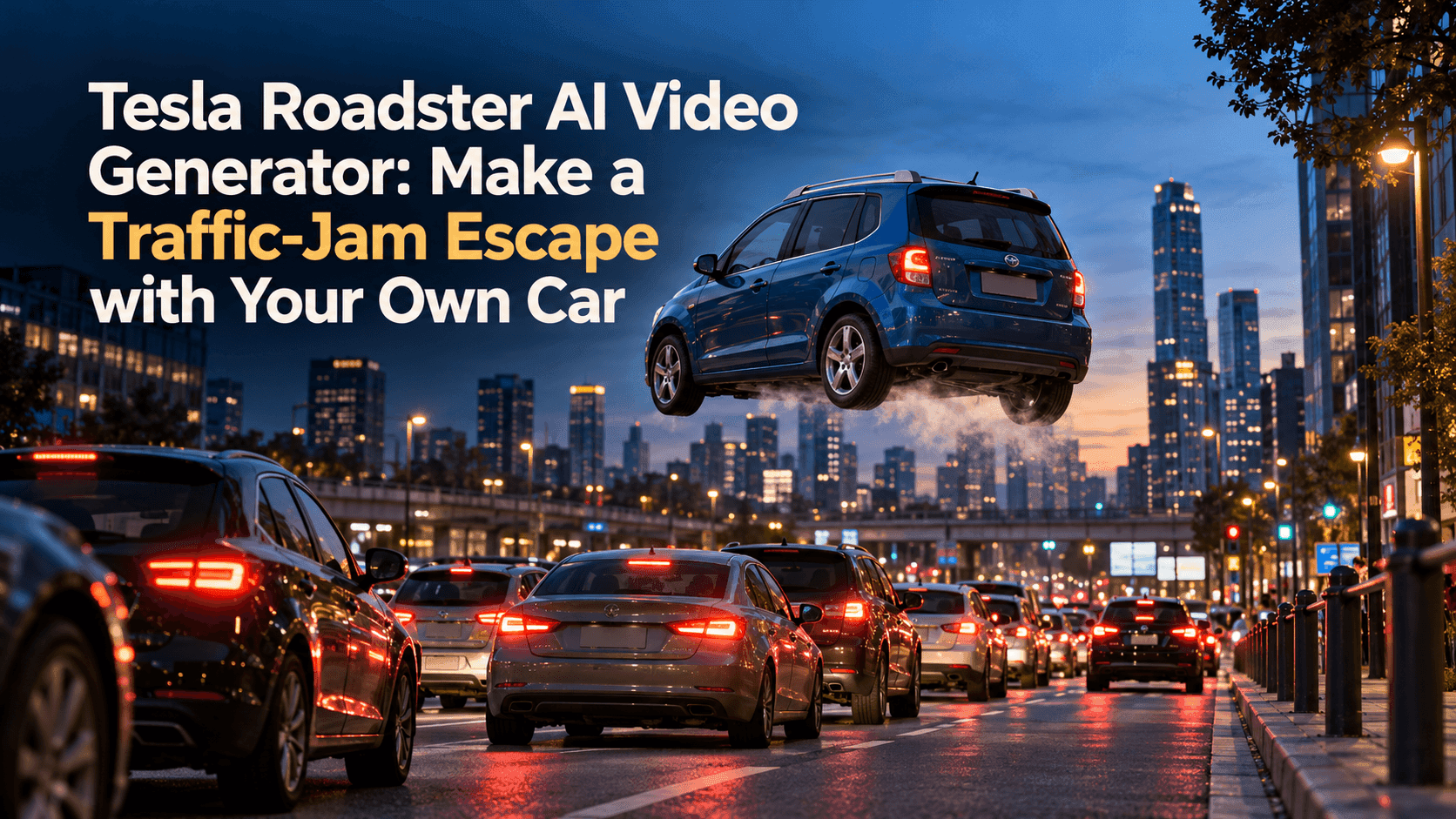
The light turns green. Nobody moves. The blue car in the middle of the queue waits another beat, then lifts straight up and slips over the traffic. That is enough of a story for a short video. The driver does not need to press a glowing button. The sky does not need to open.
If you arrived here searching for a Tesla Roadster AI Video Generator, you probably want to put your own car in that joke. A familiar car makes it work. When the vehicle quietly becomes a different model halfway through, the viewer stops watching the escape and starts watching the mistake.
Tesla Roadster AI Video Generator starts with the ordinary shot
Find a photo where your car looks unmistakably like yours. The whole body should be visible, preferably from a slight front or rear angle. Leave some road around the wheels and sky or building space above the roof.
A traffic photo is ideal, but it does not have to show a spectacular jam. Two stationary cars and a line of brake lights can establish the situation. A busy intersection full of tiny, overlapping vehicles can be harder to keep stable than a simple street with a few clear shapes.
Don't stop in a live lane to get the picture. Use an existing photo or photograph a safely parked car. If there is no traffic in your image, be honest about the extra work you are giving the video model: it must invent the queue as well as animate your car.
Give the car details a friend would recognize
Before writing a prompt, look at the car's roof, windows and wheels. Which details would your friend name? For a blue hatchback, it is the silver roof rails and unusually square rear window. For an older sedan, it might be a faded red hood.
The escape needs a moment of waiting
The funniest part is not always the lift. It is the second before it, when the car is still trapped with everybody else. Give the opening time. Brake lights stay on. A bus sits ahead. Nothing moves.
Keep the camera beside the road
Then let only your car rise. Not the bus. Not the road markings. Not the camera. A steady sidewalk view makes the impossible action easy to read. If the camera races upward with the car, the viewer may not notice that it has left the ground.
Keep the lift nearly vertical until the wheels clear the roofline in front. After a brief pause, the car can move forward and leave the frame.
You can try a little mist beneath the chassis. Keep it thin enough to see the wheels. A wall of smoke makes the shot louder but hides the instant when the car's shape is most likely to change.
One prompt, written for one car
This example uses a blue hatchback. Replace the details in brackets with what your own photo actually shows. If the image does not include a driver, leave the driver out of the prompt.
Use the uploaded photo of my [blue hatchback] waiting in a city traffic queue. Keep its [silver roof rails], [square rear window] and [dark five-spoke wheels]. Begin with the car motionless among the other stopped vehicles for two seconds. A small amount of pale vapor appears beneath it. Only my car rises slowly and vertically, clears the vehicle ahead, pauses briefly, then glides forward out of frame. The other cars, lane markings, buildings and traffic lights remain in the same positions. Fixed camera at sidewalk height. Keep my car's body length, roof, paint and wheels the same throughout. No crash, extra flying vehicle or cut to a different street.
Read that prompt as a shooting note, not a magic spell. It says what waits, what moves, what stays put and where the shot ends. If the first result is messy, adding three more paragraphs will seldom fix a poor source image.
Check the controls before generating
You can test a car photo and motion description through Reveedo's Image to Video page. Check the options shown with your selected model before you generate. Some workflows accept additional references or start-and-end images; others do not. Don't write a tutorial around controls that are absent from the screen you are using.
When the street escapes with you
Watch the road before judging the flying car. Does the white lane line stay put? Does the bus keep the same windows? If the street slides away, the clip may be behaving like a moving-camera shot, even when you wanted a fixed view.
For the next attempt, remove the forward glide. Ask for a stationary camera and a short vertical lift only. Once that works, put the exit back.
If your car becomes another model
If the car becomes a low sports coupe, inspect the original photo. Was the rear hidden behind another vehicle? Was the roof cropped? Try another image with the full side of the car visible. A prompt cannot reliably preserve a shape it was never shown.
If the car is right but the surrounding traffic changes, simplify the background. Choose a quieter source photo. The joke needs enough cars to read as a jam, not forty distinct vehicles for the model to track.
Crop the final clip for a phone
Before posting, crop a copy for a phone screen. Leave room above the roof so the car can rise without disappearing under captions or interface buttons. Play it muted. If you still understand the queue, the pause and the escape, the cut is doing its job.
That is the pleasure of a good Tesla Roadster AI Video Generator clip: an everyday car, an everyday delay, and one absurdly easy way out. Present it as an AI-made scene, not footage of a real stunt. The joke lands better when nobody has to wonder whether they are looking at a news clip.