



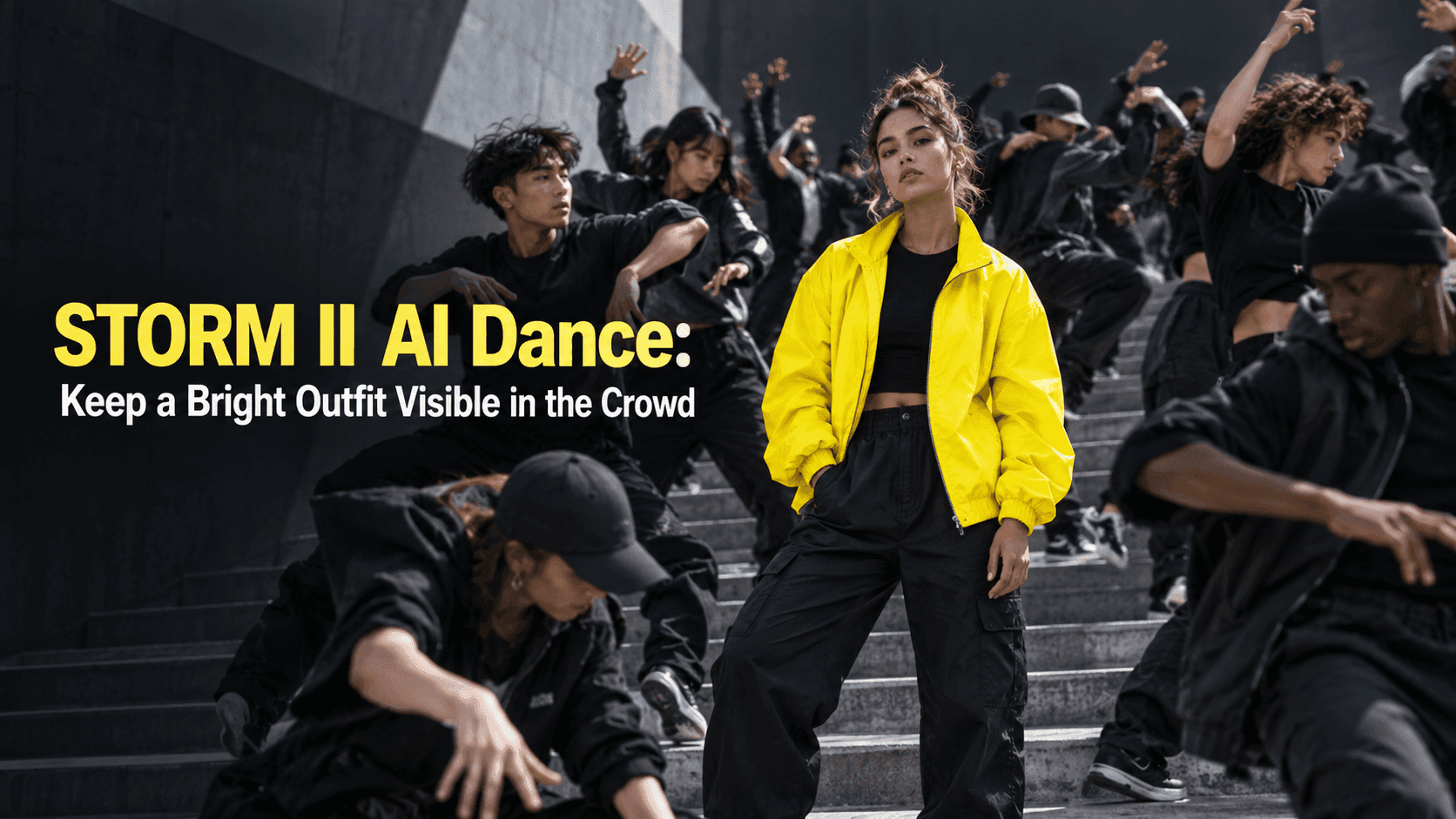
STORM II AI Dance: Keep a Bright Outfit Visible in the Crowd
STORM II AI Dance: Keep a Bright Outfit Visible in the Crowd
Say the photo you have in mind shows your friend in a lime-green coat. You can pick her out of a group picture from across the room. Then you make a STORM II AI Dance clip, and the coat behaves like a faulty traffic light: green at the start, gray when someone crosses in front, green again for half a second, gone by the end. The crowd looks impressive. Your friend looks vaguely like your friend. But the thing that made you choose that photo has vanished.
That matters more than it sounds. In the group-dance scene associated with GENER8ION and Yung Lean's STORM, the dancers pull your eye across the frame while one person remains the point of reference. A bright item of clothing can help that person hold the center. It is not a special effect. It is a way for viewers to find the same person each time the formation shifts. When the color or shape changes, the visual joke stops making sense.
The STORM II AI Dance photo that looks good but fails in motion
The photo with the best smile may be the wrong starting image. If it shows only a face and an inch of jacket, the rest must be invented. The same goes for a mirror selfie with a phone over the chest, or a party photo with somebody's arm around the shoulder. Neither gives a moving scene a reliable account of the clothes.
Find one where the shoulders, sleeves and at least part of the waist are visible. A straight-on or slight three-quarter angle is easier to read than an extreme overhead selfie. The clothes do not have to be spotless or newly bought. A real crease at the elbow can help a sleeve remain a sleeve; a broad stripe or contrasting cuff can help you tell whether it has changed later.
Check the color in ordinary light. A neon jacket photographed under purple club lights may not look green in the source. If you have several photos of the outfit, choose the one with the most honest color, even if your expression is less polished. This is a crowd scene, not a headshot.
Decide what must stay before you press generate
Look at the garment for ten seconds and name three things. “Green body, black zipper, hip-length hem” is enough. For a red football shirt it might be “red sleeves, white number, loose fit.” These notes are not a complicated prompt; they are a way to avoid talking yourself into a clip that looks exciting but shows a different outfit.
Small printed words are a poor test. They may blur on a phone even in an otherwise decent result. A color block, a collar shape or a wide contrasting band is more useful. If your jacket's only recognizable feature is a tiny badge, try a closer photograph, or accept that the badge may not carry the video. Do not make the whole edit depend on something viewers cannot see at normal screen size.
There is also the matter of the people around the lead. The crowd should be close enough to feel like a crowd, but not so close that every passing arm erases the coat. If the source picture has a clean gap between the subject and other people, use it. If someone is already standing in front of half the outfit, choose another image. A temporary overlap in the generated clip is fine. A sleeve that returns in a new color is not.
Watch a STORM II AI Dance clip without the music
Open Reveedo's STORM II video template and check the options shown on the page before uploading. Use the clearest source photo you have; do not assume the template offers a separate clothing control unless you see one. Make a draft, then turn the sound off. The beat can make a strange-looking sleeve feel acceptable for a moment. Silence is less forgiving.
Pause once near the beginning, once when the dancers move closest to the lead, and once near the end. Compare the coat with the original photo each time. Does the zipper stay down the middle? Does the bright sleeve reappear after someone passes? Does the hem land at roughly the same place? You are not looking for a frame-by-frame copy of a still photograph. You are checking that the item remains recognizably itself.
If the color dulls gradually, the source may have uneven lighting. If the entire jacket changes at the first crowd overlap, the original pose or background may be confusing the outline. Try a different photograph before you spend time rewriting directions. Another source image often solves a problem that a more elaborate sentence does not.
Keep the caption as light as the edit
The bright outfit can carry a joke on its own. “She said she'd wear something subtle” gives the crowd scene a reason to exist. “My brother coming to a quiet family dinner” works if everyone knows his fluorescent running top. A line like that belongs to the person in the video. A generic caption about joining a trend could sit under anybody's clip.
Keep text away from the garment. Check the video in the posting screen, where buttons and captions may cover more of the lower frame than they did in your editor. If music is part of the post, use the sounds available to your account. If the person in the picture is not you, ask before uploading or posting their likeness. Mark generated content where the platform requires it; the humor does not depend on pretending this crowd performed together.
Before export, hand your phone to someone who knows the subject and ask where they are. If the answer comes immediately, ask what they are wearing. A STORM II AI Dance video with a bright outfit should pass both questions. The crowd can be chaotic; the person at the center should not be.