



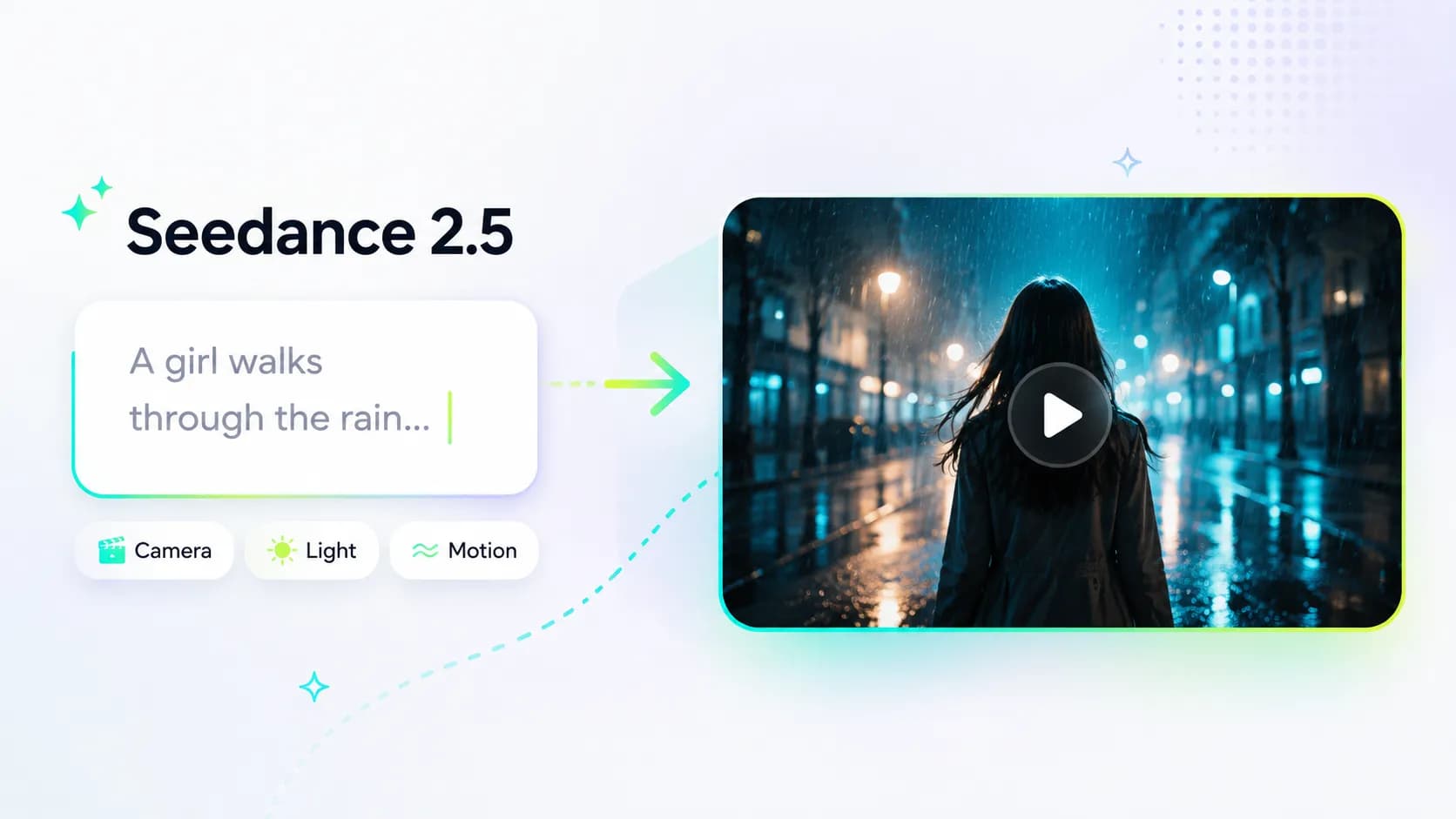
Seedance 2.5 Prompt Guide: Build More Cinematic Shots
Many people write their first Seedance 2.5 prompt as a simple sentence:
A girl walks on the beach.
This kind of prompt isn’t wrong, but it always leaves something unclear. What does the girl look like? What is the beach like? Are there buildings? Is it day or night? Is the camera following her or far away? What style do you want? Warm or cold?
Seedance 2.5 will fill in these details for you, but what it fills in may not be what you actually want.
If you want the video to match your needs and look more cinematic, the key is not necessarily prompt length. You need to make what you really want clear.
The Basic Structure of a Seedance 2.5 Prompt
A useful prompt usually contains five parts:
Subject + action + scene + camera + mood
You don’t have to write them in this exact order, but you should make sure Seedance 2.5 understands these five elements.
For example:
A girl in a pink dress walks barefoot across the beach at sunrise, occasionally glancing back at the sea in the distance, gentle waves washing over the sand, medium shot, low-angle tracking shot, slight handheld feel, warm cinematic style.
This prompt looks simple, but it already tells Seedance 2.5:
Who is in the frame
What she is doing
Where she is
How the camera should capture it
What style the image should have
Start with a Clear Subject
“A person,” “a cat,” “a dog,” or “a car” can all generate a scene. But if you want the character to look more consistent, add a few recognizable features.
For example:
Basic: a girl
Clearer: a girl with long hair, thin-frame glasses, wearing a purple dress
You don’t need to describe the character from head to toe. Choose a few of the most obvious features, such as hairstyle, clothing, age, and expression.
If you plan to make multiple videos, keep the character description consistent. Use the same hairstyle, clothing, and expression each time. That makes it easier to get a unified visual style.
Use More Specific Verbs
Words like “walk,” “run,” and “look back” are too broad. You can add speed, direction, hand movements, and facial expressions to make the action look like a specific shot.
For example:
She walks forward slowly, puts her hand into her pocket, looks up toward the other side of the sea, and smiles as if enjoying the view.
If the actions happen in sequence, write them in that order:
He looks down at his phone first, then looks up toward the beach after a second or two.
This approach works well for changes in facial expression, product shots, and short story clips.
The Scene Determines How Believable the Image Feels
Writing only “street” or “room” often gives you a background that may not be clear. In that case, choose a few details from time, weather, material, and lighting to complete the scene.
For example:
A Los Angeles street after rain, neon lights reflected on the wet asphalt.
A coastal road in the early morning, wind blowing through the wild grass.
A dim study, with only a warm yellow desk lamp on the table.
You don’t need to list every object. The job of the scene description is to give the image a clear direction, not to write a set-design list.
Camera Movement Is the Key to a Cinematic Feel
The same scene can look completely different in Seedance 2.5 when you change the camera language.
Common camera descriptions in Seedance 2.5 include:
Wide shot / long shot: establishes the environment and spatial relationships
Medium shot: good for walking, interaction, and narrative
Close-up / extreme close-up: highlights expressions, hands, or product details
Slow push-in: draws attention to a person or object
Tracking shot: good for walking, running, and moving scenes
Lateral dolly / crab shot: makes landscapes and product shots feel more immersive
Low angle: adds strength to characters or buildings
High angle: makes the subject feel lonely, fragile, or smaller
If you’re not sure how to start, try a simple combination:
Medium close-up, slow push-in.
Wide shot, slow lateral movement.
Low-angle tracking shot, slight handheld feel.
Use one main camera movement at a time. Too many camera instructions can make the image lose focus.
Use Light and Color to Create Mood
Day and night are only the most basic descriptions. If you want your Seedance 2.5 video to feel more polished, adjust the direction of light, color, and contrast.
Try expressions like:
Golden sunset light
Soft, hazy overcast light
Backlit silhouette
A street lit by colorful neon lights
Candlelight on a character’s face
Warm indoor light contrasting with cool outdoor night tones
For example:
At dusk, backlight outlines the character’s silhouette, the distant sky is deep blue, and the overall tone is warm but not oversaturated.
Writing this way is more specific than just saying “cinematic,” and it gives you more control over the image.
A Complete Seedance 2.5 Prompt Example
Basic version:
A girl runs in the forest.
More complete version:
A beautiful young woman in a pink dress runs barefoot through a pine forest at dusk, her hair slightly lifted by the wind, glancing back for a moment as she runs, her expression a little tense. Sunlight filters through the branches, and the ground is covered with moss and fallen leaves. Medium shot, low-angle tracking shot, slight handheld feel, cool color tone, cinematic image quality.
The difference between these two is not that the second one has more words. It’s that the second one makes it easier for Seedance 2.5 to understand the story and the shot you want.
Three Ready-to-Edit Prompt Templates for Seedance 2.5
Character Emotion Close-Up
[Subject appearance], [expression or emotion], [lighting], [background], [camera], [visual style]
Example:
An elderly man with visible signs of age, quietly looking out the window, soft side light outlining his face, blurred old apartment in the background, medium close-up, slow push-in, natural documentary feel.
Landscape Atmosphere Video
[Scene], [time or weather], [light and color tone], [camera movement], [style]
Example:
Icelandic black sand beach, overcast sky, huge waves crashing against black rocks, cold blue-gray tone, wide shot with slow lateral movement, cinematic natural landscape.
Product Showcase Video
[Product], [material or details], [lighting], [camera], [visual style]
Example:
A transparent glass perfume bottle filled with amber liquid, metal cap and water droplets visible, warm studio lighting, macro close-up, slow orbiting camera, high-end commercial advertising style.
Three Things to Avoid When Writing Seedance 2.5 Prompts
First, don’t put contradictory descriptions in the same prompt. Phrases like “a quiet but crowded street” or “warm cold light” make it hard for the model to decide which direction to follow.
Second, don’t pile on style words from the start. First nail down the subject, action, and scene. Then add camera and lighting. That usually makes it easier to find problems.
Third, don’t rewrite the entire prompt every time the result isn’t good. Keep the original subject and scene, and change only one variable. For example, change “static medium shot” to “low-angle tracking shot.” That way you can tell which instruction affected the image.
Final Note
When writing prompts for Seedance 2.5, you don’t need to turn yourself into a cinematographer. You just need to answer a few more questions than “a cat walking”: Where is it? How is it moving? Where is the camera looking from? What is the environment like? What is the light like?
Start with a complete but not complicated description, then adjust based on the results. Clear visual instructions usually work better than a pile of fancy adjectives.