



Make a Photo-Based AI Video for TikTok or Reels
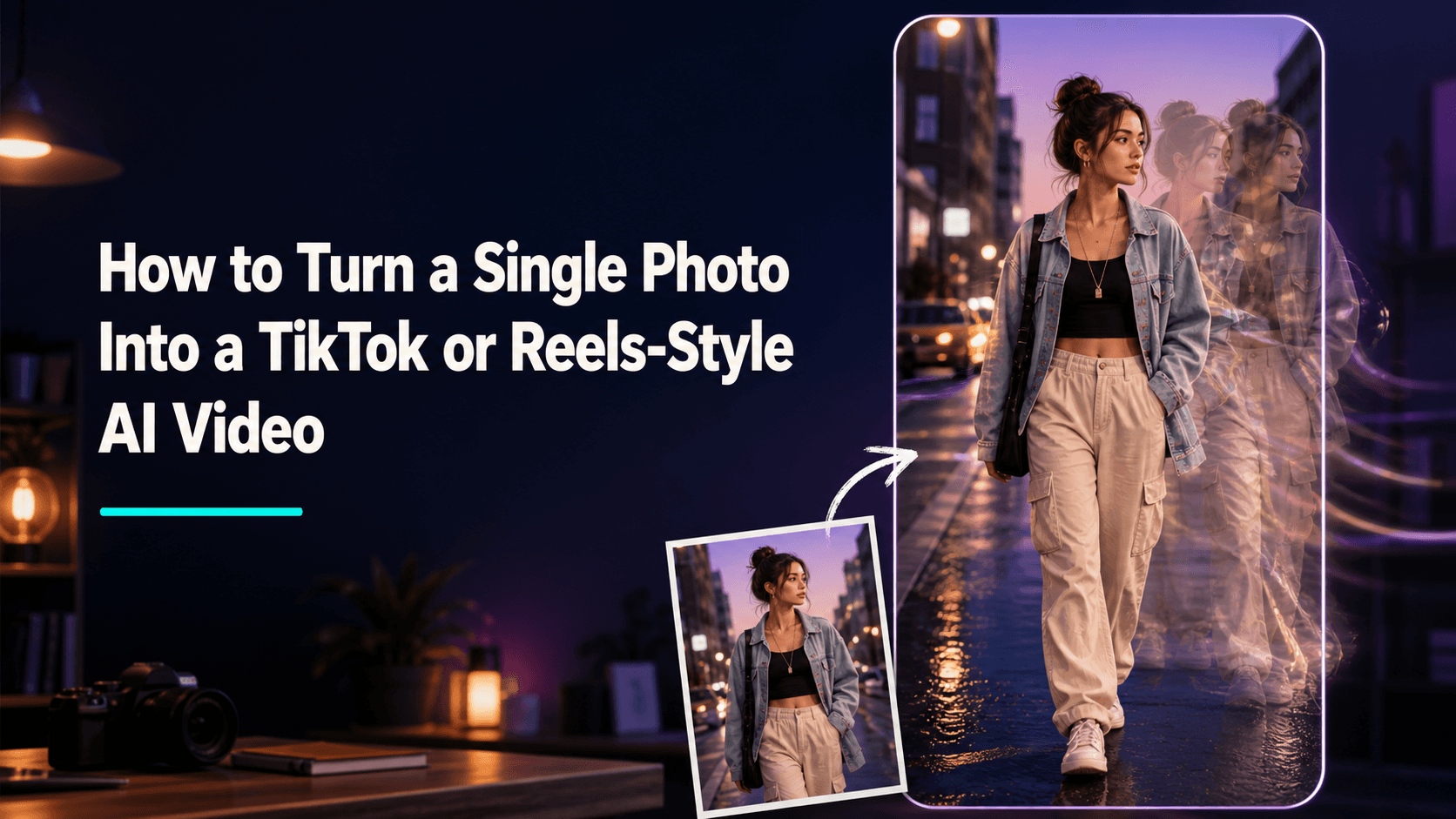
How to Turn a Single Photo Into a TikTok or Reels-Style AI Video
You don’t have to shoot something new if you want to post a short TikTok or Reels video. As long as you have a decent photo on hand — a product shot, a selfie, an outfit picture, a food or travel photo — you can turn it into a short video that has some motion.
The hard part isn’t really making your photo move. It’s making the result feel right for a short-form platform. A lot of generated videos try to pack in too much: big camera swings, exaggerated facial expressions, sudden background changes, a bunch of effects all happening at once. It might grab attention for a second, but people usually won’t keep watching.
A better AI video from a photo usually has one clear focus. Let viewers see the subject right away, then use one small movement to bring the scene to life. That’s enough.
In this article, I’ll walk through how to use one photo to make a vertical AI video that feels right for TikTok or Reels, and I’ll include prompts you can copy and adjust.
First, figure out who this video is for
Before you open Reveedo’s image-to-video tool, look at the photo and ask yourself: what should viewers notice first?
If it’s a product shot, the focus might be the packaging, the material, or how it’s used. If it’s a portrait, the focus might be the expression, the outfit, or a pose. If it’s food, the focus might be steam rising, the moment it’s cut, or a cheese pull.
That answer decides how the video should move. You don’t need everything in the frame to move.
For example:
- Perfume bottle: the camera slowly moves in, light glides across the glass.
- Portrait: the person turns slightly toward the camera and gives a natural smile.
- Coffee: steam rises while the camera slowly approaches the cup.
- Sneakers: a hand enters the frame and gently ties a shoelace.
These movements aren’t complicated, but viewers immediately understand what the video is about.
What kind of photo works best
A nice-looking photo isn’t always a good fit for image-to-video. Photos that tend to work well have a clear subject and leave a little room for the camera or an action to happen.
Look for photos with these qualities:
- Clear subject, sharp focus.
- Simple background, or at least a background you can recognize.
- Natural lighting that doesn’t need to be propped up with effects.
- Face, product, or object is large enough in the frame.
- The image is already vertical, or can be cropped vertical without cutting off the important part.
Horizontal photos can work, but check what happens when you crop them for vertical video. Make sure the person’s face, the product label, or the main action isn’t pushed out of frame. Don’t shrink the main subject just to keep a wide landscape.
One practical way to judge a photo: imagine what happens in the next second. If you can’t picture any natural motion, it might work better as a still image.
Design the first three seconds before you write a prompt
On a short-form platform, viewers decide within seconds whether to keep watching. You don’t need an over-the-top opening, but the first second should be clear.
Three common ways to open a photo-to-video clip:
- Show the subject right away.
- Get close enough to see the detail.
- Start with a small change, like a person looking up, a hand entering the frame, a light turning on, or the camera moving in.
For example, if you have a photo of a lip balm on a shelf, opening with the product already visible usually works better than showing an empty bathroom for two seconds before the product appears. Viewers immediately know what the video is about, and the rest of the clip can add atmosphere.
The same applies to portraits. If the expression is what draws people in, don’t keep the person’s back to the camera for too long. Show their face first, then add one small action.
Treat the prompt like a short shot description
A good prompt for TikTok or Reels doesn’t need to be long. Think of it as a quick shooting note: say what the subject is, what happens, then add the camera or lighting.
A simple structure:
[Subject] does [one small action]. The camera [one simple movement]. Keep [important details] unchanged. [Lighting or mood].
For a portrait:
A woman in a yellow jacket turns her head slightly toward the camera and smiles naturally. The camera slowly moves closer. Keep her face, hairstyle, jacket, and the street background consistent with the reference image. Afternoon natural light.
For a product:
A glass perfume bottle sits on a small bedside table. Keep the bottle shape, label, and colors unchanged. Sunlight moves slowly across the glass surface. The camera gently pushes in. Quiet morning atmosphere.
The point is to shoot one moment at a time. Don’t ask the tool to create a whole commercial in a single clip.
Prompts you can use or adapt
Selfies or portraits
The person looks up from their phone, notices the camera, and gives a soft smile. The expression is natural, the posture is relaxed, and the camera has a slight handheld feel. Keep the face, outfit, and location consistent with the reference image.
Outfit photos
The person takes two natural steps forward and lightly adjusts the cuff of the jacket. The camera moves back at walking pace. Keep the clothing, body proportions, and street background unchanged.
Coffee or food photos
A hot cup of coffee sits on a table with steam rising naturally. A hand gently pushes the cup toward the camera. The camera slowly moves closer. Keep the cup, table setup, and food details consistent with the original image.
Product close-ups
A skincare bottle stands upright on a stone counter. Keep the bottle, cap, label, and colors exactly the same as the reference image. Soft window light moves in the background. The camera slowly pushes in.
Travel photos
The person stands at a viewpoint, takes one slow step forward, and the wind lightly moves their hair and jacket. The camera has a subtle forward drift. Keep the landscape, outfit, and face consistent with the original photo.
You can swap the objects, locations, and outfits for the ones in your own photo. The closer your prompt matches the original image, the better the result tends to be.
What to keep in mind for vertical video
TikTok and Reels are mostly watched on phones in a narrow, vertical frame. Wide horizontal pans can easily push the subject out of view. Slow push-ins, subtle up-and-down movement, or having the person walk toward the camera usually work better for vertical video.
For products, place the item in the center or slightly below center. For portraits, leave a little headroom. If hands are part of the action, don’t crop them in a weird way. Checking the crop after you upload the photo is often more effective than trying to fix things with prompts later.
Don’t expect one photo to become a full story
A single photo can absolutely become a good five-second clip, but you don’t have to stretch it into a whole narrative from start to finish. A lot of failed generations happen because the prompt asks the person to do too much — walk across the room, change clothes, pick up the product, open it, use it, and then show the packaging.
That’s too much for a five-second video. It’s usually safer to break it into a few short clips:
- Start with a slow push-in on the product or face.
- Generate a second clip with a hand movement or a head turn.
- End with a calmer, near-static shot.
Cutting these three short clips together usually looks more complete than one video that tries to do everything.
Let the motion match the photo
The most natural movement is often already suggested by the original photo. A person in an outfit photo might gently turn or take a step forward — they don’t need to suddenly start dancing. A studio product shot might work with a camera push-in or a light change, not a hand thrown in from offscreen.
Before generating, ask yourself: does this feel like something that could happen one second after the photo was taken? If the answer is yes, the result will probably feel natural.
If you want to reference a specific motion more clearly, you can use AI motion control. Start with something like walking, waving, turning, or a simple dance. Slower, simpler movements tend to produce steadier and more natural results than fast ones.
Common problems when making AI TikToks or Reels
The face or product no longer looks like the original
Reduce the size of the movement and specify which details shouldn’t change. For people, mention face, hairstyle, outfit, and background. For products, mention bottle shape, label, colors, and shape.
Keep the person’s face, hairstyle, black jacket, and the coffee shop background consistent with the reference image. She only needs to turn slightly toward the camera.
The video feels too slow
Don’t immediately add three new actions. Try a tighter crop, a slightly faster push-in, or have a hand enter the frame. A small change can make the opening feel more paced.
The video looks fake
If the original photo looks everyday, avoid prompt words like “epic,” “cinematic,” or “luxury ad.” Use natural light, slight handheld feel, relaxed expressions, or slow movement instead. That usually looks more like real content on short-form platforms.
Product labels get distorted
Use a clearer product photo, reduce how much the subject rotates, and don’t let a hand cover the packaging in the first attempt. You can also check out this detailed guide on keeping product labels consistent in AI videos.
A simple workflow for your first attempt
- Pick a photo with a clear subject.
- Decide what viewers should see in the first second.
- Choose one small action that fits the scene.
- Generate a short vertical video in Reveedo’s image-to-video generator.
- Mute the sound and watch once: can you tell what’s happening without any explanation?
- Keep the best version, then make small variations around the same idea instead of generating a bunch of completely different clips at once.