



Turn a Pet Photo into an AI Video Without Changing Its Face
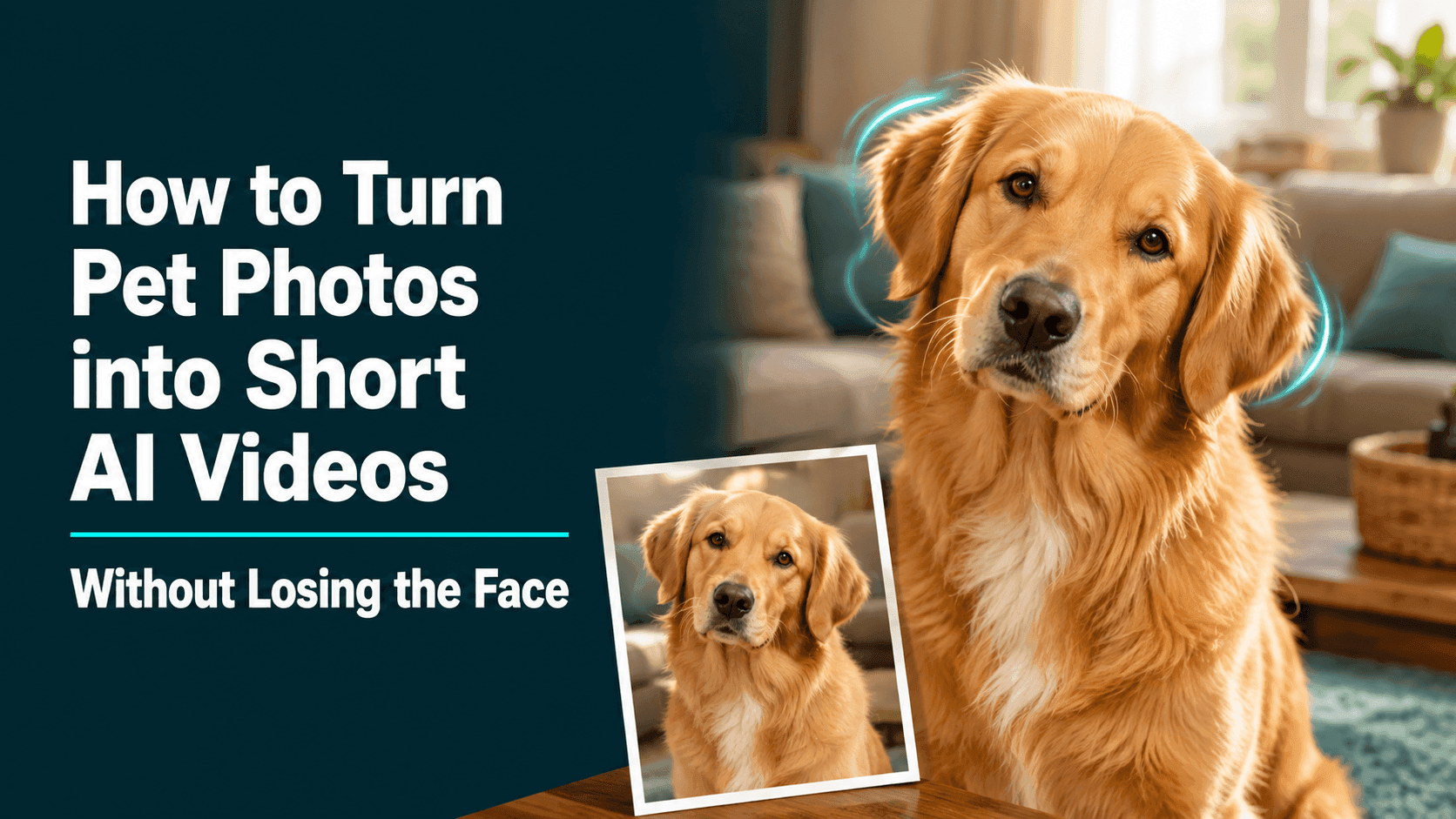
How to Turn Pet Photos into Short AI Videos Without Losing the Face
When you turn a pet photo into an AI video, the real worry isn’t that the action isn’t cool enough—it’s that halfway through, your pet stops looking like your pet. The coat color shifts, the eye shape is off, and that little white patch near the nose disappears. Even if the video looks lively, once that familiar feeling is gone, a lot of the meaning goes with it.
To keep your pet looking like themselves, don’t rush into big movements. Start with a photo where the face is clear, then ask for one small action: a blink, a head tilt after hearing a sound, a gentle turn, or a single step forward. The closer the action is to everyday behavior, the easier it is for the face to stay stable.
Upload an image to Reveedo and you can start with simple, short movements like these.
Start with a photo where you instantly know it’s them
In the original photo, you want the eyes, nose, ears, and main markings to be visible. A front-facing shot of a dog or cat works well, or a slightly angled portrait-style view. This is especially true for pets with strong facial markings around the eyes or mouth—the clearer the face, the better.
Photos that are too dark, lit with strong colored lights, or blurry will make the later frames harder to control. A nose hidden behind a paw, clothing covering the face, or long fur hiding the features isn’t great for a first test image. In many cases, a clear photo taken by a window works better than a moody night shot.
Think about what makes your pet recognizable to other people. Maybe it’s one floppy ear, a small dark spot under the eye, a pink nose, or a patch of white on the chest. You want that detail visible in the original. The background can be ordinary—the pet’s features shouldn’t be lost.
Smaller movements look more real
Pet movements are naturally a bit uneven. A dog lifts its head when it hears a sound; a cat might blink slowly and then turn an ear to the side. These kinds of actions feel natural in a short video and are less likely to mess up the face.
For the first version, pick one main action and add one very light change. For example:
A golden retriever looks to the left, tilts its head once, then blinks naturally. Keep the face, golden coat, white chest patch, and relaxed expression from the reference image. Soft daylight, camera stays still.
What matters here isn’t the phrase “golden retriever.” It’s the chest patch, ear shape, eye color—those details that make your pet recognizable. Just pick the two or three most important ones. If you describe every strand of fur, whisker, and background detail, the prompt can lose focus.
Don’t make your pet act like a human
Having your pet smile, wave, or dance can be fun, but it also makes it easier for the face and legs to look wrong. If you’re making a keepsake video or something to share, you’re better off following your pet’s natural habits.
A slow head turn, a stretch, a tail moving near the edge of the frame, leaning in to sniff the camera, or a sleepy blink—these feel more like real moments than one big dramatic action.
If the original is a close-up headshot, keep body movement to a minimum. When the face occupies most of the frame in a picture, only slight facial expressions and movements are needed. If it's a full-body photo of the pet, you can give the picture a little more space, allowing the pet to sit, take a step, or move slightly closer to the camera.
Don't let the background steal the show
Whether it's a sofa, a sunlit floor, a path in the yard, or a clean wall, all are suitable for making short pet videos. The pet in the video is the focus; if the background is too complex, there will be many issues to address.
If you just want to make the video look more atmospheric, you can add phrases like "soft evening light" or a slow camera movement to the cues. There's no need to include many different scenes in the cues all at once. Adding too many different scenes and cool action shots at once might make your pet look unnatural.
What to focus on after the video is generated
Don't just judge a video by its overall appearance. It's best to pause at the beginning, middle, and end to examine the pet's nose, eyes, ears, and the most distinctive markings on its body. Is the pet still the same face you recognize? Has its fur color changed noticeably? If only its paws and legs are shown, are the pet's movements normal?
If your pet's facial expressions change drastically, first reduce the size of the cues in the video; you don't necessarily need to rewrite the entire cues. If your pet is walking unsteadily, change the cues to "tilt its head." If your pet's markings are missing, replace the image with a clearer, closer picture of the markings. If its eyes look unnatural, don't let it stare at the camera for extended periods.
Minor tweaks to the prompts often improve the video's effect more than changing the entire idea.
Three prompt words that can be directly modified
Cat headshots
The cat blinked slowly, one ear turning towards the quiet sound, then slightly averting its gaze. The cat's green eyes, the stripes on its forehead, and its serene expression remained unchanged. Soft light streamed through the window; close-up, camera motionless.
The dog in the yard
The dog takes a small step forward, looks at the camera, and its ears move naturally in the breeze. Maintain the same coat color, mouth and nose shape, and collar as in the reference image. Natural garden lighting, medium shot, stable camera.
Pets in old photos
Add a slow blink and a slight brick-like movement to the pet portrait. Preserve the pet's original face shape, fur pattern, and gentle expression; do not change the background of the image, but retain the feel of an old photograph.
Finally, don't forget what you want to leave behind.
The best pet videos aren't the ones with the most movement. They're more like extending a familiar moment by a few seconds: it looks up at you, its ears twitch, or it slowly blinks by the bedside.
It's best to preserve the pet's face first, then add some movement. Short videos made this way often have more of their own unique character than those featuring large-scale scenes.