



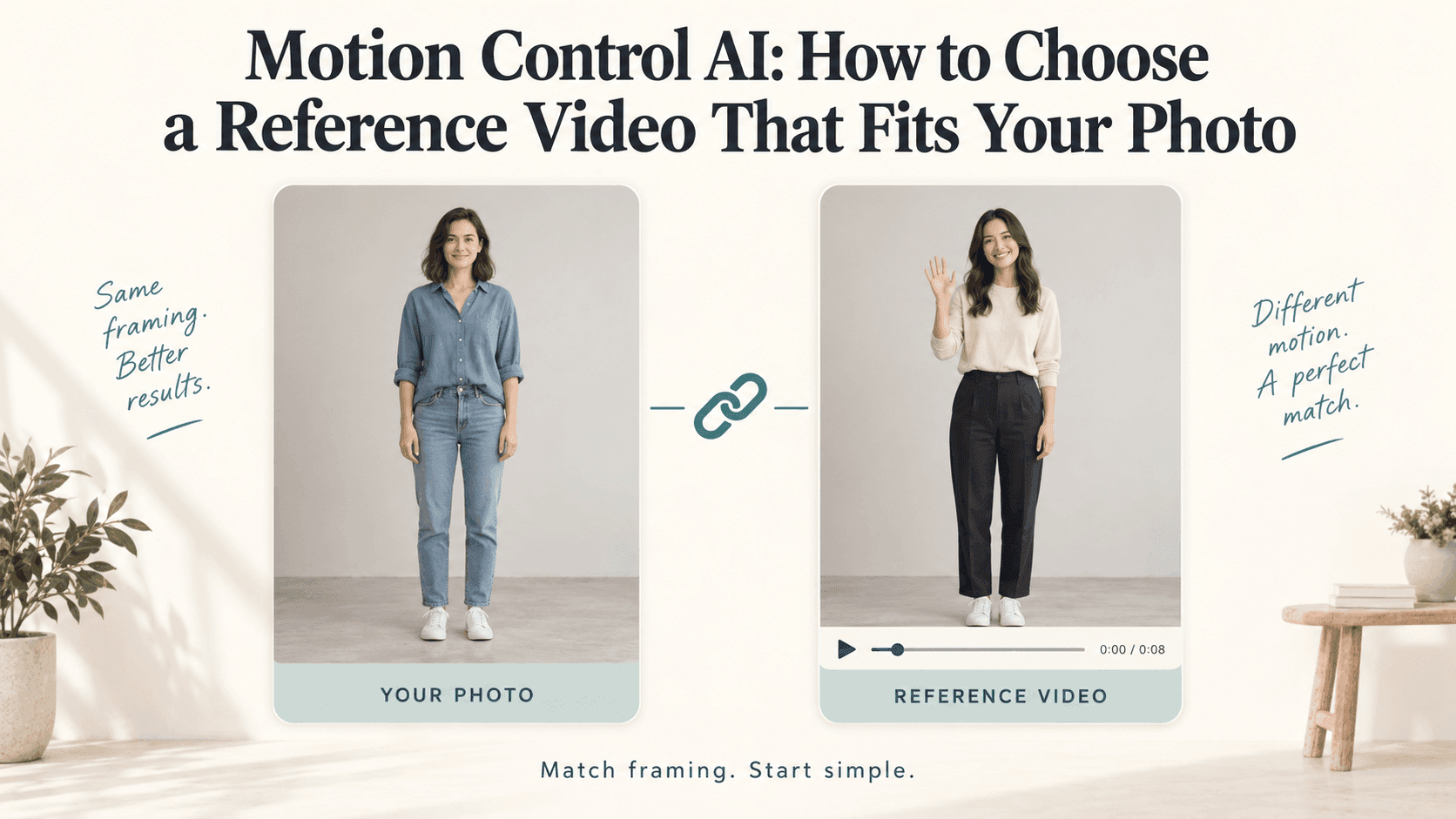
Motion Control AI: Choose a Reference That Fits Your Photo
Motion Control AI: How to Choose a Reference Video That Fits Your Photo
You have a portrait you like and a dance clip you want to borrow the movement from. Put them together, and the shoulders twist, the hands disappear, or the person suddenly grows legs that were never in the photograph.
Before rewriting the prompt, compare the two inputs.
With Motion Control AI, the image supplies the character’s appearance and the reference video guides the performance. They do not need to show the same person, but they should give the movement a sensible starting point. A calm, clearly filmed gesture may suit your photo better than a spectacular routine.
Choose a Motion Control AI reference for the photo you actually have
Start with the crop. If your image ends at the waist, a reference built around footwork asks the result to invent the missing lower body.
For your first Motion Control AI test, pair an upper-body photograph with upper-body movement, or a full-body photograph with a reference that keeps the whole performer visible.
A wider canvas is not the same as a complete person. Adding empty space below a portrait does not supply an accurate outfit, leg position, or pair of shoes.
If the dance matters most, find or take a suitable full-body photo. If the photograph matters most, choose another movement. That decision often makes more difference to Motion Control AI than another line about realism.
Leave room around the figure, too. A hand raised above the head needs somewhere to go.
Pause the reference before the movement starts
Suppose the person in your photo is seated, with both hands resting in their lap. Your reference begins with someone standing, arms stretched wide.
Motion Control AI now has a substantial pose mismatch to resolve before the action even becomes relevant. For a simpler first test, look for a seated performance or change the photograph.
Exact matching is not always necessary. Still, comparing the opening pose is a useful screening step: body direction, arm position, and whether the person is sitting or standing.
For Motion Control AI, also check what happens beyond that first frame. A front-facing reference may turn sideways halfway through. A small initial gesture can become a full spin.
Some workflows offer orientation settings that change how image and video directions are used. Read the selected tool’s controls rather than assuming the opening pose determines everything.
Watch the hands through the entire clip
A reference can look clear until the hand crosses the face or disappears behind a jacket. The same is true when two dancers overlap.
For a straightforward Motion Control AI test, choose one visible performer and an action you can follow without guessing where an arm went.
Loose sleeves, handheld objects, and a crowded background are not automatically unusable. They simply add things to inspect. If you want a wave, a clip with an unobstructed hand is a more useful starting point than one where the performer waves behind a microphone.
Slow the reference down for inspection if needed. That does not mean you should upload a slowed version; changing playback speed changes the timing you are asking to transfer.
Motion Control AI is easier to evaluate when the important movement is visible in the source. You cannot reliably diagnose a strange wrist by comparing it with a wrist you never saw.
Separate the performer’s movement from the camera’s
In a tracking shot, the performer may walk forward while staying almost the same size on screen. In another clip, the camera circles someone who barely moves.
Those are different references for Motion Control AI. Do not choose one simply because the finished video feels energetic.
For your initial Motion Control AI test, use a steady viewpoint. Avoid cuts, sudden zooms, and transitions within the selected segment. They make it harder to isolate the performance you want.
If a reference includes useful movement followed by a cut, trim to the continuous section before uploading, within the tool’s requirements.
A Motion Control AI reference does not become better just because it is longer. Keep the setup, the action, and enough of the finish to understand where the movement settles.
Pick the smaller action when two references would work
Imagine two clips for a standing portrait. One person makes a small shoulder turn and waves. The other jumps, spins, and lands with their arms crossing their face.
The second may be more entertaining. The first is a more manageable Motion Control AI starting point because you have fewer changing views and overlaps to assess.
Clothing matters here, too. A fitted outfit and a floor-length dress reveal the body differently. A movement borrowed from one may not make the other garment behave convincingly.
Treat Motion Control AI as a test, not a promise of exact choreography or perfect fabric behavior. Start with a reference that asks the character to do something plausible in the photographed outfit.
Use footage you recorded or have permission to use, along with an authorized character image.
Write the Motion Control AI prompt after choosing the reference
Where Motion Control AI accepts text, use it to clarify the result, not contradict the movement.
For a Motion Control AI test based on a small wave, you could write:
Use the character from the photo and follow the wave in the reference video. Preserve the face, hairstyle, and outfit. Keep the background stable.
These are instructions to test, not guarantees. Adding “remain completely still” while supplying an energetic reference gives competing directions.
You can find the Motion Control AI entry on Reveedo’s homepage. Check the current input requirements before preparing files; supported lengths, framing controls, and other options may vary by workflow.
For the first Motion Control AI result, compare three moments: the beginning, the widest gesture, and the finish. Look for disappearing hands, shifting proportions, and a background that follows the body.
Keep the same photo while testing a different reference. Otherwise, you will not know which change helped.
A useful Motion Control AI reference is not necessarily the clip you would share on its own. It is the one your photograph can follow without asking the generator to invent half the performance.