



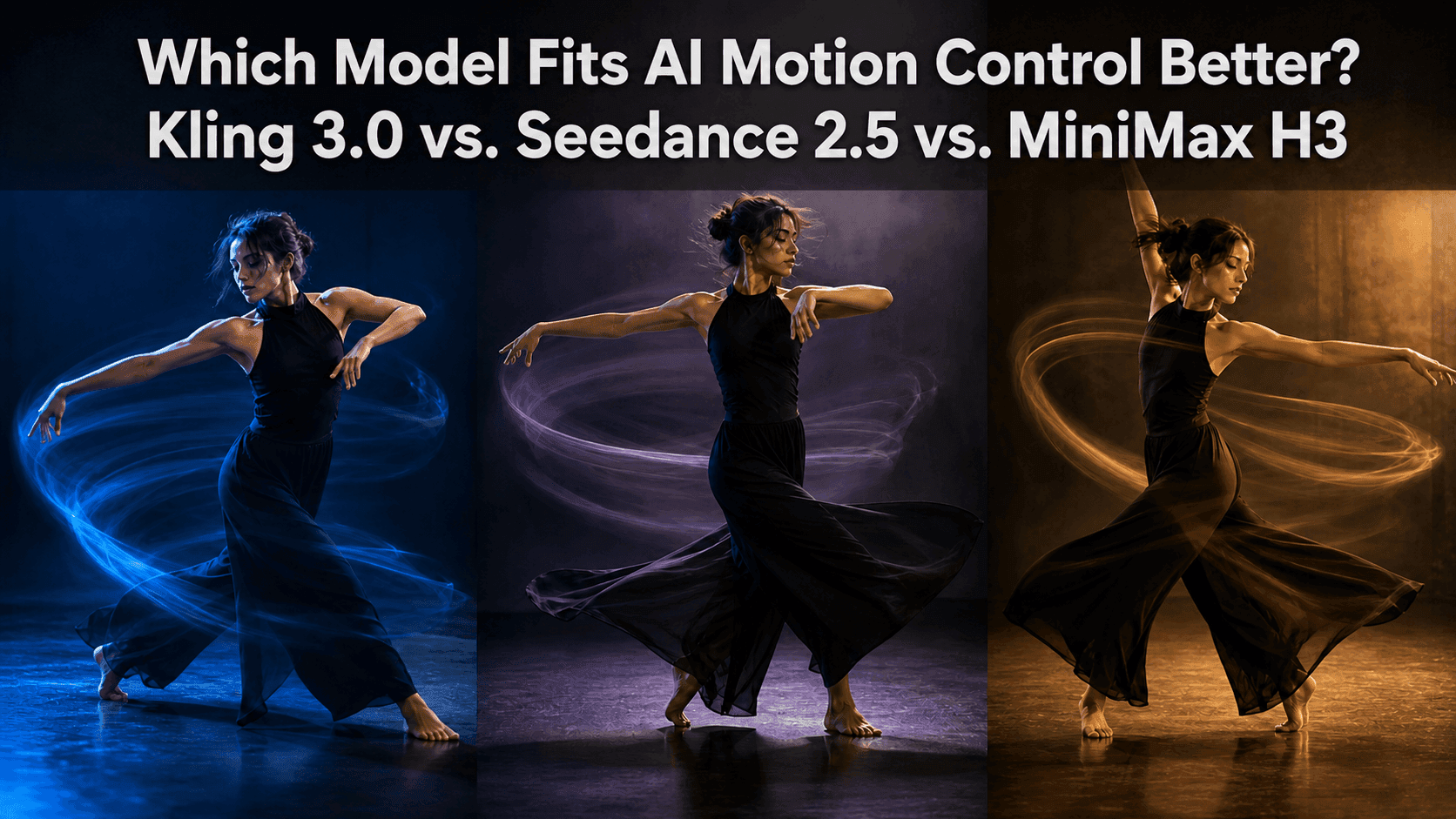
Kling 3.0 vs. Seedance 2.5 vs. MiniMax H3 for Motion Control
Motion control sounds simple, but in practice it rarely is.
Some people think motion control just means taking the movement from a dance video and putting it onto a character from an uploaded image. Others need the same person or object to keep moving through a longer scene without gradually losing their original appearance. And some people upload several different references at once: one image controls the face, one controls the product, one video controls the movement, another video controls the action, and an audio clip controls the rhythm. They hope those references won't fight each other.
Kling 3.0, Seedance 2.5, and MiniMax H3 all show up in these workflows, but they shouldn't be compared from the same starting question. A more useful question than "which model is best for AI motion control?" is: what do you actually want motion to help you accomplish?
If motion itself is the focus, start with Kling 3.0
Kling 3.0 has a dedicated Motion Control option, and the model handles it quite well. So when a motion reference is the core of your creative idea, Kling 3.0 is usually the most natural starting point.
You already have a clip of someone dancing, walking, turning, presenting a product, or performing a short emotional beat. You want another character, or an uploaded character image, to follow that performance. In this case, Kling 3.0 is clearly the best choice.
The text prompt doesn't need to compete with the reference video in describing movement. The reference video handles body motion and expression, while the text describes what the character wears, where they are, what the lighting feels like, and how far away the camera sits. Kling 3.0 does a good job of keeping those roles separate.
Example prompt: Use the body movement and facial expressions from the motion reference video. Keep the character's black ponytail, loose white shirt, and black trousers from the character reference image. Place the character in a simple rehearsal room with a dark floor and soft side lighting. Keep the full body in frame for the first half of the video, then let the camera move slightly closer after the pose is held. Do not show other people.
This prompt works well with Kling because motion comes first. You're not asking the model to invent a dance from a text description alone. You're asking Kling 3.0 to take an existing performance and put a different character and scene around it.
If the motion is walking, turning, picking up a bag, opening a door, or following a short dance sequence, you can try it with Kling 3.0 in Reveedo. The easier the reference video is to read, the more usable it becomes across different outputs.
If motion needs to move a scene forward, try Seedance 2.5
Seedance 2.5 fits better when motion isn't the only thing that matters. The character moves from one place to another, something changes along the way, and the camera carries the story from beginning to end. For example, a person walks out of a bookstore and under an awning, notices it's starting to rain, and opens an umbrella. Or someone carries a product from the kitchen to the dining table.
Seedance 2.5 is positioned around longer video lengths and more flexible reference handling and editing control. The video reference doesn't only read motion; it also understands camera movement, composition, and visual language.
So the prompt style shifts a little. Instead of describing every step of the movement, describe what the character experiences in the scene.
Example prompt: Use the natural walking speed and the slow lateral tracking rhythm from the reference video. Keep the character's short black hair, green coat, and black leather bag from the image. She walks out of a bookstore, moves forward under an awning, stops when rain begins to fall, opens a red umbrella she already has, and looks toward the street. Keep the camera beside her the whole time, then slowly pull back at the end to reveal the shop door and wet pavement. Keep the character, umbrella, and evening light consistent.
What matters here isn't how many steps she takes, but the small sequence of walking out, moving forward, stopping, opening the umbrella, and looking at the street. The reference video gives motion a direction, while the text grounds the character in the scene.
If you need to connect camera movement, character blocking, and a short narrative, Seedance 2.5 is worth trying. If your goal is to reproduce a complex dance as faithfully as possible, Kling 3.0 is still the better choice.
When multiple references each control something different, try MiniMax H3
MiniMax H3 works best when you don't want one reference video to control everything. You might have a character image to keep the face and clothing consistent, a product image to protect the packaging, a video where you only want to borrow the hand movements, and an audio clip where you only want the rhythm or ambient sound.
MiniMax H3 handles multiple references in a more separated way. It distinguishes between character, motion, editing, and sound more clearly, and it tries to express the relationship between those references without letting them blur together.
Example prompt: Image 1 controls the person's face, hairstyle, and dark blue jacket. Image 2 controls the product bottle's packaging, label, and color. Video 1 only controls the hand movements of picking up the bottle, turning it toward the camera, and placing it on the table. Audio 1 only controls the quiet studio rhythm.
[Shot 1] The host stands behind a wooden table. She follows the hand movements from Video 1 to pick up the bottle, keeping the label visible the whole time, then places it next to a glass of water. Keep the camera at chest height, and only move slightly closer after the bottle is set down. Do not change the person's face, jacket, bottle packaging, or the soft studio background.
This may not be the fastest way to create an energetic dance clip, but MiniMax H3 is very good at keeping multiple important elements separate. If something goes wrong in the generated video, you can tell directly whether the face was the problem, the bottle was the problem, the motion was the problem, or the camera was the problem. You don't have to guess from one vague prompt.
If you just want a straightforward answer
If you already have a clear motion or performance reference, and the character's movement is the main event, choose Kling 3.0.
If the motion needs to carry a character through a longer scene with a beginning, a change, and an ending, choose Seedance 2.5.
If the character, product, motion, and sound come from different sources and each one needs to stay in its own lane, choose MiniMax H3.
But these aren't hard rules. They're just practical starting points for different directions. For a simple product placement shot, all three models can do a good job. For dance videos with a motion reference, Kling 3.0 is usually the safer first choice. If product packaging and audio become equally important, try MiniMax H3 as well. If the video has a longer mini-story, Seedance 2.5 is worth testing first. You can also reuse assets prepared for other workflows.
Whichever model you pick, keep the prompt simple
No matter which model you use, the motion should be small enough for a viewer to understand at a glance. A character can walk to a table, pick up an object, and then look at the camera. If you ask her to walk, dance, talk, change clothes, open a door, and have the camera orbit around her all at once, any model will probably turn the video into a mess.
When writing a prompt, start with the action, then add the reference material, and only then describe the camera language. That makes the generation easier for both the tool and the audience.
In Reveedo, you can take the same motion idea and test it with Kling 3.0, Seedance 2.5, and MiniMax H3 side by side.