



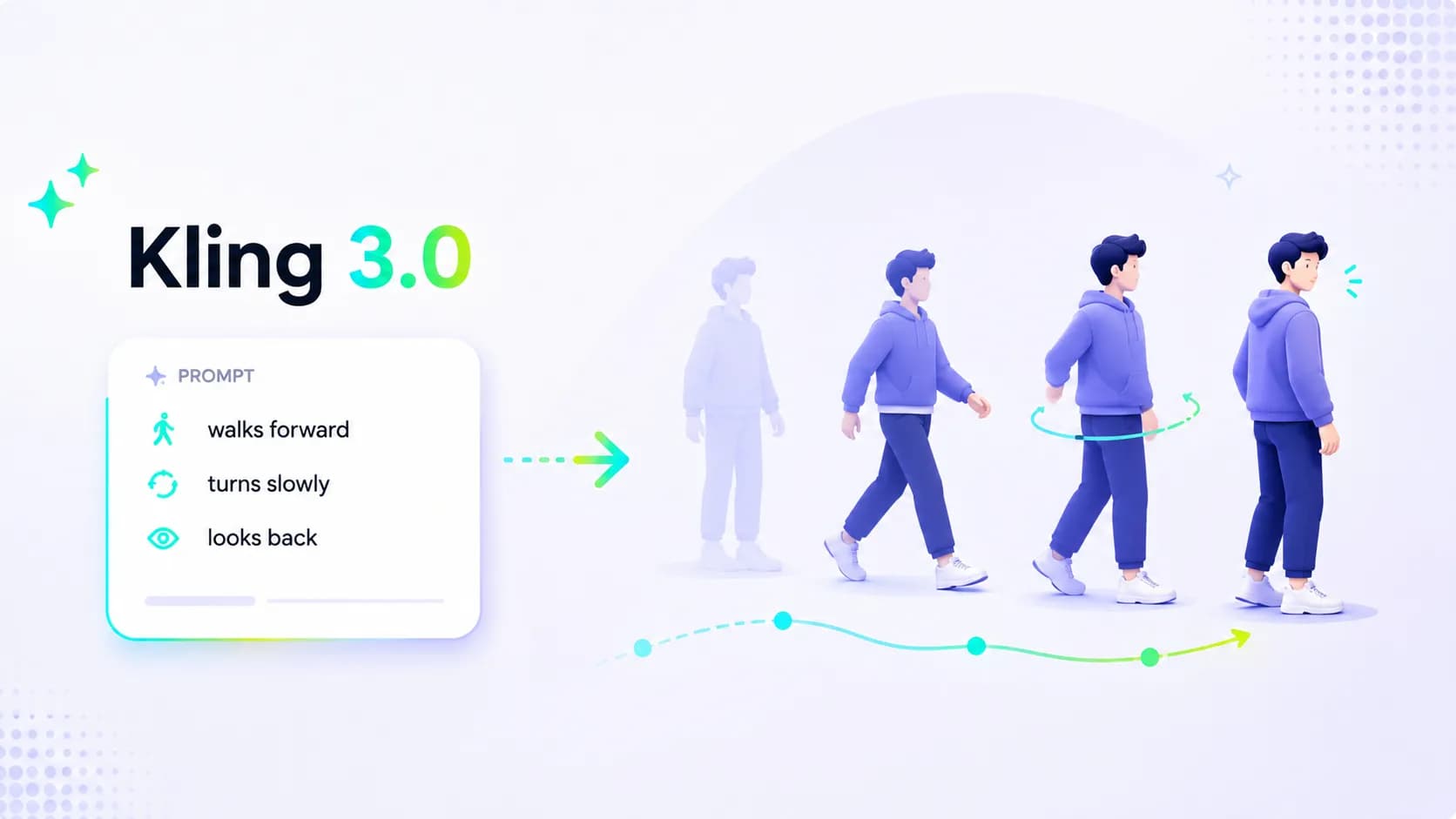
Natural Motion in Kling 3.0: A Practical Prompting Guide
Unnatural movement usually isn't because your Kling 3.0 prompt is too short. It's because one prompt is trying to pack in too much information that isn't specific enough.
"A woman runs through a crowded market, looks back, picks up her bag, laughs as she gets in the car, the camera circles around her, hair flies in the wind, cinematic slow motion." That sentence feels vivid when you read it, but in a short clip, it's asking several different tasks to fight over the same keyframes. Running, looking back, hand movement, facial expression, getting in the car, wind, slow motion, and camera movement. The result is often a little bit of everything, which makes the video look weak.
If you want movement to feel more natural, start with a smaller question: what is the one action the viewer needs to understand? Once that's clear, add the necessary body, object, and camera details. The generated video will usually turn out much better.
Kling 3.0's update places more emphasis on motion, realism, and narrative control. It also adds native audio and stronger multi-shot capabilities. But whether the movement in your video does what you want still depends on whether you gave Kling 3.0 a clear motion path.
Write Actions, Not Just Emotions
"She is confident" is an emotion. She straightens her shoulders, takes a few steps forward, and looks directly into the camera—that's an action the audience can see. Confidence tends to come through when you write it that way.
The same goes for products. "The bottle moves elegantly" is too vague. "A hand slides the bottle 15 centimeters to the left across the wet stone counter, then rotates it a quarter turn so the label faces the camera" is specific.
When writing motion, keep these questions in mind: Who is moving? What state does the action start from? What happens first, and what happens after? What needs to stay stable? What should the camera do while the action is happening? You don't need to answer every question in every prompt, but describe the important parts carefully.
Break the Action Down Step by Step
People don't jump instantly from one pose to another. Natural movement usually has preparation, execution, and a stopping point.
For example, in a Kling 3.0 prompt, don't just write "she turns to the camera." Try this:
She pauses by the window, shifts her weight onto her left foot, and slowly turns her shoulders first before bringing her face toward the camera. Her right hand stays on the curtain the whole time. After looking into the lens, she holds still for a moment.
This isn't about making the prompt longer. The shoulder turning first, the foot planted, the hand still holding the curtain—these details give the turn a process instead of making it feel like a random spin in place. The motion change gets a natural flow.
For a longer video, you can use a timeline like this:
0–3 seconds: She reaches for the cup without looking away from her notebook.
4–6 seconds: She takes a sip, sets the cup down, and notices someone at the door.
7–10 seconds: She looks up, smiles, and the camera slowly moves closer.
Each beat needs to connect to the next. If every sentence sounds like it belongs to a different video, the result will be hard to stitch together into something coherent.
Hands and Objects Need a Clear Relationship
Hand movement is often where Kling 3.0 videos fall apart. The fix isn't to pile on a bunch of negative prompts. It's to write the relationship between the person and the object clearly.
Don't write: She uses the camera naturally.
Write this instead: She holds the camera with both hands, lifts it from her chest to her eye, and uses her left fingers to slowly adjust the focus ring before pressing the shutter once. After the shutter sound, she lowers the camera slightly and checks the shot she just took.
The same applies to food, fashion, or product shots. Where does the object start? Which hand picks it up first? Where does it go after that? What happens once it's set down? Write each step clearly. When the hands aren't the focus of the shot, simplify the action rather than adding small gestures that don't serve a purpose.
Give the Action a Normal Physical Response
You don't need to write a physics lesson. A few ordinary details are enough to ground the image: slowing down on a wet road, a jacket settling a beat after a sudden stop, needing both hands for a heavy box, water in a glass swaying slightly after the glass is put down.
She jogs along the rain-soaked sidewalk, slows down at the curb, and steadies herself with one hand on the railing. After she stops, her jacket settles back onto her body. The camera follows from the side and doesn't move ahead of her.
This kind of writing gives the action speed and consequence. It's more useful than tacking "ultra-realistic physics" onto the end.
Think About Camera Movement and Body Movement Separately
When writing Kling 3.0 prompts, keep camera motion and body motion separate in your head. A person moving while the camera also moves can feel lively, but the two movements can easily clash. Decide which one leads first.
When a character is doing detailed hand work, keep the camera simple: a locked close-up or a slow push-in. When a person is walking through a space, a lateral tracking shot or a slight follow works well. When you need to reveal the environment, let the action start first and then slowly pull the camera back.
A runner moves from left to right along a path. The camera tracks alongside her at the same speed, staying at waist height. It doesn't move ahead of her or swing around to the front.
That sentence looks plain, but it eliminates a common problem: camera movement getting in the way of seeing the action clearly.
Four Kling 3.0 Motion Prompts You Can Use Right Away
Natural Walking Shot
16:9, evening street scene. A woman in a purple dress walks along a quiet row of shops, holding a paper bag in her left hand. She walks at a relaxed pace, picks up her phone with her right hand to check an address, then puts the phone away and crosses the street. Her dress sways slightly with each step. The camera tracks from the side at a medium distance, matching her speed. Keep her face, short dark hair, coat, and paper bag consistent. Distant traffic sounds, footsteps, and a light breeze. Avoid overly dramatic camera shake.
Product Interaction That Doesn't Float
Close-up of a product on a light stone kitchen counter. A hand enters from the right, grips the base of a matte black coffee grinder, slides it next to the coffee beans, then turns the top dial one notch. The hand releases the grinder and leaves the frame. The camera stays at a low angle and nearly locked off, only pushing in slowly when the dial turns. Keep the grinder's proportions, matte finish, markings, and position on the counter stable. Sound is quiet room tone, the click of the dial, and a few coffee beans rolling on the stone surface.
Dance Movement with a Clear Ending
9:16 vertical dance video, a clean studio with dark gray floors. The dancer starts with her back three-quarters to the camera. She steps back with her right foot, sweeps her left arm across the front of her body, spins once to face the camera, then plants both feet and freezes with one hand raised beside her face. The loose white shirt swings during the turn and falls naturally when she stops. The camera holds a steady full-body shot.
Rainy Night Delivery Sequence
16:9, a rainy night outside a small bookstore. A delivery worker in a blue jacket pushes a bicycle under an awning, squeezes the brake, and brings the bike to a stop at the curb. He takes one hand off the handlebar and pulls a package out of the front basket. When the doorbell rings, he looks up. The camera starts in a medium side shot and takes one small step forward as he picks up the package. Rain falls beyond the awning; the jacket and package stay dry. Keep the bicycle, blue jacket, package, and wet road reflections consistent throughout.
When Using Motion Control, Write What the Reference Video Doesn't Provide
If you're using a motion or performance reference, you don't need to describe every action from the reference video again in text, unless you want to change something. The prompt is better used to fill in what the reference doesn't decide: the scene, clothing, lighting, shot size, camera behavior, and mood. Reveedo's Kling 3.0 Motion Control guide follows the same principle: the text prompt guides elements that aren't covered by the character image or performance video.
Use the body movement and facial expressions from the reference performance. Place the person in a quiet rehearsal room with warm lighting, wearing a navy hoodie and gray trousers. Keep the camera at chest height in a medium shot, and slowly pan right on the final beat. No other people should appear.
This keeps your prompt and the reference video from giving two conflicting sets of instructions.
When the Movement Still Looks Wrong, Do Less
The action may be asking too much for the length of the clip. In just a few seconds, a character can't naturally jump, run, turn, pick something up, and look at the camera all at once.
The camera instructions may also be in conflict. A close-up on the hands, a full-body orbit, and a high-angle reveal can't all be the main shot at the same time.
Or the input image may not support the movement you're asking for. A tightly cropped portrait doesn't work for a full-body dance, and a product image with unclear edges and dimensions makes "pick up the product" very difficult. If the source image can't support the action, simplify the request or change the input.
Try Kling 3.0 in Reveedo and see how far a clear motion path can take you.