



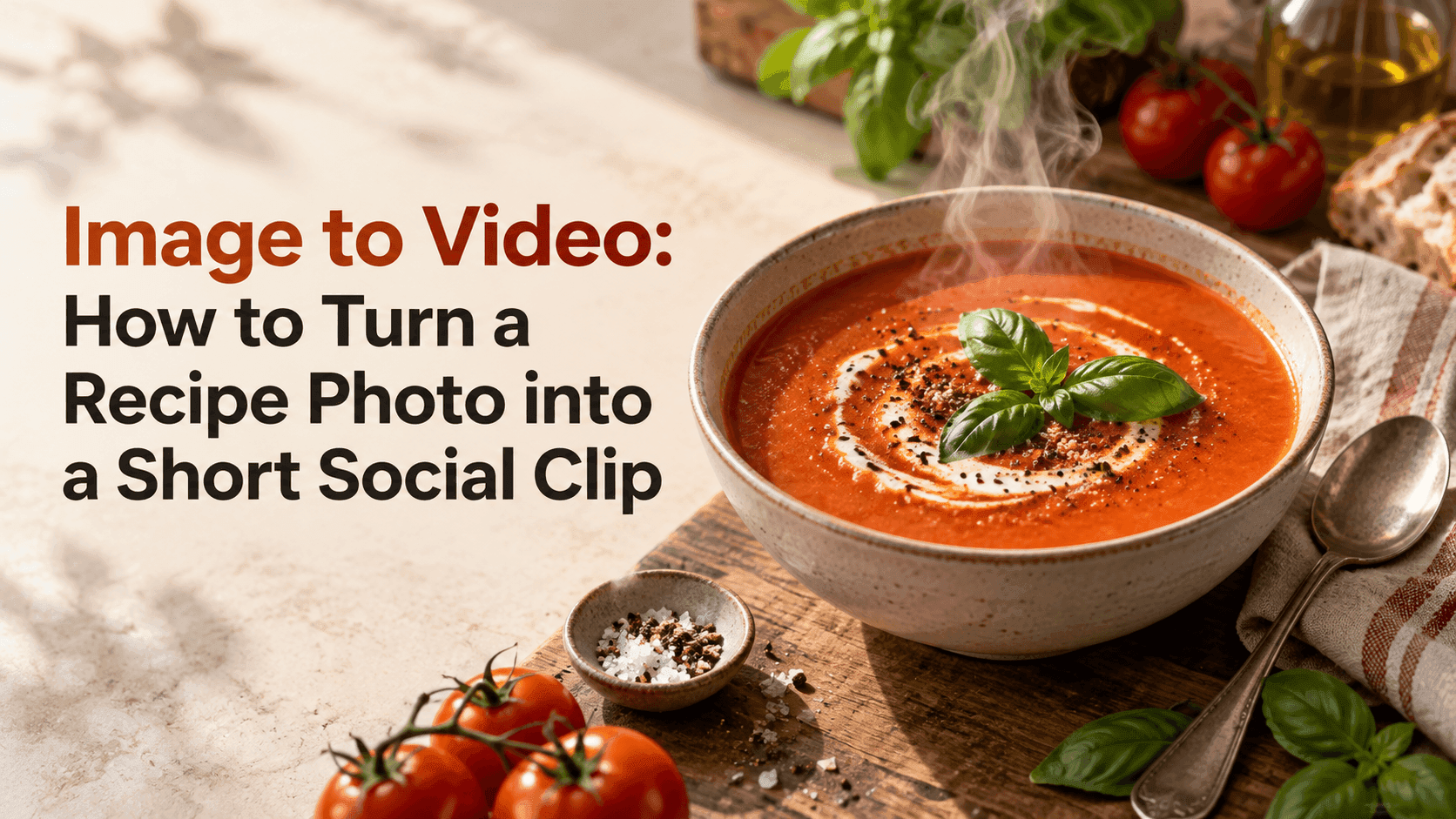
Image to Video: How to Turn a Recipe Photo into a Short Social Clip
Image to Video: How to Turn a Recipe Photo into a Short Social Clip
A good food photo already has a little story in it: steam over a bowl, a crisp edge on a pastry, sauce caught mid-pour. That is a sensible image to video starting point for a food post. With image to video, you can give that moment a few seconds of motion without rebuilding the whole scene. The trick is to decide what should move and what should stay put. For a recipe clip, a small detail—steam lifting, herbs shifting, a spoon entering the frame—often feels more convincing than making the entire dish spin.
How to Plan an Image to Video Recipe Clip
Before you write a prompt, look closely at the photo. Is the dish still steaming? Are there loose ingredients or utensils nearby? Does the image show enough space for a hand or spoon to enter without covering the food? These details suggest the motion the source image can support. A useful image to video prompt starts with what is actually visible, rather than asking the model to invent a new kitchen around it. This gives image to video a clear source-to-action path.
Pick one main action for a short clip. You might show steam drifting from a bowl, a fork lifting one bite, a drizzle of honey landing on toast, or a few berries rolling beside a tart. Trying to add several actions at once can make the food change shape or the scene feel busy. Image to video works best here when the movement is small enough to grow naturally out of the still photo.
Also decide what must remain unchanged. For image to video, let the plate and food stay the anchor. Name the dish, its shape, key toppings, plate, and camera angle. If there is text on packaging or a menu in the frame, say whether it should stay readable or remain out of focus. A clear image to video instruction gives the model a boundary: animate the moment, but do not redesign the meal.
Choose a Motion That Fits the Food
Different dishes invite different kinds of motion. A food image to video should keep the action plausible. A steaming soup can use slow, delicate vapor. A fizzy drink can show bubbles rising in the glass. A slice of cake might work with a fork taking a small bite, while a bowl of noodles may look more natural with chopsticks lifting a few strands. In image to video, the action should match what the original frame makes physically plausible.
Think about scale and speed. A gentle swirl of steam is enough for a quiet café post. A quick pour or a fork lift can give a recipe reel a little more energy. Keep the camera simple at first—perhaps a slow push-in or a steady close-up. If both the camera and the food move dramatically, it becomes harder to see what the clip is meant to show. A measured image to video move keeps the food in focus.
A useful test is to describe the clip in one sentence without using “cinematic” or “mouthwatering.” For example: “Thin steam rises from the curry while the camera moves slightly closer; the bowl and toppings stay in place.” If that sentence is easy to picture, it is probably a workable image to video prompt.
Write the Prompt in Plain Language
You do not need a long paragraph. In image to video prompts, plain directions are easier to adjust. State the subject, the one action, the camera behavior, and the details to preserve. A simple structure is:
A close-up of the mushroom risotto in the reference photo. A thin trail of steam rises slowly, and a hand enters from the right to sprinkle a little parsley. Keep the rice, mushrooms, bowl, and warm window light unchanged. The camera stays steady.
The example asks for one small hand action and one subtle environmental movement. If the generated hand looks odd, remove it and try steam alone. If the bowl changes shape, reduce motion and repeat the preservation detail. Editing one instruction at a time makes image to video revisions easier to understand.
Try not to describe every ingredient as if the model needs a recipe. Use the photo for visible details and the prompt for motion. If the source shows tomato soup with basil, saying “the red soup with green basil leaves” can anchor the scene. A long list of flavors and textures will not necessarily improve the result.
Use a Clear Photo, Then Check the Middle
A sharp, well-lit image gives the model more useful information. Good image to video source photos need not look like a studio shoot. Choose a photo where the food is easy to identify and not hidden behind a glass reflection, heavy filter, or deep shadow. Leave a little breathing room around the plate if the motion involves a utensil or a hand. For image to video, a simple source image is often more useful than a crowded table full of props.
Once the clip is generated, watch it all the way through. Then pause around the middle, where distortions can appear even if the opening and final frame look fine. Check whether the food changes color or portion size, whether a fork bends, and whether steam seems to come from the right place. Look at the plate edge and table line too; those straight shapes make warping easier to spot.
If something looks wrong, simplify the motion before adding more instructions. Keep the camera fixed, remove the hand, or ask for less movement. A second image to video attempt with one change is more informative than rewriting the entire prompt. That gives the image to video clip a clear next pass.
Build a Short Clip for Social Media
A food clip does not need to show the whole cooking process. A focused image to video post is easier to finish and share. One clear visual beat is often enough: steam, a pour, a garnish, or a spoonful lifted toward the camera. For a vertical post, keep the important action near the center so interface buttons and captions do not cover it. If you plan to add a title, leave some quieter space near the top or bottom.
Reveedo’s Image to Video tool lets you start from an image and describe the motion you want. Upload a food photo, choose the available model and settings, and test a single action first. Model options and generation settings can change, so check the choices shown in the tool before you create the final version.
A recipe photo gives you a starting frame, not a guarantee of perfect food physics. Keep the movement modest, protect the details that make the dish recognizable, and use the result as a short visual accent for your recipe or social post. That is usually all an image to video food clip needs.