



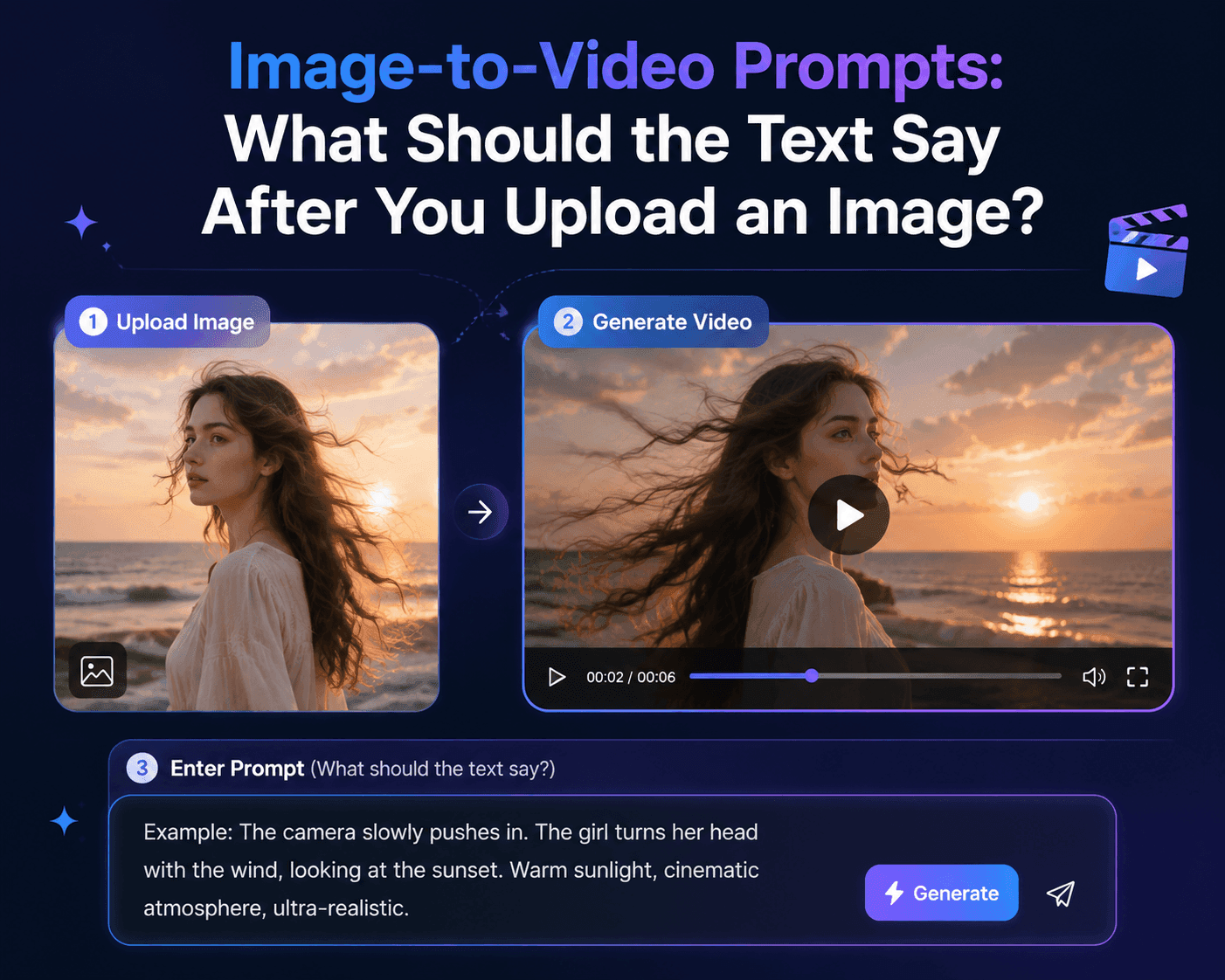
Image-to-Video Prompts: What to Write After Uploading a Photo
When you turn an image into a video, there’s often a feeling that the result doesn’t quite match what you actually wanted. You pick an image you like. In the generated video, the person looks right, the lighting is right, and the product is finally at a decent angle. The first few seconds look good. But then, partway through, the frame starts doing its own thing: a hand that shouldn’t be there appears, the label turns into something that looks like text but isn’t, and as the camera moves closer to the person, the face no longer looks like the same face.
Many people’s first instinct is to make the prompt as long as possible. But in most cases, just making the prompt longer tends to make the video worse.
The image has already done most of the describing. Who is in the frame, where the person is standing, what color the clothes are, and where the light is coming from — the image already tells you all of that. What the text prompt needs to do is smaller: move the image forward and bring it to life.
First, Figure Out What You Absolutely Can’t Lose
Treat the image as something you can examine. Whether it’s in the image or in the prompt, once something changes, the video falls apart. For people, it’s usually the face, hairstyle, clothes, and the relationship between the person and the background. For products, it’s the outline, cap, label, color, and proportions. For interiors, it might be the furniture arrangement and the direction of the light.
You don’t need to list everything you can see. If you do, the prompt ends up feeling mechanical, and the video usually doesn’t turn out great. Try to write only the essential parts in the prompt.
Keep the person’s face shape, blunt bangs, short black hair, red wool coat, and the wet street behind her. As the rain lightens, she slowly lowers the umbrella, pauses for a second with her head tilted up, and smiles slightly as if remembering something. The camera moves closer at the same eye level. The shop lights still reflect on the ground, and no one passes in front of her in the foreground.
This prompt doesn’t ask the AI-generated video to build another world. It just makes the original frame come alive.
Small Movements Are Usually More Reliable Than Big Ones
A still image, from the very first glance, already tells you what kind of movement suits it. A quiet close-up portrait can handle a look, a slight turn of the shoulders, a change in expression, or a breeze catching a sleeve. It’s hard to make that still portrait suddenly turn into a full-body dance or have the person break into a run. Because whether it’s Seedance 2.5, Kling 3.0, or MiniMax H3, the model has to guess the lower body, the ground, and the whole motion.
The same applies to product videos. A bottle shot from the front can sit in the light, develop condensation on the glass, have a hand gently nudge it, or let the camera slowly pan sideways. It shouldn’t suddenly spin at high speed and reveal packaging sides that were never shown in the original image.
This isn’t to say all video generation should be conservative. The scale of the motion should come from what the original image actually shows. If the image has a wide view and clean space, you can have someone walk across the room, let a car pass in the distance, or reveal the full environment. If the framing is tight, keep the motion within the space that’s already there.
Product Shots Usually Need Restraint
Product shots are the least forgiving of artistic liberties. If the label warps even slightly, the cap gains an extra ridge, or the color shifts a bit, that’s not a stylistic variation in e-commerce or advertising — it’s a mistake. When making a product page or an ad, treat it like you’re protecting a physical object, not decorating a scene.
The bottle stays upright on the light wooden shelf the whole time. Keep the pale blue glass and silver cap from the original image, with the white label in exactly the same position. Morning light slowly moves across the glass surface, and a few water droplets appear on the outside. The camera makes a small lateral move from right to left and ends with the label facing forward. The towel and tiles in the background don’t move. No hands appear in the video, no extra products, and no new text.
This prompt doesn’t sound fancy, but that’s exactly why it works. The only real change in the frame is the light falling on the glass. The product itself doesn’t have to take on much risk.
If you’re making a social media video, you can let hands appear, but you need to get the interaction with the product right. Picking it up, putting it down, turning the product slightly — where the hand comes from and where it ends up should be spelled out. If the prompt includes complex hand movements and you also speed up the camera, product videos like that tend to run into a lot of problems.
People Don’t Need to Do Much Acting
The most believable character clips usually don’t have much of a plot. Someone hears their name called, looks up, then brings their gaze back to the camera. Someone sitting by a window tucks a loose strand of hair behind their ear. Someone takes a sip of coffee and notices the rain has stopped.
These actions are ordinary, but that’s exactly why they work. The viewer understands what’s happening before the frame has a chance to turn strange.
Keep the person’s face shape, dark curly hair, denim jacket, and the café table. She first looks down at her cup, then after hearing someone call her name, looks up toward the camera with a slight, surprised smile. The camera stays at eye level and only moves slightly closer. The people behind her stay softly blurred and don’t change position. The sound in the video is a quiet café with a spoon clinking against a cup — no dialogue.
This prompt doesn’t have dramatic plot points, but it’s very complete.
Even If the Original Image Isn’t Perfect, You Don’t Have to Force a Fix
Sometimes the image you want to animate has its own problems. The label is blocked by glare, the text is too small to read, the hand is cropped at the wrist, or the person is only framed from the waist up. In those cases, it’s better not to force the video to show things the original image never established. A tightly cropped portrait can still make a good clip built around the face and shoulders. If the side view of a product isn’t clear, you can keep using the front view and let the environment and lighting change instead.
Don’t Start Over From Scratch — How to Improve the Next Version
If the generated result is already close to what you want, don’t throw out the whole prompt. Read through it carefully and find the first place where the prompt and the video start to drift. If the person changes in the video, strengthen the identity anchors in the prompt. If the motion is too sudden, add a physical step before the action. If the camera misses the key point, remove the camera flourish. If the ending feels random, describe the final pose or composition more clearly.
You can put the original image, the prompt, and the actual result side by side. After making a few videos, you’ll end up with a set of notes that’s far more valuable than any generic video template.
Come try image-to-video in Reveedo.