



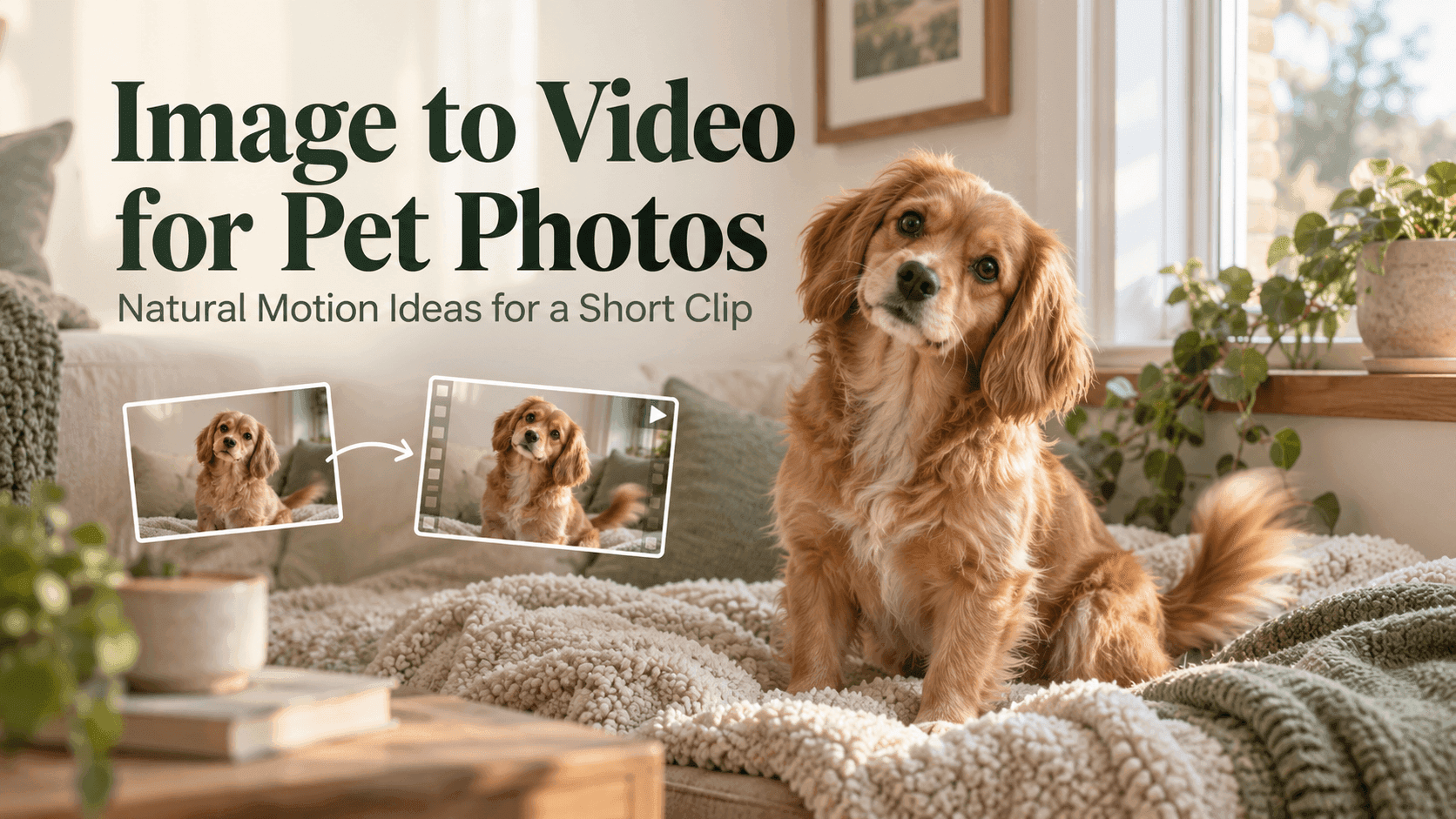
Image to Video for Pet Photos: Natural Motion Ideas for a Short Clip
Image to Video for Pet Photos: Natural Motion Ideas for a Short Clip
A good pet photo already has a moment in it: a dog watching the door, a cat settling into a patch of sun, or a bird turning its head toward a sound. Image to Video can give that still moment a little movement, but the most convincing results usually come from asking for less, not more. A blink, a small head turn, or a gentle shift in posture is often enough.
The aim is not to make the pet perform. It is to make the photograph feel as if it continued for a few seconds. Before using Image to Video, choose a photo where the animal is easy to see and decide which part of the moment you want to bring forward.
Image to Video works best with one clear action
A prompt becomes difficult to follow when it asks a pet to run, jump, bark, turn around, and look at the camera in one short clip. Pick one action that fits the original photo. If the dog is sitting, ask for a tail wag or a small turn toward the person behind the camera. If a cat is lying down, a blink or a stretch may feel more natural than a sudden leap.
This is a useful starting point for Image to Video because the original pose gives the model a visual anchor. The less it has to invent, the less likely the animal’s body, markings, or surroundings are to change dramatically.
Think about what the pet might actually do in that setting. A puppy near a front door might lift its ears when it hears someone arrive. A cat by a window might follow a passing bird with its eyes. These small actions tell a clearer story than a list of unrelated movements.
Choose a photo that can support movement
Not every photo is equally easy to animate. A sharp image with the pet’s face and body visible gives the model more to work with. Avoid heavy motion blur, strong filters, and photos where the animal is partly hidden behind furniture or another pet.
For Image to Video, the direction of the proposed movement matters too. If the pet faces left, a prompt asking it to turn right may require a large change to the face and body. A slight turn toward the camera is usually a simpler request. Similarly, if the animal’s paws are cropped out, avoid asking for a full-body action such as standing up or walking across the room.
A simple background can help, though a lived-in home is fine if it is part of the memory. Remove distractions only when they compete with the pet. A favorite blanket or familiar chair may be worth keeping because it gives the scene a personal detail.
Describe the motion, not a whole performance
Use everyday language to describe what changes. “The dog’s ears lift, then its tail moves once” is easier to interpret than “the dog reacts happily and energetically.” A useful Image to Video prompt often contains three pieces: the pet’s small action, the pace of that action, and what should stay still.
For example:
The cat remains curled on the blanket. It blinks slowly, raises its head a little, and looks toward the window. Keep the blanket, room, and camera still. Gentle natural movement, no sudden change in pose.
The last sentence matters. If everything in the frame moves, the clip can feel restless. Ask for the pet to move while the room and camera remain steady unless a camera move is genuinely part of the idea.
Keep the camera quiet
A dramatic camera push or orbit can draw attention away from the pet. For a personal photo, a fixed camera often feels more like the original moment. If you want a little depth, a very slow push-in may work, but specify it clearly.
With Image to Video, camera instructions and subject instructions can compete. A prompt that asks the pet to look at the camera while the camera circles around it gives the model several things to solve at once. Start with a locked shot. If the first clip looks right, try a separate version with a subtle camera move.
The same principle applies to the background. A curtain moving in a breeze may add atmosphere, but if the pet’s fur, the curtain, and the camera all shift at once, it becomes harder to tell what went wrong.
Make the action fit the animal
The best motion depends on the pet and the photo. A relaxed dog might sniff the air or turn its head. A cat might flex its paws or flick its tail. A bird might shift on a perch or tilt its head. Keep the action modest enough that it suits the animal’s posture.
If you are animating a sleeping pet, a small rise and fall in the chest is more believable than opening the eyes and standing up. For a close-up of a rabbit, a nose twitch may be all the clip needs. Image to Video does not need to produce a busy scene to feel alive.
Also consider the clip length. A short action with a clear beginning and end is easier to read than a long sequence where the pet keeps moving without a reason. The clip should preserve the feeling of the photo, not turn it into a completely different scene.
What to do when the result looks strange
If the face changes, the movement may be too large or the reference photo may not show enough of the pet. Try a smaller action and a closer crop. If the animal’s markings shift, repeat the most important visible details in the prompt—for example, “keep the white patch on the chest and the dark ears.”
When an Image to Video result changes the room as well, add a plain instruction to keep the background fixed. It can help to simplify the prompt rather than add a long list of negative instructions. “The pet moves gently; the room and furniture remain unchanged” is often clearer than naming every possible unwanted change.
One result may not be enough. Try a couple of restrained variations, changing just one element at a time: first the motion, then perhaps the camera. That makes it easier to see which instruction helped.
A simple workflow for a pet-photo clip
Start with the photo you would actually want to keep. Write down what makes the pet recognizable: coat color, markings, eye color, collar, or a distinctive pose. Choose a single action that fits the scene, then say what should remain still.
Generate a short version and check the face, body shape, paws, and background. If those details hold up, you can make a second version with a slightly different movement. If they do not, return to a simpler action instead of asking for more animation.
You can try this kind of Image to Video workflow with Reveedo. The strongest prompt is usually the one that respects the original photo. Give the pet one small thing to do, keep the rest of the scene familiar, and let the moment stay recognizable.