



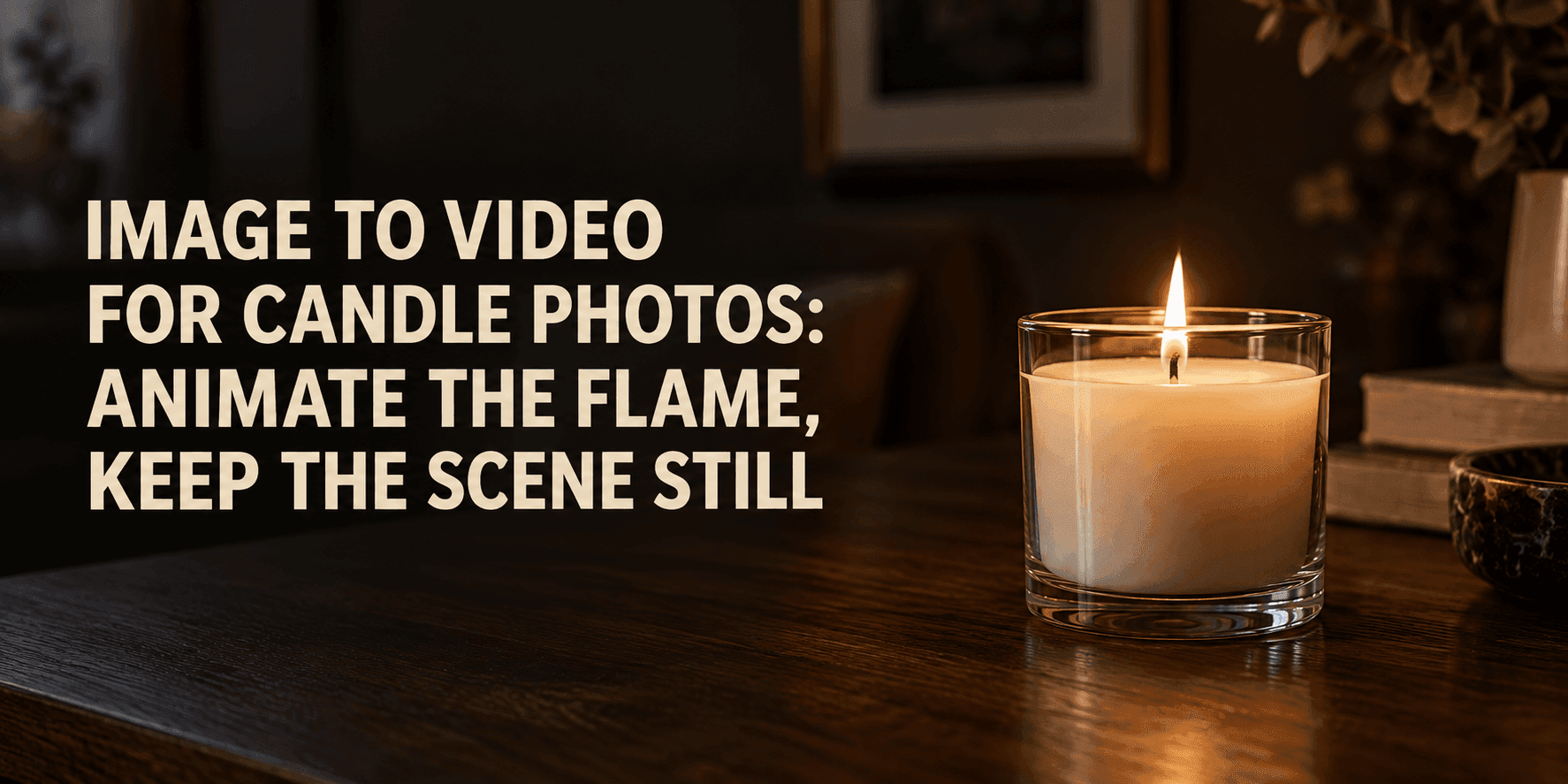
Image to Video for Candle Photos: Animate the Flame, Keep the Scene Still
Image to Video for Candle Photos: Animate the Flame, Keep the Scene Still
A candle photo can hold a room still: the edge of a glass jar, a book on the table, the faint pool of light on the wall. To make a short clip, you may want only the flame to move. That sounds like a small request, yet an image to video model can treat the whole photograph as an invitation to animate. The camera drifts, the label bends, or the background starts to pulse. A good result begins with a narrow instruction: let the fire change shape while the objects around it keep their places.
Start image to video with the right candle photo
Choose a picture in which the wick and flame are easy to see. A tiny flame lost against a bright window will be hard to animate convincingly. The jar should have a clean outline; if there is a label, its lettering should be sharp enough to read in the original photo. A short clip will expose any guesswork the model makes about blurry details.
Look at the light already present. Is the flame the main light source, or is the scene lit by daylight? In a dim room, a slight change in the nearby glow makes sense. In a bright kitchen, the flame may flicker without visibly changing the wall. Decide what the photo supports before writing the prompt.
A tripod-like composition helps. Keep the candle away from the edge of the frame so a tiny camera drift will not crop it. If the photograph includes hands, curtains, or loose paper, decide whether they should remain still. Every potentially movable object gives an image to video model another decision to make.
Tell the flame exactly how to move
“Make the candle come alive” leaves too much to interpretation. Describe the flame’s motion in ordinary terms: it narrows, leans slightly to one side, straightens, and repeats with small variations. The tip can bend a little while the base stays attached to the wick. The motion should be irregular enough to feel natural, but restrained enough that it does not resemble a torch.
For most product photographs, one quiet beat is enough. Ask for a gentle flicker over four or five seconds. If the flame is already tall, avoid asking it to grow. If the wick is short, keep the flame modest. These details make image to video prompts more useful than a generic request for cinematic movement.
You can allow a subtle response in the surrounding light: a soft shimmer on the inside of the glass, a faint change in brightness on the nearest surface. Keep it proportional to the flame. A single candle should not throw huge moving shadows across an entire room unless that effect already fits the photograph.
Give the scene a clear boundary
The phrase “keep the scene still” helps, but name the objects that matter. Tell the model to preserve the jar shape, printed label, tabletop, background furniture, and camera angle. If the photo is for a candle brand, label legibility may matter more than extra atmosphere.
A useful prompt might read: “Animate only the candle flame. Its tip flickers gently and leans a few degrees before returning upright. The base remains attached to the same wick. Keep the glass jar, label text, wax surface, table, background, and camera completely steady. Preserve the original color and framing.”
That gives the model permission to change one small region. It also explains what “steady” means. In an image to video workflow, the model is making new frames from one reference photograph. Clear boundaries help it keep those frames related to the original scene.
Resist adding several decorative effects at once. Rising smoke, melting wax, drifting dust, moving curtains, and a camera push may each work in another clip. Together, they pull attention away from the flame and make it harder to identify which instruction caused an unwanted change.
Keep reflections and shadows believable
Glass is often the first place an animated candle goes wrong. A reflection may slide across the jar as if the camera moved, even though the camera is supposed to be fixed. Or the bright patch on the table may expand and shrink more than the flame does. Watch both areas when reviewing the result.
Ask for reflections that react only slightly to the flicker. The jar’s outline must remain fixed. A tiny highlight change near the flame is plausible; a new bright streak across the entire container is distracting. If the glass carries a logo or embossed texture, name that detail in the prompt so it has a better chance of staying put.
Shadows need the same restraint. A nearby book might show a barely noticeable change along one edge. A distant wall should not pulse like a stage light. Sometimes the most convincing image to video candle clip has almost no visible effect outside the flame itself.
Plan the ending before generating
Short clips often appear in social posts, on product pages, or as quiet website backgrounds. In those places, an abrupt final frame is easy to notice. Ask for the flame to return close to its starting posture near the end, especially if you hope to make a loop.
Do not demand a perfectly identical first and last frame on the first attempt. Describe a small recurring motion instead: “The flame leans gently, straightens, and continues a soft irregular flicker.” This gives the model a simple pattern. You can trim the clip later at a point where the flame looks similar at both ends.
For a product page, leave the label visible throughout. A moving flame should draw the eye briefly and then let the viewer return to the candle. That balance is what makes an image to video clip useful for a product photograph rather than a demonstration of visual effects.
Test one change at a time
If you are working from a still image in Reveedo, begin with a short generation and a fixed-camera prompt. Watch the full clip once. Then replay it while looking only at the wick, then the label, then the background. This simple check catches issues you may miss when following the flame.
If the jar bends, strengthen the instruction about its shape and remove any camera movement. If the flame detaches from the wick, describe the anchored base more explicitly. If the room pulses, reduce the requested light changes. Do not rewrite every line after one imperfect clip; change the sentence connected to the fault and compare the next result.
It helps to keep the source photo and two or three attempts side by side. You can quickly see whether the label, jar rim, wax level, and table edge match. The best image to video output is not necessarily the one with the most motion. It is the one where the flame feels present and everything else remains trustworthy.
A prompt to copy and adapt
A single lit candle in a clear glass jar sits on a wooden table. Fixed camera and unchanged framing. Animate only the flame: its tip bends gently left and right with slight natural variation, while its base stays attached to the wick. Keep the flame small and realistic. Allow a very subtle warm shimmer inside the glass nearest the flame. Preserve the jar’s shape, the wax level, the label, the table, and the entire background exactly as shown. No camera movement, no new objects, no smoke, no change to the printed text.
For a ceramic candle, replace the glass-reflection sentence with a restrained glow on the inner rim. For a group of candles, decide whether all the flames should move independently or whether one is the focal point. A room full of synchronized flames looks oddly mechanical. The same image to video structure still works: define the small moving area, then identify the objects that must remain steady.
Pause the finished clip near the beginning, middle, and end. The wick should be in the same place. The jar and label should be recognizable in every frame. The flame may change shape, because that is the point. When a viewer notices the small flicker before noticing the editing, the clip is ready to use.