



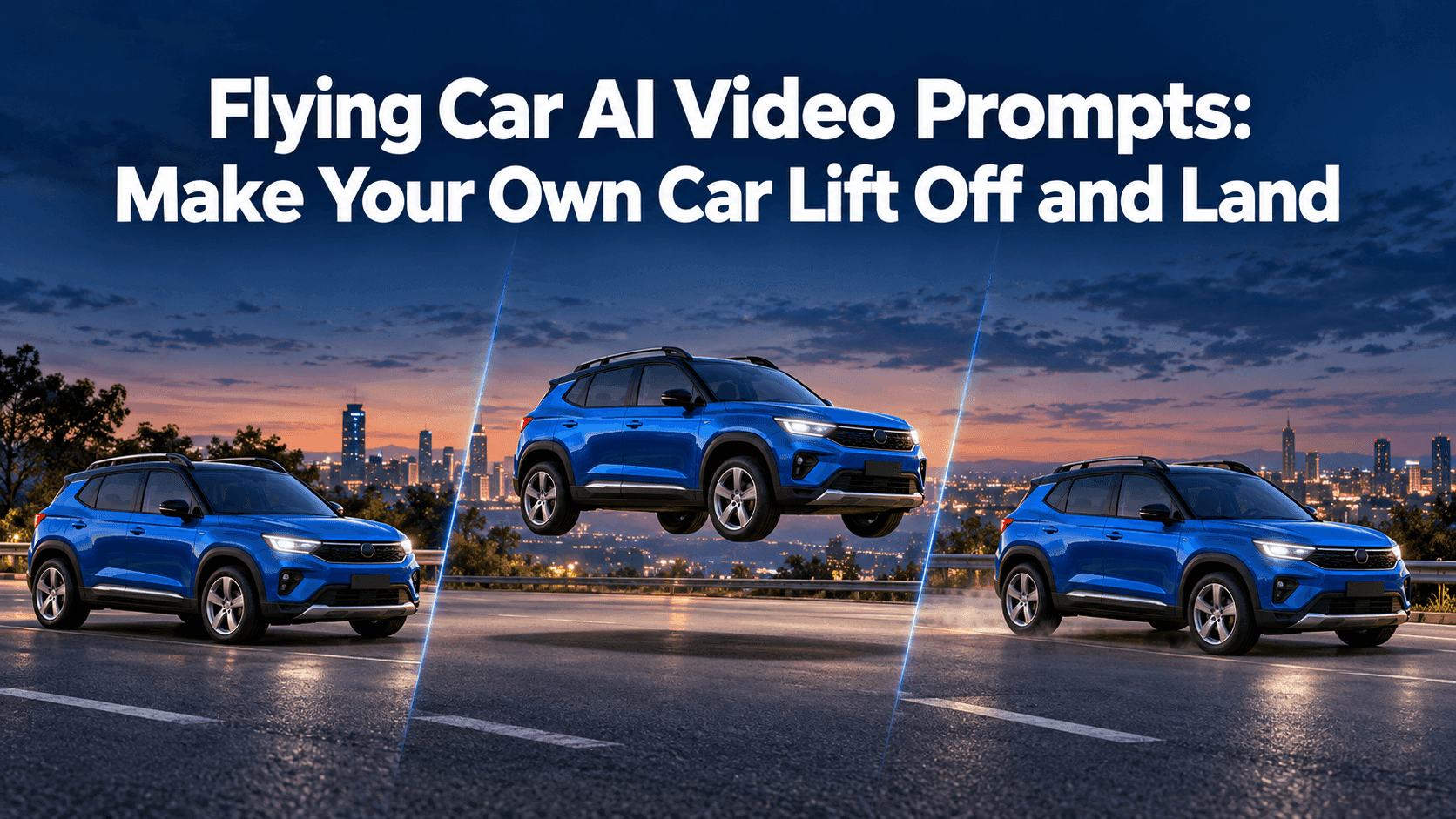
Flying Car AI Video Prompts: Make Your Own Car Lift Off and Land
Flying Car AI Video Prompts: Make Your Own Car Lift Off and Land
Your first flying-car clip might look promising until the last second. The car rises out of traffic, then the video ends with it hanging in the air. That is the missing piece in many Flying Car AI Video Prompts. “Make my car fly” describes a spectacle, not a complete shot. Give the car a place to start, a path and somewhere to land.
The Roadster stunt made the idea recognizable. A generated clip of your hatchback or pickup is a fictional joke, not footage of a real vehicle gaining a flight mode. The practical challenge is keeping your car recognizable as it moves.
Flying Car AI Video Prompts begin with the car
Start with a photo showing the whole vehicle. A front three-quarter view shows the grille, one side, roofline and most wheels. Avoid blocked bumpers or a tree across the windshield. A prompt cannot recover detail the photo never showed.
Before writing motion, name two or three recognizable details: “my blue compact SUV, black roof rails and silver five-spoke wheels.” Skip the full specification sheet. If the paint is red in the photo, do not ask for a black vehicle because it sounds cooler.
Choose a takeoff spot: a quiet road, empty lot or traffic queue. Keep the background still while the car moves, or the whole street may slide upward with it.
Give the action three beats
Think in three beats: ground, short flight, ground again. A flip, chase, camera orbit and city flyover packed into one prompt leave the ending to chance.
Write the order plainly. “The car pauses, rises vertically, moves forward above the parked cars, then descends onto the clear lane ahead.” Add speed only where it helps: a quick lift can be followed by a slower descent. The pause before the lift makes the change readable, and the final ground contact gives the viewer a finish.
Keep the camera task small too. A fixed wide shot lets people judge the height and landing point. A gentle tracking shot can follow the car, but a spinning camera may hide whether the car's shape remains consistent. For a first attempt, one camera move is plenty.
Three prompts you can adapt
Use these as starting drafts, not guaranteed commands. Replace the vehicle description and setting with what is actually in your photo.
A simple lift and landing
Use the uploaded photo of my blue compact SUV with black roof rails and silver five-spoke wheels. It waits on a quiet road, rises smoothly about one car-height, moves forward a short distance, then lowers onto the same road. Keep its body shape, paint, windows and wheels unchanged. Fixed wide camera. The road, trees and parked cars remain still. End with all four tires visibly touching the ground.
This version has no flip. That makes it a useful first test: you can see whether the vehicle stays recognizable before asking for a harder move.
Try it with the photo you already have before staging a new shoot. A plain driveway picture may tell the model more about your car than a dramatic night shot.
The traffic escape
Start with the uploaded red hatchback stopped in a traffic queue. The hatchback lifts above the roofs of the nearby cars, travels forward over one short stretch of road, and lands in an open lane ahead. Follow it from a steady roadside view. Keep the red paint, rounded roof, two visible doors and original wheels consistent. Other vehicles stay on the road. Show the shadow moving below the car and settling beneath it at landing.
Here the stationary traffic gives the eye a reference. If the whole road moves, simplify the scene or choose a source photo with less clutter.
A restrained night version
The uploaded silver coupe stands alone in an empty parking area at dusk. Its headlights remain the same shape as in the photo. It lifts slowly, holds level for a moment and descends onto the marked space where it began. Camera stays low and slightly to the side. Keep the silver body, dark wheels and roofline unchanged. A soft shadow follows the car. No extra cars, no flames and no second takeoff.
The last line matters. It gives the shot permission to stop instead of adding another trick when the basic move is already complete.
If the first result looks wrong
Find the first frame where the mistake appears. If the vehicle changes before it leaves the ground, use a clearer source photo. If it changes during a turn, remove the turn and test a straight lift. If the car lands but seems to float an inch above the road, describe the final frame more exactly: four tires on the same surface, shadow directly underneath, vehicle stationary for a moment.
Avoid fixing every flaw with a longer paragraph. One specific correction is easier to test. “Keep the roof rails black throughout” is more useful than “perfectly preserve all vehicle details with maximum realism.” When too many things are requested at once, you cannot tell which change helped.
You can upload a car photo and describe its motion in Reveedo's Image to Video tool. Check the options currently shown there before generating. If you use a separate Roadster-style effect, do not assume it exposes the same prompt field or controls.
For a social post, watch the clip once at normal speed and once with your attention on the car alone. Does it still look like your vehicle at takeoff, in the air and after landing? If not, make the motion smaller or change the photo before adding more smoke and speed.
The best Flying Car AI Video Prompts do not try to prove a car can fly. They let a familiar car do one impossible thing, clearly enough that a friend recognizes it when it comes back down. Label the result as generated video when you share it, and let the joke stay a joke.