



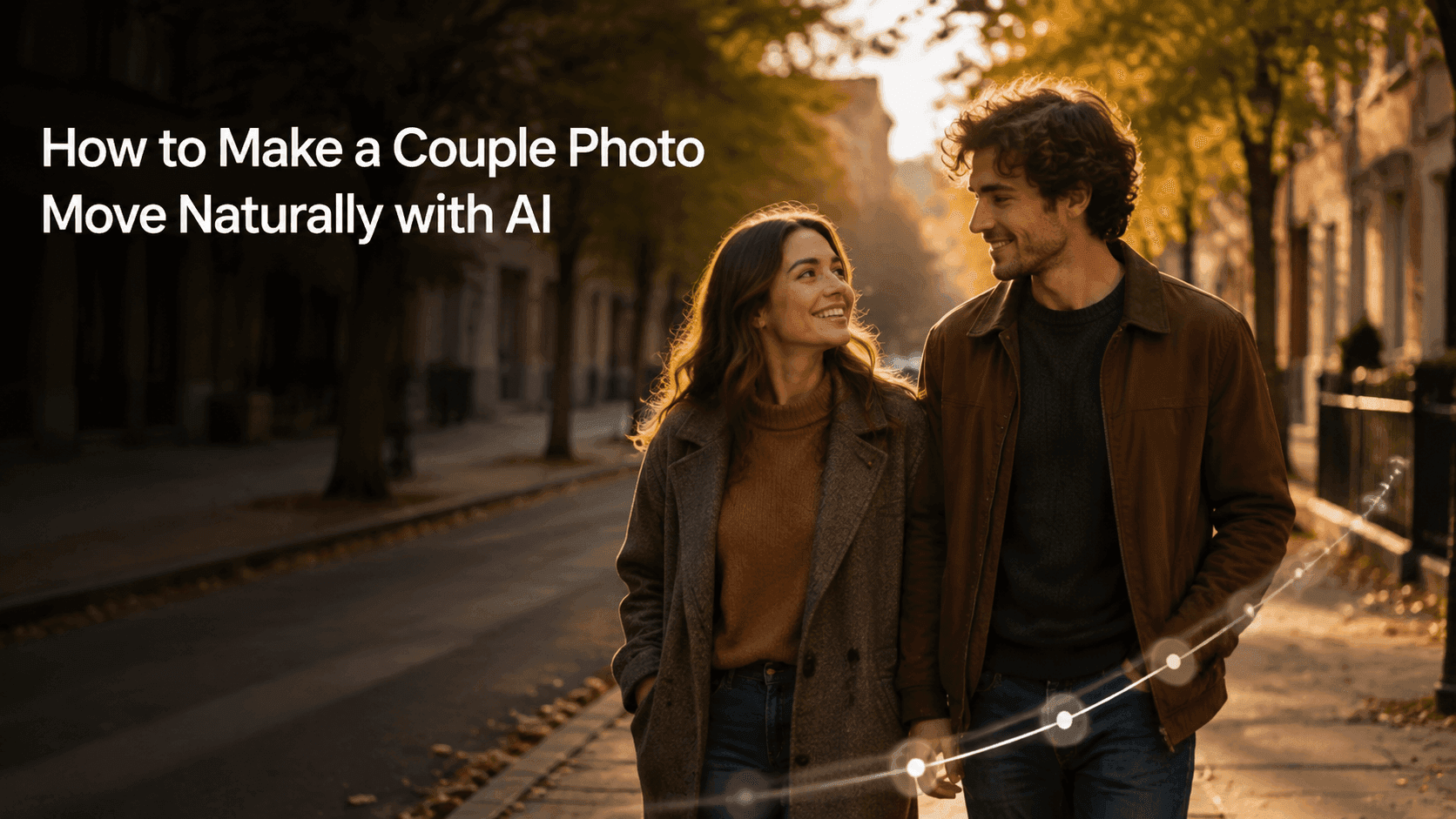
Make a Couple Photo Move Naturally with AI
How to Make a Couple Photo Move Naturally with AI
Turning a couple photo into a moving video is a bit trickier than doing it with a single-person photo. On top of keeping both faces looking like the original people, the distance between them and the way their shoulders and hands relate also need to look natural. If any one of these is off, the image can easily feel awkward.
But couple photos don't need big movements to look good. A gentle look at each other, taking a couple of steps forward together, or a slow camera push-in is already enough to give a still photo a bit more life. The point isn't to make them perform—it's to let that moment in the original photo linger a little longer.
This guide is for couple photos where you have the consent of the adults in the image. You can upload your photo to Reveedo and follow the ideas below to create a short clip first.
Start with a photo that already feels comfortable
The easiest photos to make look natural are usually ones where the two people are already standing or sitting in a relaxed way. They don't have to be looking at the camera. Pictures of them looking at each other, walking side by side, or quietly leaning on each other often turn out better than overly posed couple shots.
Try to pick a photo where both faces are clearly visible and neither person is blocking the other too much. The simpler the hands, the better—naturally hanging down, resting on a shoulder, or in a position that's easy to see. If they're holding a lot of stuff, their arms are crossed in a complicated way, or they're covering each other's faces, that adds a lot of small details that can easily go wrong during generation.
If you have to choose between a highly polished photo and a clear, natural one, go with the latter. For video, clarity matters more than heavy editing.
Decide who moves first, or give them one small action together
The most common problem is asking two people to do completely different things at the same time. For example, one turns around, the other laughs, they both walk forward, their hair blows in the wind, and the camera orbits them. It sounds rich, but in practice it's very easy for the movements to fall out of sync.
For the first version, just pick one small shared action, or let one person lead the change a little. These usually work well:
- The two of them look at each other and smile softly;
- They walk side by side for a step or two;
- One person turns their head slightly toward the other;
- They keep the original pose, and only the camera moves in slowly;
- A light breeze moves their hair or the edge of their clothes a bit.
The more restrained the first version, the better. If it feels too quiet, you can add one more small detail in the next version. Get the two faces and the relationship between them right first, and then you'll have room to add more later.
Keep the distance between them the same as in the original
When a couple is standing close together, the model has to figure out the overlapping positions of shoulders, hands, arms, and clothing at the same time. If you ask for a big hug, a spin, a sudden kiss, or a fast walk toward the camera right away, those contact points become much harder to keep natural.
Starting from the distance in the original photo is the safest. If they're already holding arms, you can write that you want to keep that; if one hand is on the other's shoulder, you can say that hand stays put. This way, the video continues the original pose instead of inventing a new one.
For example:
Keep both people's faces, hairstyles, clothing, pose, and natural distance unchanged. The hand on the shoulder stays where it is. They look at each other and smile softly. The camera pushes in smoothly and slowly. The background stays the same.
This might not sound romantic on its own, but the romance is already in the original photo. The prompt's job is just not to lose it.
If you're worried about unstable movement, let the camera do the work
If you want more motion but are worried about faces, hands, or clothes changing, give the main movement to the camera. A slow push-in can make the couple feel closer without them having to change position. A slight lateral move works well for walking side by side or travel photos in a landscape.
I wouldn't recommend starting with a fast orbit shot unless the original photo already shows both people at a three-quarter angle. A front-facing photo doesn't contain information about the face, hair, and clothes from all angles, and the farther the camera moves, the more the model has to fill in.
For an outdoor photo, try:
Keep the two people's identities, faces, clothing, and the original park background unchanged. They stand together naturally and smile softly. The camera moves forward slowly. The leaves sway slightly in the breeze.
One camera move plus one environmental detail is already enough.
Let the scene add life without stealing the spotlight
The people don't have to do all the moving. For a beach photo, let the water in the distance move gently; for a street scene, let a passerby or car pass by naturally; for a café photo, let the coffee steam a little or the window light shift slightly.
The scene should follow the original photo. If it's a sunny beach, don't suddenly turn it into a stormy night. That might be atmospheric, but it's no longer the same memory from the photo. Keep the original lighting, weather, and overall mood, and the result will feel more real.
If you want to change the background, do it separately with image editing first, then use that final image for video generation. Asking to change the location and have two people interact naturally at the same time is a recipe for an unstable result.
Three prompts you can use right away
Quiet couple portrait
Keep both people's faces, hairstyles, clothing, pose, and background unchanged. They share a brief, natural look at each other and smile softly. The camera pushes in very slowly. Keep the distance between them and their body proportions the same.
Walking side by side
Keep the same couple, their original clothing, the street, and the composition unchanged. They walk side by side naturally for two slow steps, staying close the whole time. The camera follows smoothly from the original angle. Preserve both faces and the surrounding street details.
Travel photo in a landscape
Keep the couple, their clothing, the scenery, and the original composition unchanged. They stand side by side, looking at the view in the distance. A light breeze moves their hair slightly, and the camera slowly pulls back. The location stays the same.
Use one prompt for one version. If you want something more lively, generate a second clip separately—don't keep piling new requirements onto the first one.
Before you save, check these small details
After generation, don't just look at the overall mood. Couple photos tend to break down in small places first.
- Do both people still look like the originals from start to finish?
- Are the shoulders, hands, and arms clearly separated?
- Did the distance between them change for no reason?
- Do the expressions and the rhythm of the movements look like they're happening in the same moment?
- Is the background still the same place?
If something's off, find the earliest point where it breaks. If hands and clothes are sticking together, the movement is probably too big; if the face changes during a head turn, try making the turn smaller; if the background starts shifting, the camera is probably moving too much.
Don't try to fix everything at once. Making a quieter version first and comparing it with the original is usually faster than a full rewrite.
For anniversaries or Reels, try this approach
For an anniversary post or a short Reel, around five seconds is usually enough. Start with a photo where the expression is already natural, and make a faithful version with a slight smile or a camera push-in. Then do a second version with a little environmental change, like water, leaves, or warm window light.
In the end, keep the one that looks most like the original photo. It doesn't need to be some big movie-trailer moment. Sometimes two people, a quiet look at each other, and a few extra seconds is already touching enough.
One last thought
Making a couple photo into a natural AI video isn't about being dramatic—it's about restraint. Keep both faces, keep the way they stand together, and give the image one small change.
When the video looks like something that could have happened one second after the photo was taken, you've done it right.