



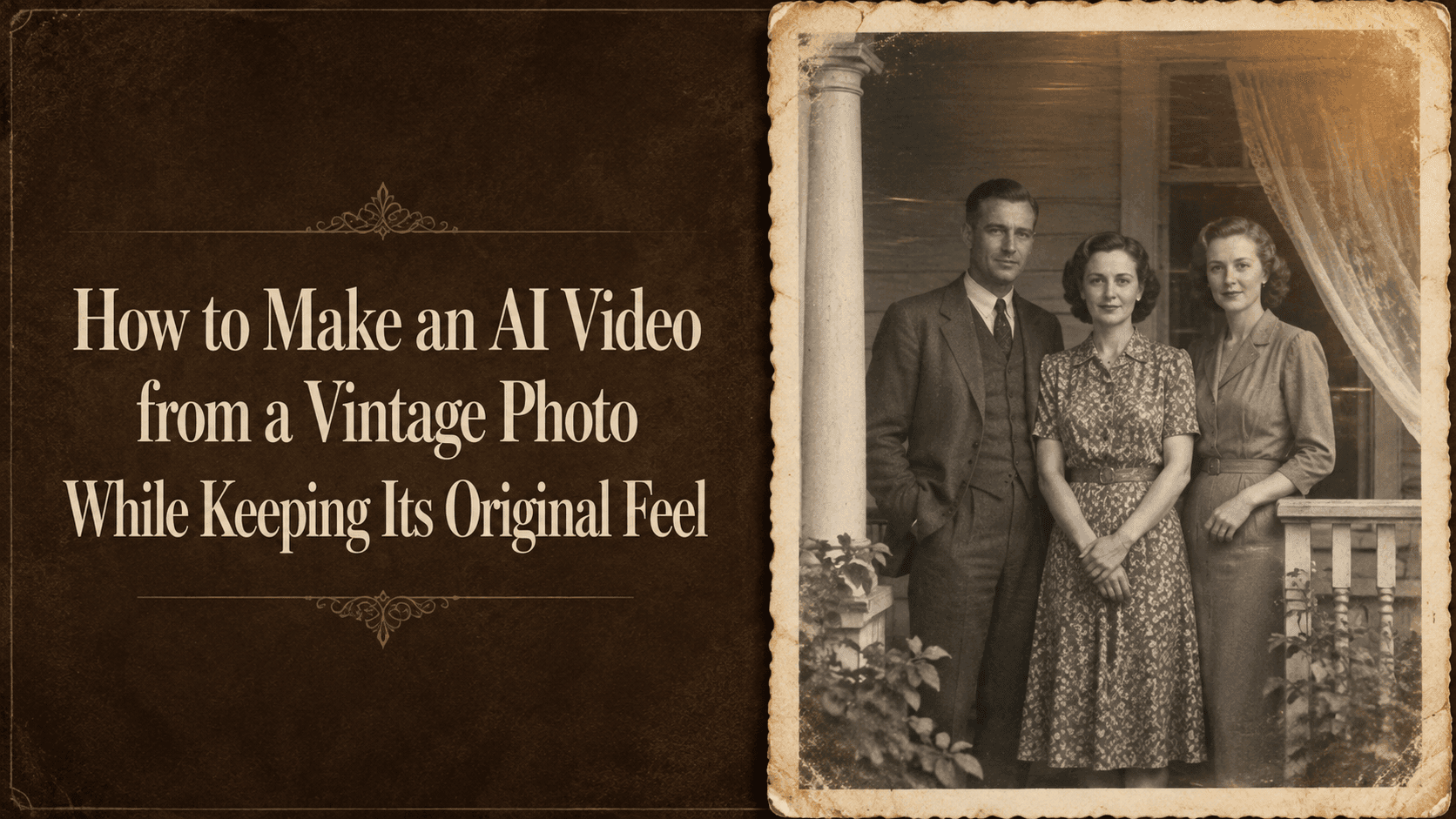
How to Animate a Vintage Photo and Keep Its Original Feel
How to Make an AI Video from a Vintage Photo While Keeping Its Original Feel
There is something easy to lose when animating an old photograph.
It might be the faded gray of a family portrait, the soft edges of a seaside snapshot, or the serious expression of someone who stood still for the camera. Add a broad smile and bright modern lighting, and the person may still be recognizable. The photograph feels different, though.
To make an AI video from a vintage photo, start with a small movement that fits what is already there. The original picture gives you the expression, light, clothing, and atmosphere. Those are worth keeping.
Choose a photo with enough visible detail
An old photo does not have to be perfectly sharp. It helps, however, if you can make out the face, the outline of the body, and the main objects around it.
A seated portrait with a visible face gives you a practical starting point. A crowded group photo with tiny faces requires more detail to be reconstructed, especially if everyone moves.
Use a scan if you have one. If you photograph a printed picture with your phone, keep the camera parallel to the print and avoid reflections. A bright patch over someone’s eyes can hide more useful information than a little grain does.
Crop away the surrounding table or album page if you do not want those included. Keep the original file separately so you can return to it.
Clean up distractions without removing all the texture
A crease through someone’s face may need attention before animation. A slightly faded corner probably does not.
It helps to distinguish damage from the qualities you like about the photograph. Paper texture, soft contrast, and uneven tones can be part of its appeal. Heavy sharpening and smoothing may change that appearance before you even generate a video.
If you restore the image, compare it with the original at the same size. Look at the eyes, mouth, hairline, and clothing. Keep the version that still feels like the same photograph.
For a black-and-white picture, you can stay in black and white. Colorization is a separate creative choice, and it introduces colors that may not be known from the source.
Choose one small movement
Look for something the photo can support.
In a portrait, it might be a slight change in gaze. In a street scene, a curtain or a few leaves could move. For a group picture, a gentle camera push may be all you need.
Start without asking a seated person to stand, turn around, or wave. Those actions reveal parts of the body and surroundings that may not be visible in the photo.
Also think about expression. Someone looking solemn in the original does not need to smile for the animation to feel alive.
Write the prompt around the original photograph
A useful prompt describes the movement and names the visual qualities you want to retain. These examples are starting points to test with your own images.
For a seated portrait:
Animate the person in the reference photo with a very slight movement of the eyes toward the camera. Keep the head and body nearly still, maintaining the original closed-mouth expression. Preserve the black-and-white tones, soft focus, visible grain, clothing, and background. The camera remains fixed.
If the eye movement looks distracting, remove it and try a version with only slight breathing movement in the shoulders.
For a vintage street photo:
Use the reference photograph as the opening frame. The camera moves slowly forward over a short distance. Keep the buildings, signs, parked vehicles, and visible people in their original positions. Preserve the faded monochrome tones and soft photographic detail. Use steady lighting throughout.
Read any signs carefully afterward. Asking the model to preserve lettering does not guarantee that it will remain accurate.
For a family group photo:
Create a restrained animation of the reference family photograph. Use a gentle forward camera move while the people hold their original poses and expressions. Preserve each person’s position, clothing, hairstyle, and the original background. Maintain the photograph’s faded tones and grain.
This gives you a way to add movement without directing several people to perform different actions.
Test a short version in Reveedo
In Reveedo, open the image-to-video workflow, upload your prepared photo, and use the controls available for the selected model.
Choose a short duration for the first test. Keep the camera direction simple, then watch whether the image changes as the clip progresses.
Pay particular attention to the face. Does the mouth become wider? Do the eyes change shape? Does the expression shift from serious to cheerful?
Check the background, too. A newly appearing car, altered shop sign, or changed clothing detail can make an old scene feel wrong even when the animation is smooth.
Preservation instructions help express your intention, but the generated clip still needs a careful comparison with the source.
When it looks too modern, identify what changed
“Make it more vintage” is a broad correction. Try describing the specific difference instead.
If the face has become too smooth:
Retain the original facial lines and soft photographic texture.
If the tones are too bright:
Match the source photograph’s muted contrast and faded grayscale.
If the expression has changed:
Keep the original mouth position and expression. Reduce facial movement.
Avoid adding flicker or scratches automatically. They can suit a deliberate old-film effect, but they may distract from a photograph that originally looked quiet and still.
You can also keep a brief still image at the beginning or end during editing. It gives the viewer a moment to see the photograph as it was. When sharing an animation of a real historical or family image, a simple note such as “AI-animated from an original photograph” makes its origin clear.
The version worth keeping may have very little movement. If the face, setting, and mood still feel familiar, that small amount can be enough.