



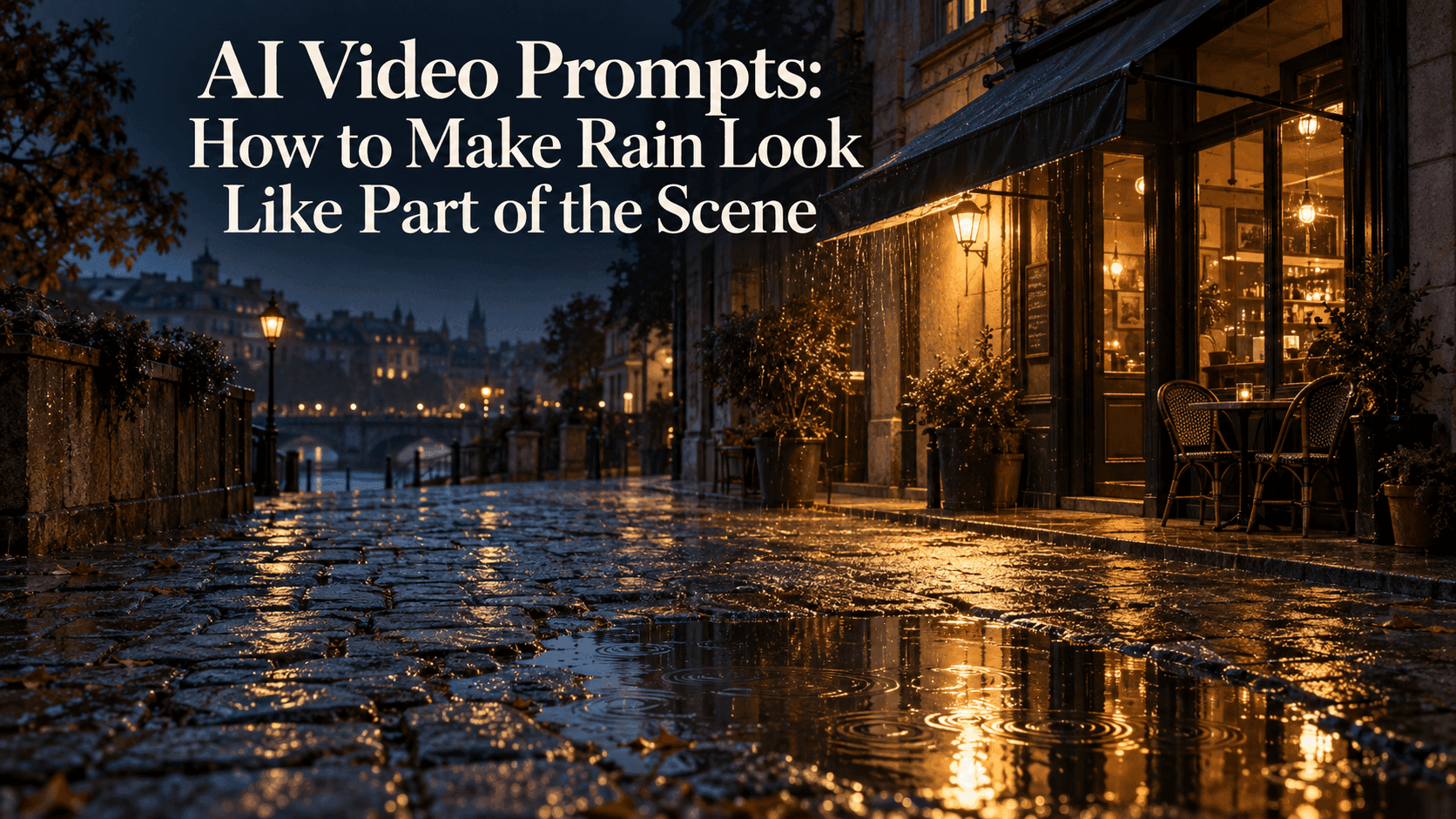
AI Video Prompts: Make Rain Look Like Part of the Scene
AI Video Prompts: How to Make Rain Look Like Part of the Scene
Watch the pavement, not the raindrops.
It is an easy way to spot what feels wrong with a rainy AI Video. Water crosses the picture, but the street below stays pale and dry. The café lights have no connection to the reflections. Rain passes through the awning as though it were not there.
Adding more rain will not fix those details. You need to decide what this weather is doing to this particular place.
Take a small café at dusk. The doorway is lit, a shallow puddle sits near the kerb, and an awning covers the entrance. There is already enough in that photograph to build an AI Video around. You do not need thunder, flying leaves, or someone running across the road.
Start the AI Video after the rain has already begun
If the photograph shows wet paving, describe ongoing rain. That lets the starting image and the action agree.
A dry photograph asks for a different sequence: the first drops arrive, patches darken, and water gradually gathers. That can be a worthwhile shot, but it is more than a rain effect. Do not accidentally ask your AI Video to show a downpour while keeping every surface exactly as dry as the reference.
For the café scene, use something like this:
Fixed view of the café at dusk. A light shower continues over the already wet street. Small ripples appear in the existing puddle near the kerb. Fine rain catches the doorway light, while distant rain stays subtle. The entrance beneath the awning remains sheltered. Preserve the building and steady lighting.
The useful words in this AI Video prompt are not “beautiful” or “cinematic.” They are “already wet,” “existing puddle,” and “beneath the awning.” Each tells you something you can check in the AI Video.
Keep only the details your photograph supports. No puddle? Leave it out. No awning? Do not ask the generator to build one just to match the example.
Let the doorway light do some of the work
In this AI Video, rain near the warm doorway can be more noticeable than rain farther down the street. It does not all need the same brightness.
That is where a flat overlay often gives itself away. Every streak looks equally white, whether it crosses a lamp, a dark wall, or the distant sky. The weather seems attached to the screen rather than spread through the street.
For your next AI Video attempt, try fewer visible streaks and let their visibility vary with the setting. Keep the wording simple:
A few fine rain streaks catch the existing warm light. Rain farther from the entrance is less distinct. Keep the café windows and street layout unchanged.
There is no need to describe every drop in an AI Video. You are giving the shot a visual hierarchy: the entrance remains readable, the rain helps establish the weather, and the background does not turn into white noise.
Avoid adding fog merely to make the rain feel deeper. Unless mist belongs in the shot, it may hide the very details you wanted to keep.
If you include a breeze, let the rain lean gently in one direction. Any nearby leaves should respond to that same breeze, not another storm.
The ground should respond without becoming liquid glass
Now look below the doorway. Does the reflected light sit where you would expect it? Does the pavement still have its original texture?
An AI Video can look wrong even when its rain is convincing if the road suddenly becomes a perfectly polished mirror. A shallow puddle can hold a clearer reflection; rough wet paving may show broken patches of light.
If the surface looks too glossy, revise that part of the AI Video prompt:
Keep the paving texture visible, with broken warm reflections on the damp surface. Small ripples remain within the existing puddle.
Do not ask the whole road to ripple. Water moving inside a puddle is different from paving stones bending.
Check this before adding camera movement. In a fixed AI Video shot, it is easier to see whether the surface is changing or whether you are simply viewing it from another angle.
Put the camera somewhere it can stay dry
Rain in the scene and rain on the lens are separate choices. A sheltered camera can look out onto a wet street without large droplets obscuring the view.
For this AI Video, leave lens droplets out at first. They can distract from problems rather than solve them.
If you move the viewpoint indoors, rewrite the AI Video instead of keeping the outdoor prompt. An indoor AI Video might focus on beads of water sliding down the outside of a closed window, with the café interior staying dry.
That is also a good place to check boundaries. Water should not cross the window frame and continue through the room. A person beneath the awning should not receive the same direct shower as the uncovered pavement.
Watch it once without the rain sound
Rain audio can make an AI Video feel convincing before you have properly looked at it. Mute it for one pass.
Follow the awning edge, the puddle, and the doorway light. If one looks wrong, change that instruction rather than rewriting everything.
Start through Reveedo’s image-to-video page with your reference and motion prompt; available settings depend on the selected model. Keep the first AI Video simple enough to compare with the photograph.
Save the closest result. Reduce the streak brightness in one version, or simplify the ground response in another. Changing both together makes the comparison harder.
A successful AI Video does not have to announce the rain. You should notice the café first, then realise why the street feels quiet, damp, and a little colder.