



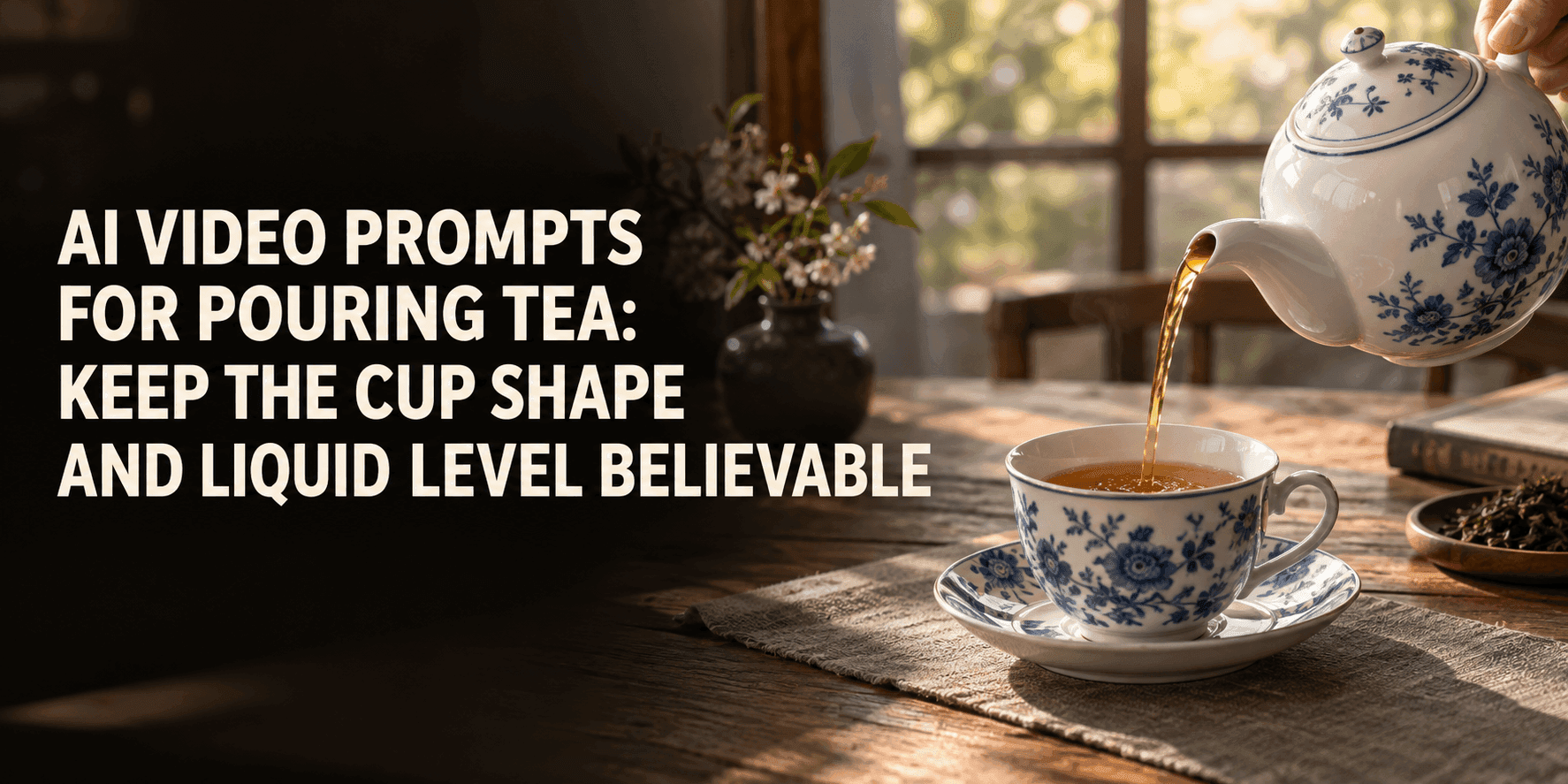
AI Video Prompts for Pouring Tea: Keep the Cup Shape and Liquid Level Believable
AI Video Prompts for Pouring Tea: Keep the Cup Shape and Liquid Level Believable
There is a kind of tea video that looks right until you pause it. The pot is tilted, the color is lovely, and the table looks warm. Then you notice that the cup’s handle has moved to the other side. Or that the tea was half full before anything reached it. These are small mistakes in a quiet scene, which makes them hard to ignore. When writing AI video prompts for pouring tea, I spend less time describing beautiful liquid and more time making sure the cup, pot, and stream still belong to the same moment.
What AI video prompts need from the photograph
Imagine a white teapot beside a small blue cup on a wooden table. The photo is attractive, but the spout points away from the cup. Ask for a pour from that image, and something has to give. The pot may swing too far, the stream may bend, or the cup may seem to shift so the tea can reach it. Taking another photograph, with the spout already aimed toward the cup, can save several attempts.
The cup opening should be visible. A low angle shows the side of a cup beautifully, especially if it has a painted pattern, but it hides the tea surface. You cannot judge whether the liquid rises smoothly if the near rim blocks your view. Lift the camera a little. Keep enough of the cup’s side in frame to see its shape, and enough of the opening to check the level.
Leave space above and between the two objects. The pot needs room to tilt; the stream needs a visible path. A hand can be present if the source photo already shows one, though a teapot positioned just outside the frame is simpler to animate. The image should make the intended movement seem possible before the prompt describes it.
If you have a choice between a busy, beautiful photograph and a quieter one with clearer objects, try the quieter one first. A simpler photo gives AI video prompts fewer moving pieces to coordinate. You can bring the patterned cloth or extra cup back into a later version.
The timing sells the pour
Think of the action as something you could describe to a camera operator in a few seconds. The pot tips forward. A narrow stream connects the spout to the cup. The surface rises. The pot tips back, and the last drop falls. That is enough for a short clip.
The order matters. If you only ask for “tea pouring into a cup,” the stream may appear before the pot tilts, or continue after the pot stops. Write: “The teapot tilts slowly toward the cup. As the spout points down, a narrow stream begins. The stream stops as the pot returns upright.” This is the kind of timing AI video prompts need to make clear.
Do not ask for a full cup if the clip lasts only a few seconds. A rise from empty to about halfway gives the viewer something to notice without requiring a perfect stop at the rim. It also leaves room for a small ripple where the tea lands. If you need a nearly full cup in the final frame, start with tea already in it and say so.
The stream should enter the cup, not merely pass in front of it. That sounds obvious until you watch a result at normal speed. A line of amber liquid can appear to land in the right place while actually crossing the near edge. Pause midway and trace the stream from spout to surface with your eye. If there is a gap at the top or a mismatch at the bottom, ask for one continuous stream with a clear landing point.
The cup has to survive the action
Once tea starts moving, solid things sometimes begin to drift. The cup widens. Its handle thickens. A blue flower on the ceramic turns into a loose blue stripe. The saucer creeps away from the cup, though nothing touched it. None of those changes helps the scene.
In AI video prompts, name the details you intend to inspect later: “The blue cup keeps its original rim, handle, floral pattern, height, and position on the saucer.” Keep the tabletop and background still too. This gives the moving liquid a stable setting. It also gives you a quick way to review the result: compare the first and last frames instead of trying to decide whether the overall mood feels right.
A transparent cup needs more attention. The liquid level is visible through the side and at the top. Sometimes those two views disagree: the side looks half full while the surface sits near the rim. For an early test, a ceramic cup is easier. If glass matters to the product, use a clean photo with gentle reflections. Tell your AI video prompts to keep the glass outline fixed and the two views of the tea level consistent.
The tea surface can move. Small circular waves at the landing point make sense. A faint highlight may travel across the surface. The cup remains the same object while its contents change. That is the distinction worth protecting.
Keep the rest of the table quiet
It is tempting to add steam, window light, a hand lifting the cup, and a slow camera move. Each might work in a separate shot. Together they ask the viewer to follow too many changes in what should be a simple moment.
For a first pass, keep the camera still and the daylight steady. A slight wisp of steam can be added later if it suits the scene. If a person is holding the teapot in the source image, the hand only needs to tilt it and return. It does not need to set down the pot, reach for the cup, or leave the frame.
This restraint is useful for product imagery. A maker may want people to notice a fine rim or a hand-painted flower. If the camera rushes toward the cup while steam fills the frame, those details disappear. AI video prompts for a product shot should give the movement enough space without letting it cover the product.
A working prompt, and what to change after the first try
Here is a starting point for the white pot and blue cup:
Use the supplied photograph. The camera stays fixed. The white teapot tilts toward the blue ceramic cup. When the spout points down, a thin amber stream flows into the center of the cup. The cup starts empty, then fills gradually to halfway. Small ripples appear where the stream lands. The teapot returns upright and the stream ends. Keep the cup’s rim, handle, blue flower, height, and position on the saucer unchanged. Keep the table and background still.
A pot photographed at the wrong angle may still turn oddly. A blurry cup pattern may still change. Run a short test, then look for the earliest moment that breaks the scene.
If the cup changes shape, shorten the action and repeat the cup’s fixed features. If tea seems to pour from empty air, specify that the stream begins at the visible spout only after it tilts. If the liquid jumps to the rim, lower the target to one third and let the pouring beat run a little longer. Change one sentence, then compare the next result with the same source image.
You can try this with Reveedo’s image-to-video tool using your own tea photograph. Keep the source and settings steady while revising the wording. Otherwise, a better second result may leave you guessing whether the prompt, crop, or duration made the difference.
Before publishing, watch the clip without sound. Pause once before the stream appears, once during the pour, and once after it ends. The cup should remain the same size in all three frames. Its painted flower should stay put. The surface should rise while tea is entering, then settle. If the pour works at normal speed and survives those pauses, you have a short clip you can use.