



AI Video Prompts: Keep a Reflection Matched to the Person
AI Video Prompts: Keep a Reflection Matched to the Person
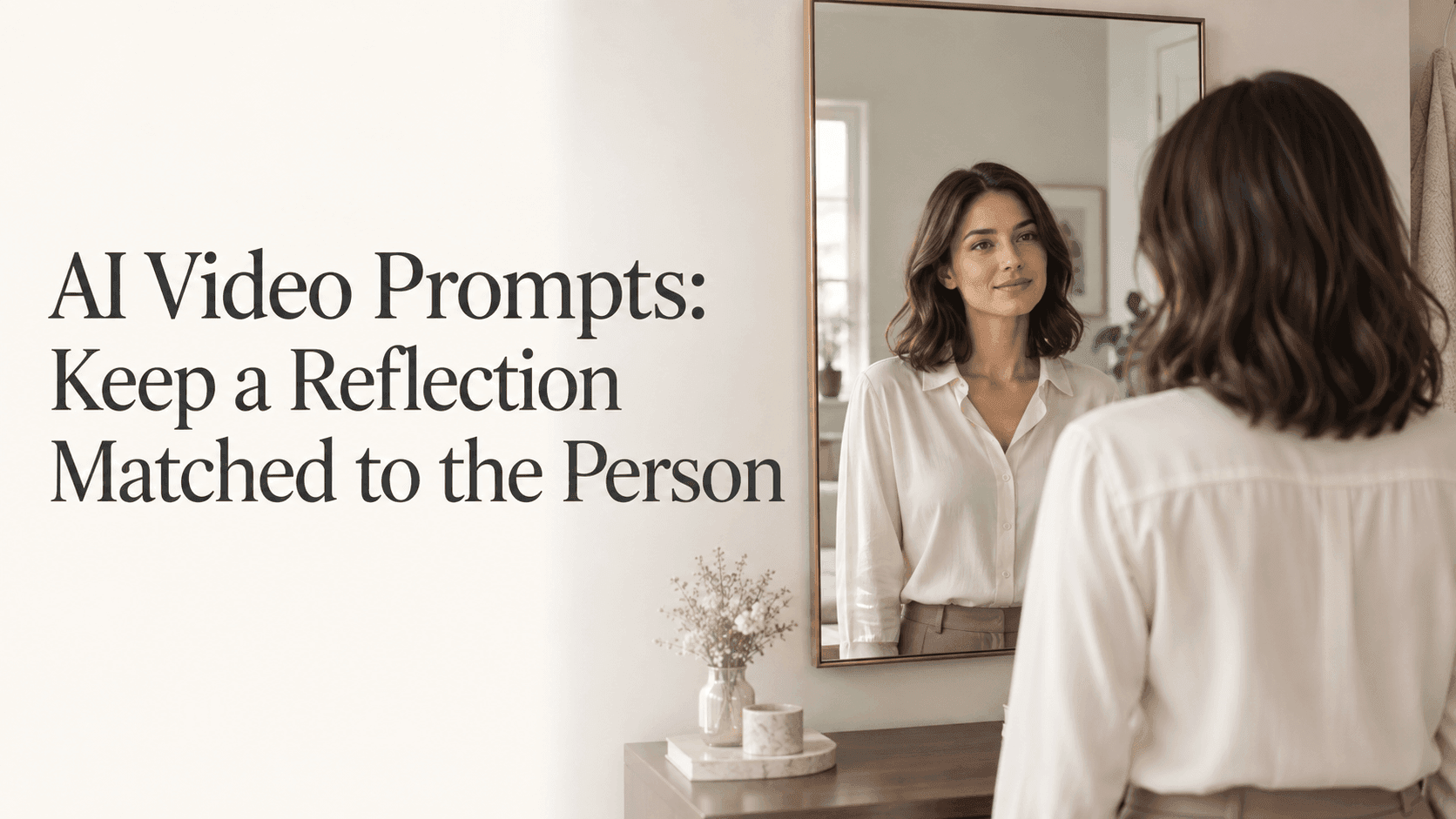
You have a photograph of someone standing in front of a mirror. The light is good, the composition works, and a little movement would make it a useful video: perhaps a hand lifting to a collar, followed by a brief pause.
Then the result arrives. The person moves, but the reflected hand comes up late. Or the hands match while the face in the mirror changes expression.
These mistakes are hard to ignore because we know what a mirror should do without thinking about it. When writing AI Video Prompts for this kind of shot, the important part is not making the room more cinematic. It is keeping one person and their reflection connected throughout a small, readable action.
That starts before you write the prompt.
What your AI Video Prompts need from the photograph
Open the source image and spend a moment looking inside the mirror.
Does the reflected person have the same hairstyle and clothing? Is the position of the shoulders plausible? Can you see the hand you want to move, both directly and in the reflected view?
A mirror scene can look attractive at a glance while containing details that do not quite make sense. If the still image already shows an extra arm or a different collar, animation gives that mistake somewhere to go. It is better to correct the photograph or choose another one first.
Do not confuse a different viewing angle with a different person, though. In an over-the-shoulder shot, you may see the back of the subject directly and their face in the mirror. That is entirely reasonable. Asking for an identical frontal portrait in both places would make the scene less convincing, not more.
For a first attempt, choose a photograph with one mirror and a visible frame. Leave enough room around the person for the planned gesture. If a hand is hidden behind a countertop, moving it into view adds a second problem: the model has to invent the part that was concealed.
You do not need to find a perfect photograph. You need one where you can tell what is supposed to happen.
Describe one person, not two people copying each other
Consider this prompt:
A woman adjusts her collar. The woman in the mirror copies her movement.
The intended scene is obvious to a human reader. But the wording introduces another woman and gives her a separate action. “The reflection responds” is even less suitable for an ordinary mirror, because responding suggests that one movement follows another.
Keep the reflected image tied to the subject instead:
Fixed camera on the person and mirror shown in the reference. The person slowly lifts one hand toward their collar, pauses briefly, then lowers it. The mirror shows the corresponding reflection of the same action, with both movements beginning and ending together. The person stays in place.
Use this as a draft, not as a universal formula. Change the gesture to suit the photograph.
If the hand is already near the collar, a small adjustment may fit. If both arms are resting by the person's sides, begin with a short lift. There is no need to add a head turn, a smile, and a step backward just to make the clip feel complete.
You can make the test smaller still: have the hand stop before touching the clothing. That removes the need to handle fingers pressing into fabric while you check the reflection. Once the movement works, try the version with contact.
Be cautious about adding separate left-hand and right-hand instructions. The left side of the screen is not necessarily the person's left side. Unless you have checked the geometry, referring to the visible hand and its corresponding reflected movement is clearer.
Find the exact moment the two views separate
Watch the first result at normal speed. Do the person and reflection seem to be taking part in the same action?
Then pause at three points: when the hand starts moving, when it stops near the collar, and when it returns to rest. A reflection can match in the middle of a gesture but still start late or continue moving through the pause.
Write down the actual fault before changing the prompt.
“The reflected hand keeps rising after the person stops” gives you something to work on. “Make it more realistic” does not.
For a timing mismatch, try reducing the distance the hand travels and keeping the pause clearly described. If the timing matches but the reflected face changes, leave the hand movement alone and simplify the expression or head movement instead.
Look at the mirror frame too. With a fixed camera and a stationary mirror, its edges should not bend or slide as the person moves. A correct gesture inside a shifting frame is still an unfinished shot.
Adding “perfectly synchronized” several times does not create a frame lock. If several attempts fail in the same place, try a less demanding source image or a smaller action rather than expanding the same paragraph.
Save a version that gets the movement right, even if you are not entirely happy with the room. Keep the source image and prompt with it. That working version is useful when you begin changing the look of the shot.
Keep camera movement separate from the first test
A camera moving sideways changes what the mirror can show. The reflected background may shift even when the person does not.
That is why a fixed camera is useful while checking a gesture. You are not asking the model to maintain the action and work out a changing reflected viewpoint at the same time.
Once you have a usable clip, test a small camera move separately. Review the wording you carried over from the earlier prompt. An instruction such as “the reflected background stays completely frozen” may no longer make sense.
The same care applies to expressions. If you add a smile, check that it belongs to the same moment in both views. The face will look different from another angle, but it should not become a separate performance.
There is nothing wrong with keeping the finished shot quiet. A brief collar adjustment with a believable reflection can do more for the scene than a sweeping camera move full of small errors.
Finish the clip around what actually works
On Reveedo, start with the image-to-video workflow, a suitable reference, and one limited action. Use the controls available in your selected tool, but do not assume there is a setting that guarantees correct reflections.
If the gesture finishes successfully and the final seconds drift, you may be able to trim the ending. Leave a little time after the completed action so the cut feels deliberate. Cutting away halfway through a mismatch does not fix the movement.
Before exporting, watch once while looking only at the reflection. Then watch again for the person outside the mirror. Compare the hand, expression, hairstyle, and clothing. It is surprisingly easy to follow the main subject and overlook what the reflected figure is doing.
If the shot requires exact mirror geometry throughout a complicated move, real footage or controlled compositing may be the better choice. AI Video Prompts can explain the scene you want, but the finished frames still need your judgment.
The useful result is the one where the viewer watches the person, rather than noticing the mirror.