



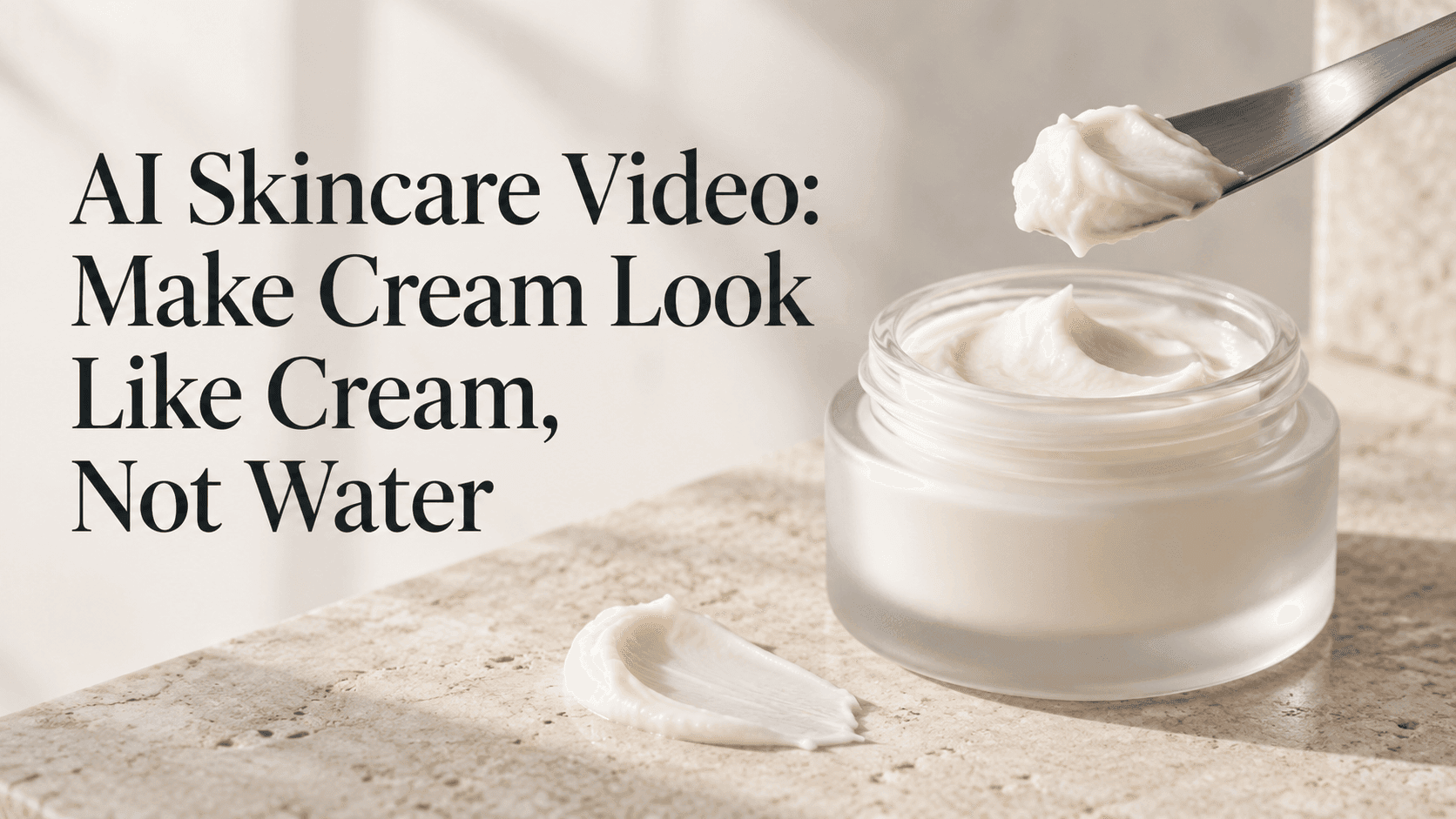
AI Skincare Video: Make Cream Look Like Cream, Not Water
AI Skincare Video: Make Cream Look Like Cream, Not Water
A moisturizer can look convincing right up to the moment it moves. The jar stays sharp, the lighting is lovely, and then a scoop slides off the spatula like a spoonful of milk. You can change the music or add a better headline, but neither fixes what the viewer just saw.
For an AI Skincare Video, start with that moment. Forget the finished advertisement briefly. What should this particular cream do when you lift it?
An AI Skincare Video starts with the formula, not the mood
Put a little product on the spatula you plan to show. Lift it, hold it still, and watch. Maybe the edges settle while the middle stays rounded. Maybe it spreads almost immediately. Both are useful observations.
Write down what happens in ordinary language. “A soft mound that settles slightly” gives an AI Skincare Video more direction than “premium, luxurious, silky skincare.”
Be careful with the category, too. A lotion, gel, and rich cream should not all move alike. If the real product spreads thinly, do not force it into a firm peak just because that shape looks good in other advertisements.
This is also a useful point to record a quick phone video. Keep it for comparison, even if you never intend to publish it.
Give the reference image something to explain
A closed jar tells the generator about the packaging. It says almost nothing about the contents.
For your first AI Skincare Video, photograph the open jar with a small scoop already resting on the spatula. Leave the rim visible. You want enough context to judge scale and enough detail to see the texture.
A completely white patch is not much of a texture reference. Move the light slightly to one side and look for the soft shadow under the scoop. You should be able to see its shape without turning the surface into a glossy glare.
Keep this AI Skincare Video setup simple: one jar, one spatula, one small amount of product. Flowers, water splashes, floating ingredients, and mirrors can wait.
If the label needs to be readable, check it in the source image. A tiny, blurred label is a poor starting point for a close-up.
Skip straight to the useful movement
There is no rule that an AI Skincare Video must show the lid opening, the spatula entering, the cream being lifted, and the product being spread.
Begin with the scoop already in place. Let it rise a little, then stop. That is enough to test whether the material behaves plausibly.
For a cream that really holds a rounded shape, use this as an AI Skincare Video starting prompt:
Fixed close-up of the referenced jar and spatula. A small scoop of opaque cream rests on the spatula. The spatula rises a short distance and pauses. The cream remains attached, with slight settling around the edges. The lighting stays steady.
These are suggested instructions, not tested settings or a promise of accurate simulation.
In the resulting AI Skincare Video, pay attention to the pause. Does the scoop stay attached? Does it suddenly grow? A moving shot can disguise a problem that becomes obvious when everything stops.
Read the prompt as an action, not as advertising copy
“Silky cream flowing beautifully in slow motion” sounds polished. It also asks the cream to flow.
If an AI Skincare Video keeps turning watery, remove that request before adding warnings about liquid. Try “the scoop remains rounded on the spatula” and see whether the smaller instruction helps.
The reference needs to agree. A photograph of cream already falling in a long ribbon is not a neutral starting point for a stationary scoop.
Another AI Skincare Video problem is excessive stretching. Shorten the lift first. If the cream still pulls into a long elastic thread, move to a different action rather than spending every attempt on that one shot.
A modest movement that resembles the product is more useful than a dramatic movement that misrepresents it.
Try a short swipe instead
For another AI Skincare Video approach, photograph a small dollop on a smooth surface. Position the spatula at its edge so the intended direction is clear.
The spatula makes one short, slow pass through the dollop. The cream spreads into an opaque swatch with soft ridges. The spatula stops, and the swatch stays in place. Fixed camera, steady soft light.
Adjust the description to the formula. If the real swatch becomes thin at the edges, say that instead of demanding uniform opacity.
Check the end of this AI Skincare Video carefully. A smear should not disappear when the spatula leaves it. Nor should an extra dollop arrive from nowhere.
A brief phone recording of the actual swipe is useful here. Compare where the product gathers and what remains behind.
Save the good texture before changing the camera
Once an AI Skincare Video gives you a believable scoop or swipe, save it with the prompt and reference.
Then test a different camera treatment if needed. Changing the image, movement, and lighting together leaves you guessing which change helped.
On Reveedo, start with the image-to-video workflow and the product reference. Controls vary by tool, so keep the first AI Skincare Video request limited rather than assuming there is a setting that guarantees material accuracy.
Watch at normal speed, then pause near contact. Check the jar rim and label as well as the cream.
The advertisement can come together in the edit
A finished AI Skincare Video might need only a packaging shot, a texture insert, and a final product frame. They can be separate clips.
If the scoop fails, replace that insert. Keep usable footage instead of regenerating the entire AI Skincare Video.
An AI Skincare Video does not need every generated second. If the action finishes cleanly before the ending goes wrong, keep the useful section. Leave a small pause after the movement so the edit does not feel cut short.
Add readable titles afterward. Watch the complete assembled AI Skincare Video without music once; a good soundtrack can distract from a bending spatula.
When exact spreading or absorption matters, film the real formula. Use AI Skincare Video for visual exploration, not as evidence of product performance.