



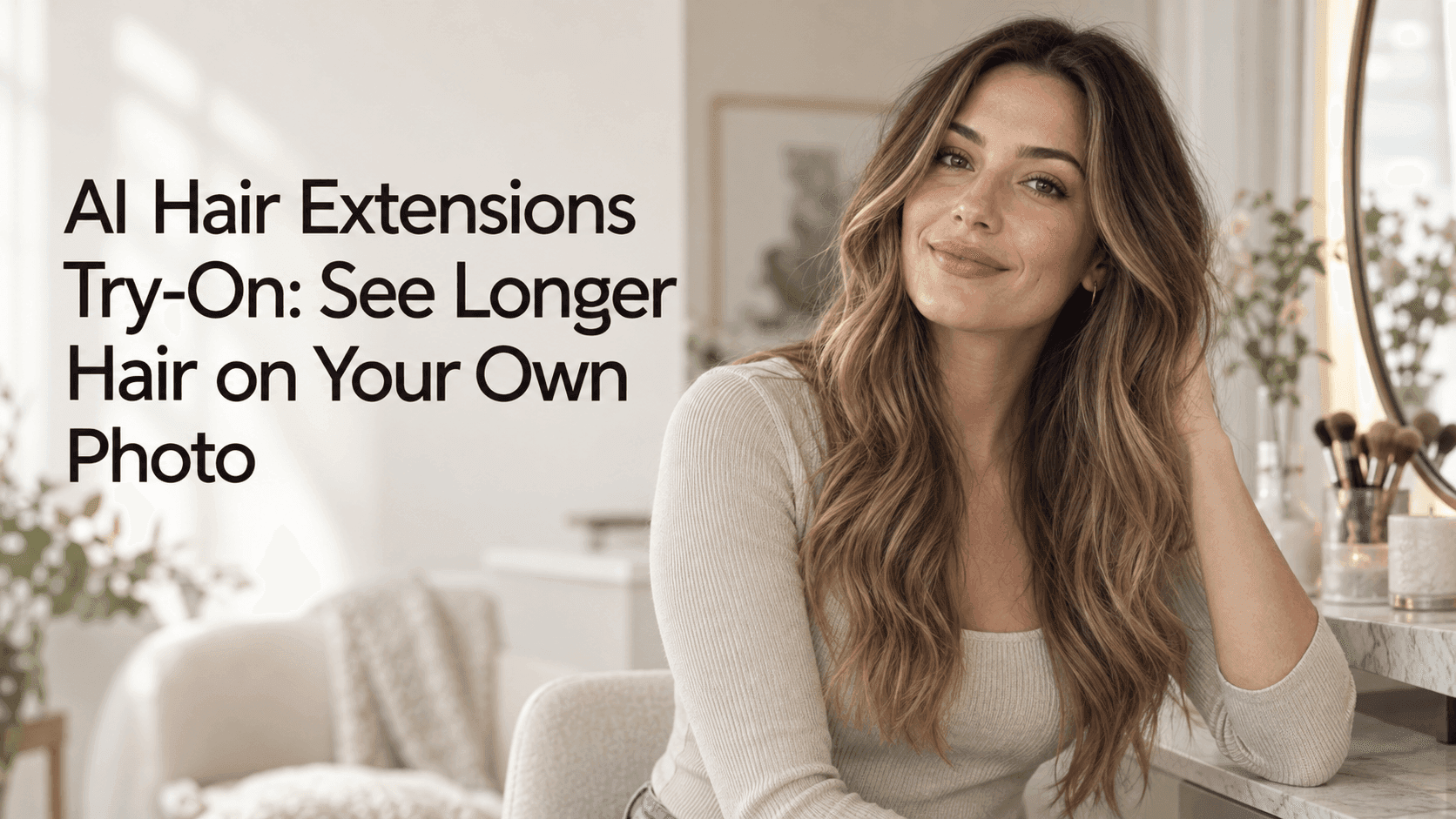
AI Hair Extensions Try-On: See Longer Hair on Your Own Photo
AI Hair Extensions Try-On: See Longer Hair on Your Own Photo
A picture of someone with long, glossy hair can make extensions look like an easy decision. Then you remember your own hair: its color, the way it parts, and the bit that always tucks behind one ear. An AI hair extensions try-on lets you test the idea on a photo of yourself before you book a salon appointment or order anything. It won’t predict the exact result, but it can help answer a more useful question: do I like seeing myself with more length?
That distinction matters. Extensions aren’t just “long hair.” They can change the outline around your face, add weight at the ends, and make your usual part look different. A preview gives you room to notice those details without making a commitment.
What to look for in an AI hair extensions try-on
Start with the change you’re actually considering. If you want your hair to reach your chest, don’t begin with waist-length extensions just because the dramatic version looks fun. Try a modest increase first. Then compare a longer option using the same image. An AI hair extensions try-on is more useful as a side-by-side comparison than as a makeover button.
Think about fullness separately from length. Some people want just a few extra inches; others want their ponytail or braid to look thicker. If you change both at once, you may end up with a result that feels unfamiliar without knowing why. Save one version with added length only, then another with extra fullness at the ends.
Texture deserves its own test, too. Straight extensions can make a look feel polished, while loose waves soften the outline. Curls add movement but may appear shorter in a preview. A convincing AI hair extensions try-on should feel related to your natural hair, even if you’re testing something new. If your hair has a wave, a perfectly straight result may be interesting, but it won’t tell you much about a low-maintenance everyday option.
The photo makes a bigger difference than you might expect
Use a clear, recent photo where your hair and shoulders are visible. Natural window light is often enough. A strong overhead light can create dark patches; a busy background can make the edges of your hair hard to read. You don’t need to pose like a model. A relaxed, straight-on picture is usually easier to compare than a heavily angled selfie.
Avoid hats, beauty filters, and hair covering most of your forehead. They can obscure the hairline or change the color and shape the preview has to work with. If you normally wear a middle part, use a photo with that part visible. If you nearly always wear your hair swept to one side, start there instead.
Keep the photo unchanged while testing styles. It’s tempting to upload a better-lit picture for one version and a different angle for the next, but then you’re comparing more than the hair. One consistent image makes an AI hair extensions try-on easier to judge.
Make one change, then look again
Rather than asking for “long, thick, wavy, glamorous hair,” split the idea into smaller tests. Try length first. Then try soft waves. After that, see whether extra fullness at the ends improves the shape. You’ll learn more from three controlled previews than from a single image that changes everything.
If text instructions are available, keep them plain and specific:
Add natural-looking hair extensions that fall to the chest, with a soft wave. Keep my face, hairline, part, natural color, expression, clothing, and background unchanged. Blend the added hair into my existing hair without making it excessively thick.
You can adjust the length or texture in a second prompt. If the result changes your face or hair color, repeat the instruction to leave those features alone. A focused AI hair extensions try-on prompt gives the tool fewer unrelated things to reinterpret.
Look closely at the transition near the roots and shoulders. Does the new hair seem to begin where your own hair does? Do the ends sit naturally over your clothing? Is there an odd jump in color between the roots and the added length? These small details can make a preview feel plausible—or make it obvious that the hair was simply pasted on.
Take a useful reference to the salon
Save one or two versions that feel close to what you’d genuinely wear. You don’t have to ask a stylist to reproduce the image exactly. Use it to point out the parts you like: “I’m after this length,” “I like the loose bend through the ends,” or “I want a bit more fullness, but not a thick look.”
An AI hair extensions try-on can help you explain an idea, but a stylist can answer questions the image can’t. They can check whether your natural hair is suitable for the extensions you have in mind, how much weight it can comfortably support, and what care the style will need. Those details are worth discussing before you decide.
It’s also fine to leave the appointment undecided. Maybe the longer version makes you realize you only want a few extra inches. Maybe you prefer your current length but like the waves. The preview has done its job if it helps you make a clearer choice, even when that choice is to wait.