



AI Coloring Page from Photo: Turn a Pet or Family Picture into Line Art
AI Coloring Page from Photo: Turn a Pet or Family Picture into Line Art
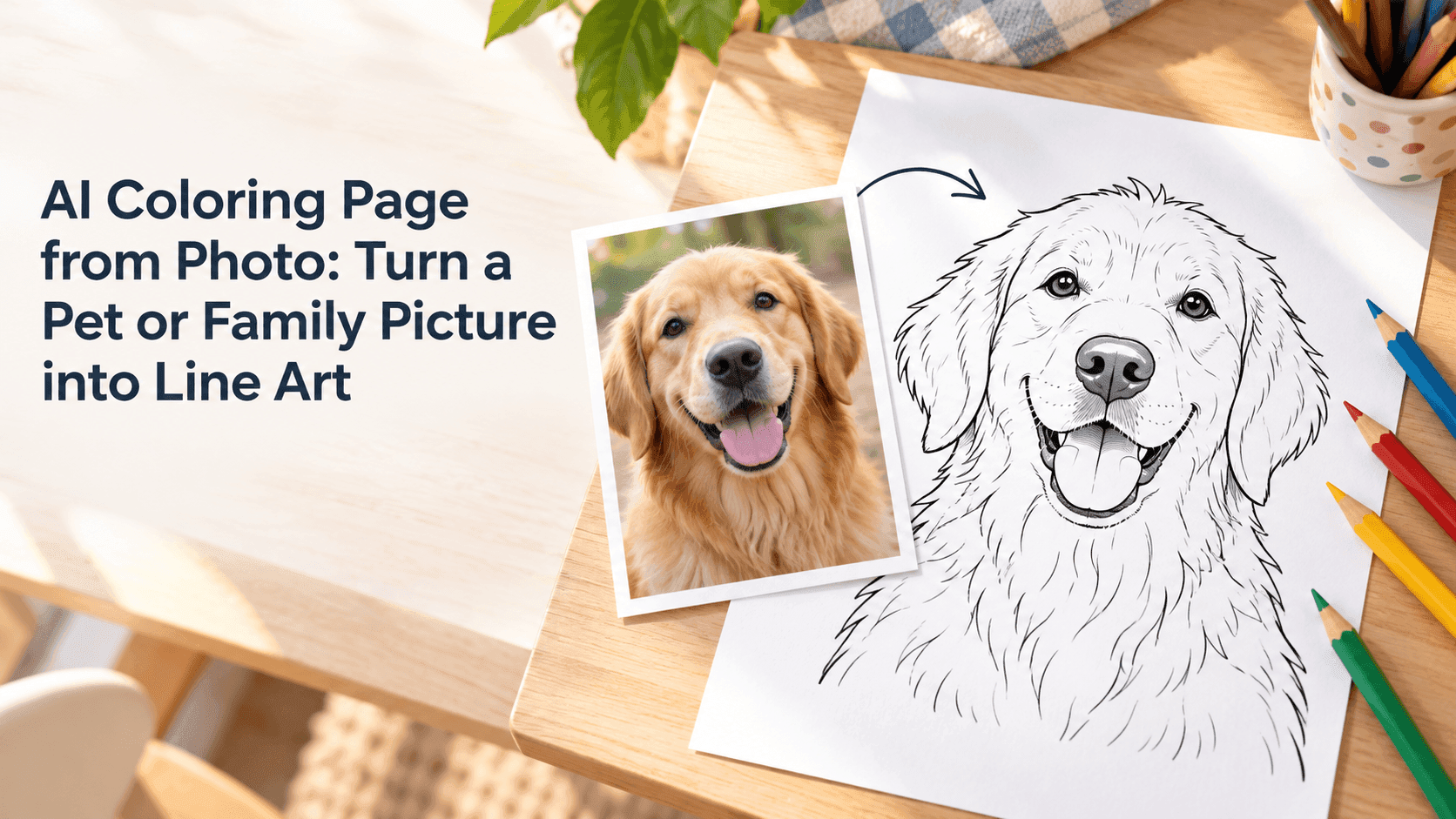
An AI coloring page from photo can make a familiar picture feel new without losing what made it worth keeping. A pet’s markings, a child’s curls, or the shape of a favorite toy can all become part of the line art. The best starting point isn’t necessarily the most polished photo. It’s the one where the subject is easy to see and the background isn’t doing too much.
The aim is not to trace every pixel. A coloring page needs clear outlines, a few useful details, and open areas that are actually pleasant to fill in.
Choose a Photo for an AI Coloring Page from Photo
Look for a picture with a distinct subject and enough contrast between the subject and its surroundings. A dog sitting by a plain wall is easier to convert than a black dog on a dark couch. For a family picture, make sure faces are visible and people aren’t hidden behind one another.
It’s fine if the photo has a simple background. In fact, removing a busy setting often makes the finished page more useful. If the picture includes a favorite detail—a spotted ear, a striped scarf, or a particular toy—check that it’s visible in the original. The editor can work from what the image shows; it can’t reliably preserve a detail that is barely there.
For an AI coloring page from photo, a well-lit, reasonably sharp image is usually a safer choice than a heavily filtered one. Keep the original file so you can compare the result later.
Tell the Editor What to Keep and What to Simplify
A short, specific prompt is easier to work with than a long list of art terms. Say who or what should stay recognizable, what kind of outlines you want, and how simple the background should be.
For example:
Turn this photo of my golden retriever into a black-and-white coloring page. Keep the floppy ears, nose shape, and collar recognizable. Use clean, medium-weight outlines, simplify the grass and background, and leave open spaces that are easy to color. No shading, gray fill, or extra objects.
That gives the editor a few concrete things to preserve without asking it to reproduce every patch of fur. For a family photo, you could ask it to keep each person’s hairstyle and clothing outline distinct, while simplifying small background details.
Reveedo’s image editor works from an uploaded image and written instructions, so you can describe both the change and the details you want to preserve. Try one focused prompt first, then review the result before adding more instructions. Reveedo AI Image Editor
Make the Line Art Easy to Color
A page can look detailed on screen but become tiring to color when printed. Zoom out and look at the whole image. Are the main outlines easy to follow? Are the spaces large enough for a pencil or marker? If every patch of fur or every fold of clothing has become a tiny shape, simplify it.
You can ask for fewer interior lines, larger coloring areas, or a plain background. Change one thing at a time. If you ask for a simpler background, thicker outlines, more detail, and a different pose all at once, it becomes difficult to tell which instruction improved the result.
The first AI coloring page from photo may need a small adjustment. That’s normal. Keep the version with the most recognizable face or markings, then make a second pass to fix the areas that are too busy.
Common Problems and Practical Fixes
The face or markings look different. Use a clearer source photo and name the features that matter. For a pet, that may be the ear shape, muzzle, coat pattern, or collar.
The page is too dark. Ask for outlines only, with no gray shading or filled-in black areas. Dark fills can swallow details when printed.
There are too many tiny shapes. Ask the editor to group small fur or fabric details into broader sections. A coloring page does not need to show every strand.
The background is distracting. Request a plain or lightly suggested background. Keeping the pet or people as the focus makes the page easier to use.
The result adds something that wasn’t in the photo. Go back to the original and state that no extra people, objects, or accessories should be added. A more restrained prompt often works better than repeatedly editing an already changed image.
Check the Page Before You Print
Before printing an AI coloring page from photo, check it at the size you plan to use. Look for broken outlines, areas that have closed up, and details that are too small to color. A page that looks fine on a large monitor may feel cramped on letter-size paper.
If you plan to print several copies, export the cleanest version and test one page first. Ordinary printer paper works for pencils and crayons; markers usually do better on thicker paper. If the image is for a child, check that small enclosed sections are suitable for their age.
For photos of other people, get their permission before uploading or sharing an edited version. A family keepsake is still a personal image, even after it becomes line art.
A good AI coloring page from photo doesn’t have to preserve every detail. It should preserve the details people recognize, while leaving the rest simple enough to color. Start with one clear picture, ask for clean outlines and open spaces, then adjust only what needs fixing.