



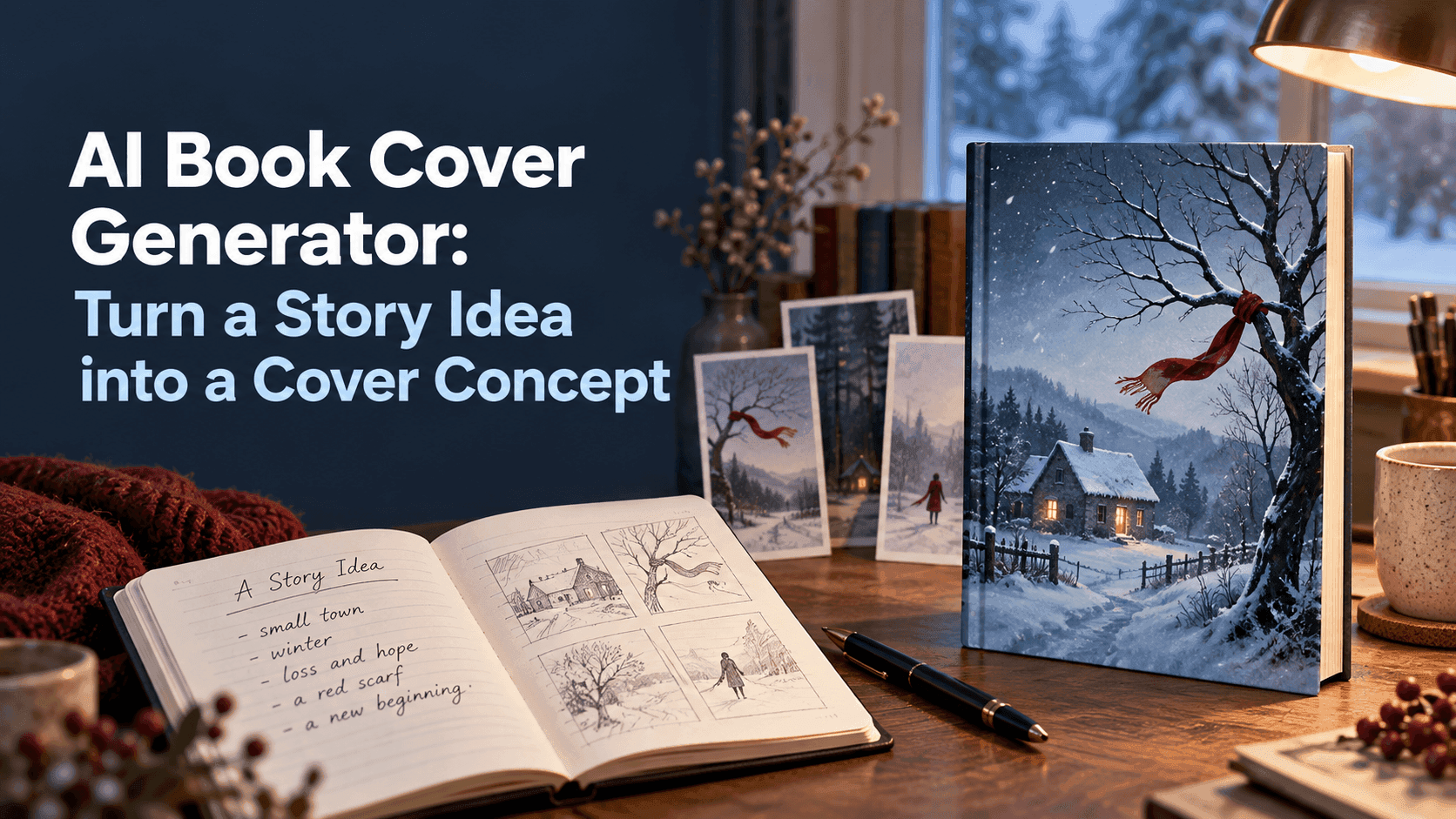
AI Book Cover Generator: Turn a Story Idea into a Cover Concept
AI Book Cover Generator: Turn a Story Idea into a Cover Concept
A cover doesn’t have to summarize a whole book. Sometimes one image does more: a key left in a bowl, a house seen through rain, or a suitcase waiting on an empty platform. An AI book cover generator can help you explore images like these before you settle on a design. It’s most useful when you bring a specific story detail to the process, rather than asking for a generic “beautiful cover.”
AI Book Cover Generator: Start with One Image from the Story
Try writing down the scene or object you still remember after describing your book to someone. It might not be the most dramatic moment. It could be the red scarf a character leaves behind, or the view from a kitchen window where two important conversations happen.
That image gives your AI book cover generator something concrete to work with. Add the genre and mood, but keep the first prompt focused. For example: “A contemporary family novel, quiet and uneasy, a red scarf caught on a bare tree outside a small house in winter.” That leaves room for interpretation without turning the prompt into a list of unrelated props.
It can help to ask what a reader should feel before they know the plot. Curious? Comforted? A little unsettled? Put that feeling into plain language. “Lonely but not frightening” is more useful than stacking five cinematic adjectives onto the prompt.
Decide What Belongs on the Cover—and What Doesn’t
A common first instinct is to include every memorable place, person, and object. The result can look like a collage of plot clues. Instead, choose one main subject and one supporting detail. A closed letter beside a cup of cold tea tells a different story from a person standing in a crowded station, even if both scenes belong to the same novel.
When you use an AI book cover generator, describe the relationship between the elements. “A letter beside a cold cup, on a kitchen table at dawn” gives the model a scene to compose. “A letter, cup, kitchen, morning, secrets, family, and sadness” is more like a mood board with no instructions about what matters most.
Think about empty space, too. The title needs somewhere to sit. You might ask for the subject in the lower half, with a calmer area above it. If you’re unsure where the title will go, generate a few layouts rather than trying to fix everything in one prompt.
Use the First Image as a Draft, Not a Final Cover
It’s tempting to keep regenerating until the image looks polished. But before making another version, ask whether the concept itself is working. Does it fit the book’s genre? Does the central image say something about the story? Would you notice it as a small thumbnail among other books?
An AI book cover generator is good for testing directions. You could compare a close-up of the red scarf with a wide shot of the winter house. Those are genuinely different concepts; changing the scarf from red to burgundy is only a variation. Comparing the larger choices first saves time.
The first result may also reveal something you hadn’t considered. Perhaps the house looks too much like a horror setting, or the scarf feels too romantic. Keep what works and revise what doesn’t. A note such as “less threatening, more familiar, keep the winter tree” gives the next attempt a clearer purpose.
Add the Title After the Artwork Is Settled
Generated lettering can be unpredictable. A title may come out misspelled, uneven, or difficult to read over a detailed background. It’s usually easier to create the artwork without words, then add the real title and author name in a layout editor.
Ask the AI book cover generator to leave a quiet area for type. For example:
Cover artwork for a contemporary family novel. A red scarf hangs from a bare tree outside a small house in winter. The mood is quiet and uneasy, not horror. Place the house and tree in the lower half; keep the sky simple and open for the title. Muted winter colors, natural overcast light. No text, lettering, logos, or border.
Once you add the title, shrink the cover to the size it might appear in a store listing. If the title disappears or the image becomes hard to read, the composition needs more breathing room. The final design may also need a different crop or dimensions for print and digital use.
An AI book cover generator can help you move from a sentence about your book to a visual direction. Treat the result as a draft worth reacting to, not a finished design you have to accept. The right concept is the one that feels connected to the story and still reads clearly when the cover is small.