Original image
Text To Image
With Text to Image in REVEEDO, all you need to do is write the image in your mind as text, and the system will generate multiple high-quality images for you. It supports realistic, anime, illustration, and many other styles, with output up to ultra-high resolution. Even if you've never studied design, you can still create posters, covers, and social media visuals with ease. Turning ideas into images can be easier than typing them out.
What Is Text to Image
Put simply, this is an AI-powered text-to-image tool. You enter a prompt - your idea and description - click generate, and within seconds you get one or more images that match what you described.
Whether you want an image for an article, want to visualize a sudden creative idea, or just want to see what something might look like, you can quickly turn the picture in your head into a real image through simple text. No waiting for an illustrator, and no digging through stock sites for hours.
Enter a sentence like "a cat in a top hat sitting by a cafe window while it rains outside" and the system will generate an image that matches your description. The prompt can be short or long. The more detail you add, the closer the result gets to your imagination.
Inside REVEEDO, you can adjust the prompt or choose different models to generate realistic photography, anime, watercolor illustration, oil-painting texture, 3D render, and more. The same description can produce multiple styles so you can choose the best one.
After you click generate, you usually only need a few seconds to get images back. No rendering queues and no complicated parameter tuning. It's ideal for fast-moving needs like proposals or social updates.
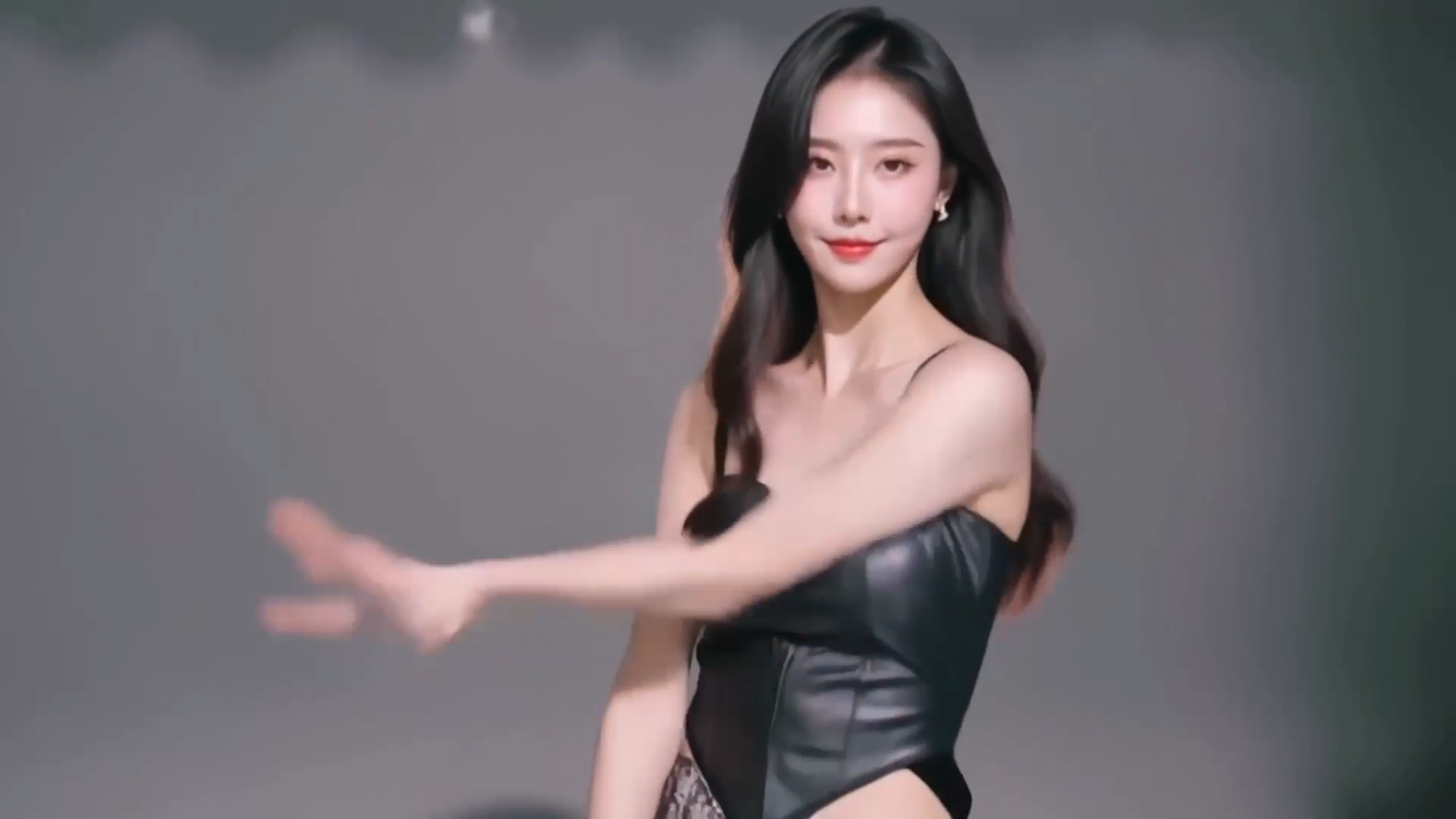
A woman elegantly puts on a pair of stylish glasses with red frames.
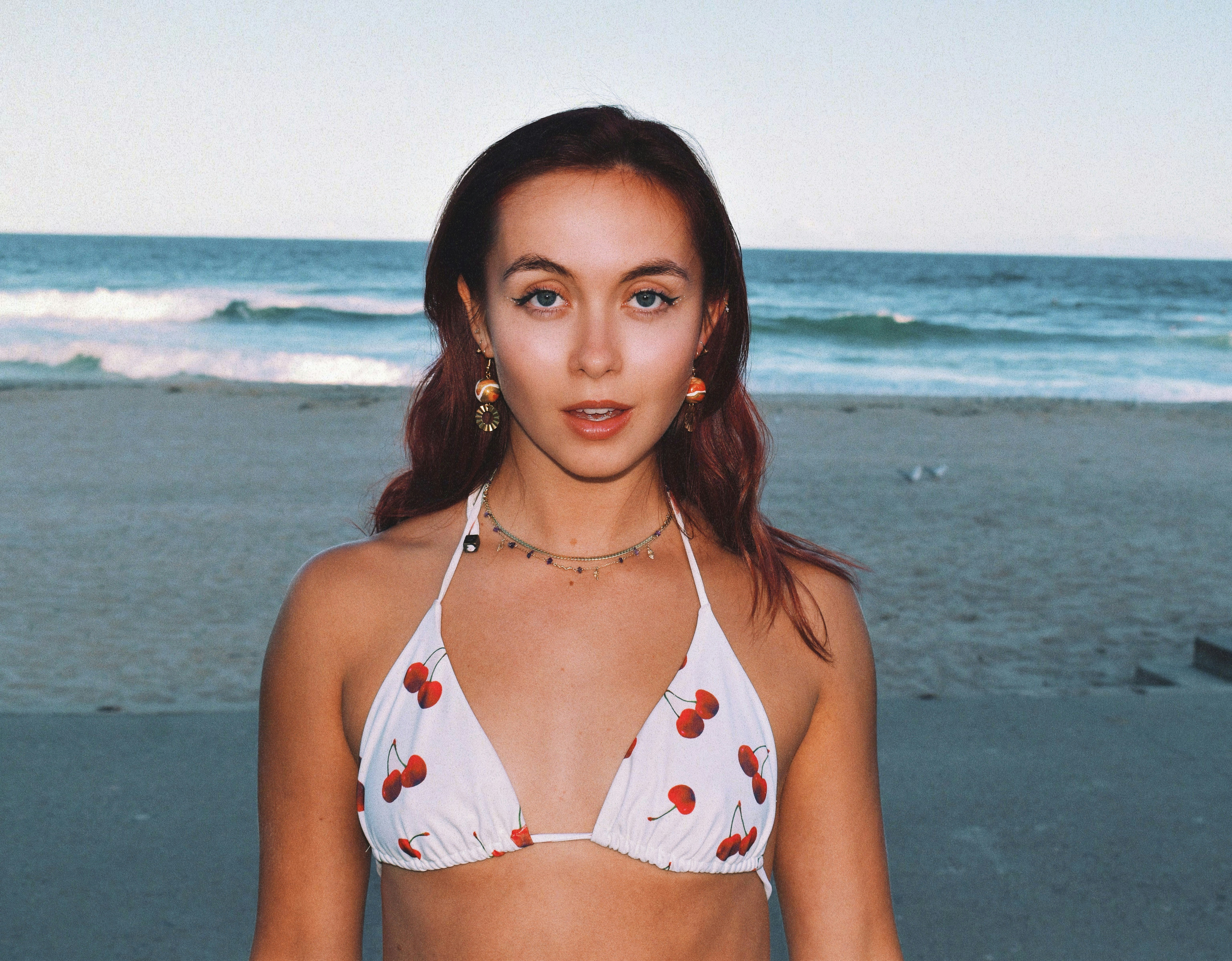
Transform this portrait into a cinematic editorial frame with richer contrast and premium lighting.
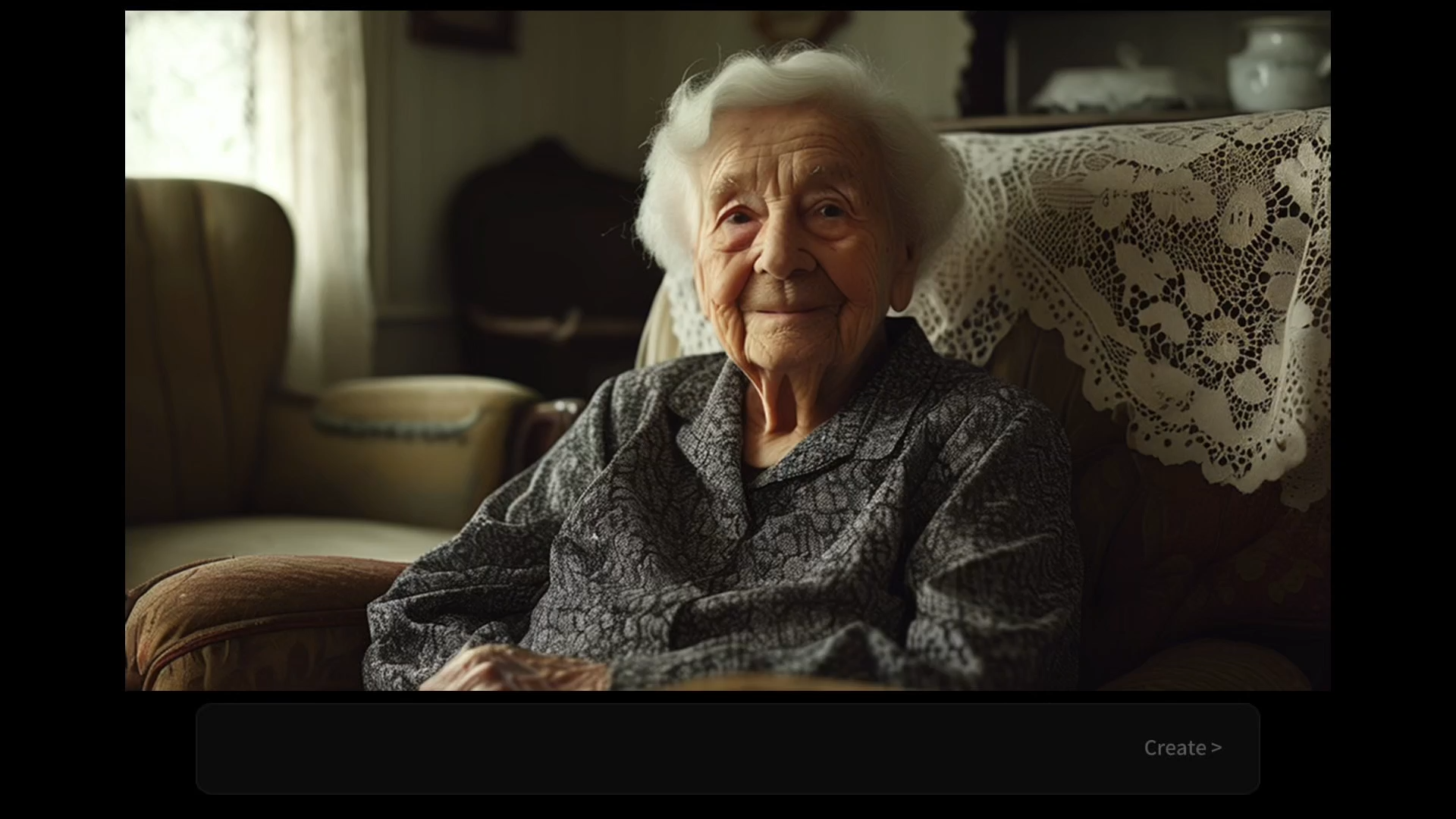
Upgrade the source into a polished beauty campaign still with softer skin tones and luxury styling cues.
What It Can Do
Enter a sentence like "a cat in a top hat sitting by a cafe window while it rains outside" and the system will generate an image that matches your description. The prompt can be short or long. The more detail you add, the closer the result gets to your imagination.
Inside REVEEDO, you can adjust the prompt or choose different models to generate realistic photography, anime, watercolor illustration, oil-painting texture, 3D render, and more. The same description can produce multiple styles so you can choose the best one.
After you click generate, you usually only need a few seconds to get images back. No rendering queues and no complicated parameter tuning. It's ideal for fast-moving needs like proposals or social updates.
REVEEDO supports ultra-high-resolution image output, up to 4K or even higher. You can download the result directly for printing, wallpapers, product showcases, and other quality-sensitive use cases.
If you want more control, you can manually adjust model choice, aspect ratio, resolution, negative prompts, and generation count before you create. That makes it easier to compare versions and steer the output more precisely.
How to Use Text to Image
The interface is clean and intuitive. From opening the page to getting your first image usually takes less than a minute.
Write the scene you want to see. It can be simple like "an orange cat" or richly detailed like "an orange cat napping in a sunlit library surrounded by old stacked books in a warm color palette." The more specific the description, the closer the result gets to what you imagined.
Pick a model based on the look you want. A realistic photography model suits real-world visuals, an anime model fits Japanese-style art, and an illustration model works better for hand-drawn aesthetics. If you are unsure, start with the default model.
Use 1:1 for social posts, 9:16 for phone wallpapers, 16:9 for desktop wallpapers or video covers, and 4:3 or 3:2 for printable posters. For preview work, 720p or 1080p is usually enough. For large-format or print output, choose 4K.
The system starts processing immediately. You'll usually see results within a few seconds to a little over ten seconds, depending on resolution and model complexity.
Once generation is complete, the image appears in the interface. You can zoom in to inspect details and download it directly if you're happy. If not, adjust the prompt or settings and generate again.
Common Use Cases
Quickly generate the illustrations you need, whether you want fairy-tale, sci-fi, or retro poster styles. Great for creators, designers, students, and personal projects.
If you need an event poster, a YouTube cover, a hero image, or an early logo concept, Text to Image can quickly produce multiple directions for you to choose from before you refine them in design tools.
Generate unique avatars, backgrounds, and post images for TikTok, Instagram, Xiaohongshu, or Twitter. Original visuals can attract more attention and help avoid copyright issues.
When you have a blurry mental image but can't fully describe it yet, text prompts can help you visualize it faster. This is especially useful for creative workers, writers, and game planners who want to explore ideas visually.
FAQ
Not at all. The only thing you need to do is type. You don't need composition knowledge, color theory, or drawing experience. If you know a few descriptive terms like wide-angle lens, soft light, or shallow depth of field, the results can feel more professional, but that's optional.
Start Creating
Write your prompt, choose a direction, and turn the picture in your head into a downloadable image in seconds.
Try Text to Image for Free